SX™ Operator Manual
©
Original Printed in English
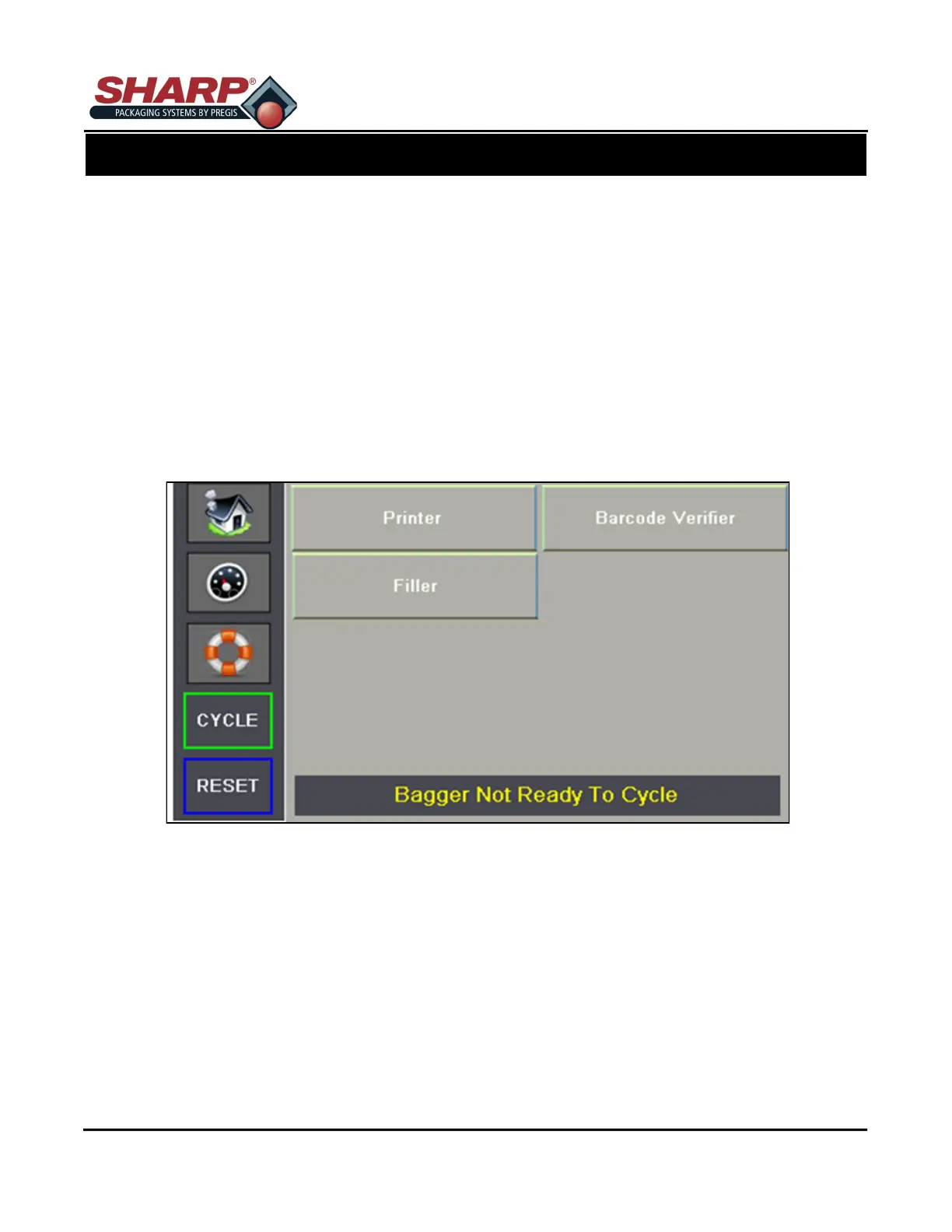
ADMIN SCREEN
This screen is used to enable the options that are installed on the bagger. The option must be enabled here
first before it can be used on the bagger.
To enable an option, press the pushbutton of the option, the pushbutton will change color.
Note, If a Safety Light Curtain is installed the Filler should be enabled so that the light curtain can be used
for Parts Counting/Cycle Initiate function.
If a Stack Light or Light Curtain option is installed, there is no enable selection required.
SCREEN NAVIGATION
CONTROLS
3-4



 To Next Page