SX™ Operator Manual
©
Original Printed in English
HELP SCREENS
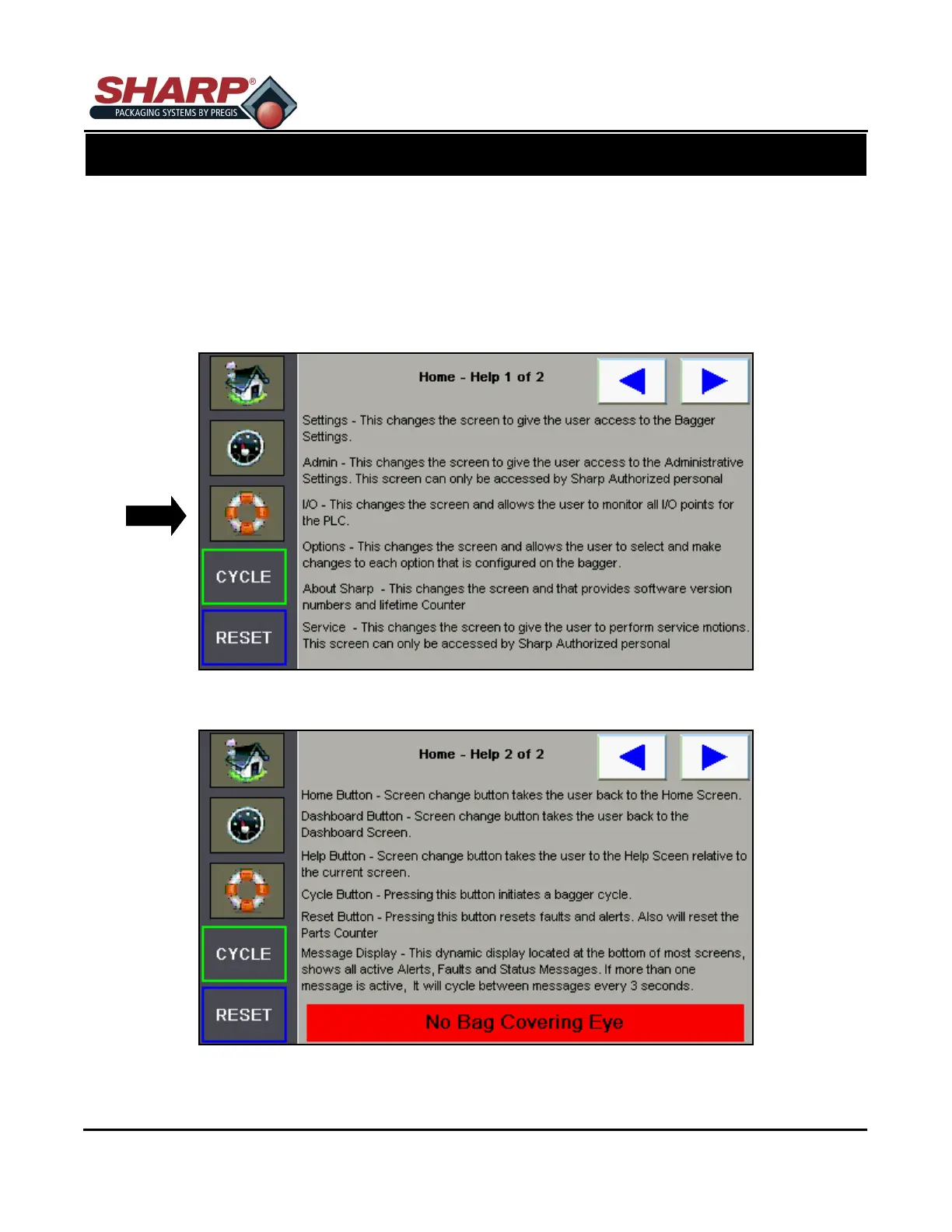
A Help Screen can be accessed by pressing the LIFESAVER RING BUTTON beneath the Tachometer But-
ton. The screen provides detailed help information about the particular screen that the user is on. In this
example these screens provide help from the Home Screen.
Note that there are 2 help screens for the home screen. Pressing the arrow keys allows the user to navigate
through the help screens associated with the screen the operator is currently using. Pressing the help Icon
(lifesaver) takes the user back to the first help screen.
SCREEN NAVIGATION
CONTROLS
3-3



 To Next Page