85
PRIMERGY TX200 S3 User’s Guide
3
OS Installation Using ServerStart
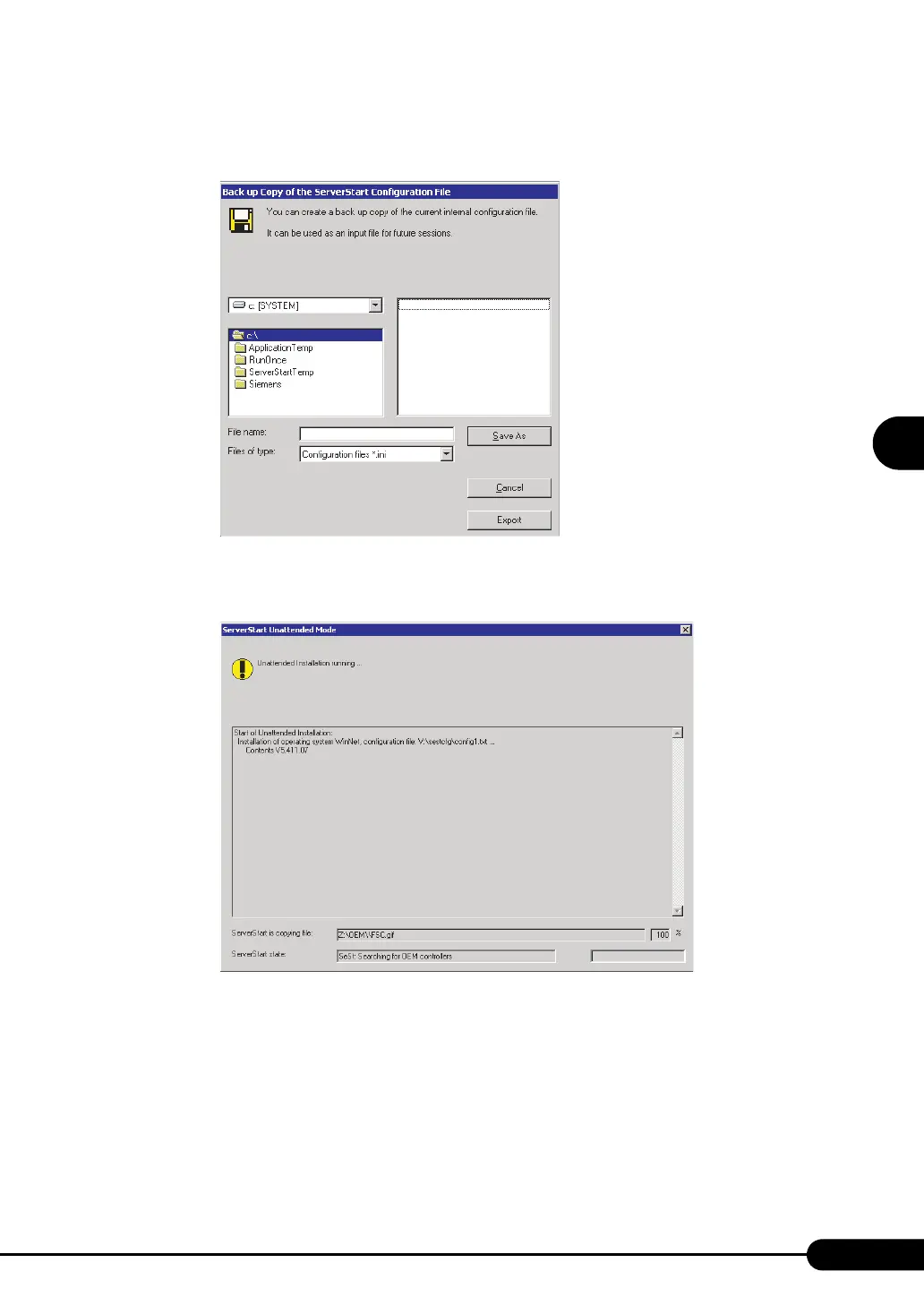
2 Click [Yes].
The following window appears.
3 Enter the file name and click [Save As].
Installation starts automatically.
1. If a message prompts you to insert the Array Controller Document & Tool CD, insert
the CD-ROM and click [OK].
2. If a message prompts you to insert the ServerView CD-ROM, insert the
PRIMERGY Document & Tool CD and click [OK].
3. If a message prompts you to insert the Service Pack CD-ROM, insert the CD-ROM
and click [OK].
4. For Windows Server 2003 x64, a message prompts you to insert the ServerStart
Disc 2 and restart the system. Insert the ServerStart Disc 2 and restart the system.



 To Next Page