Chapter 6 Gated Operation 63
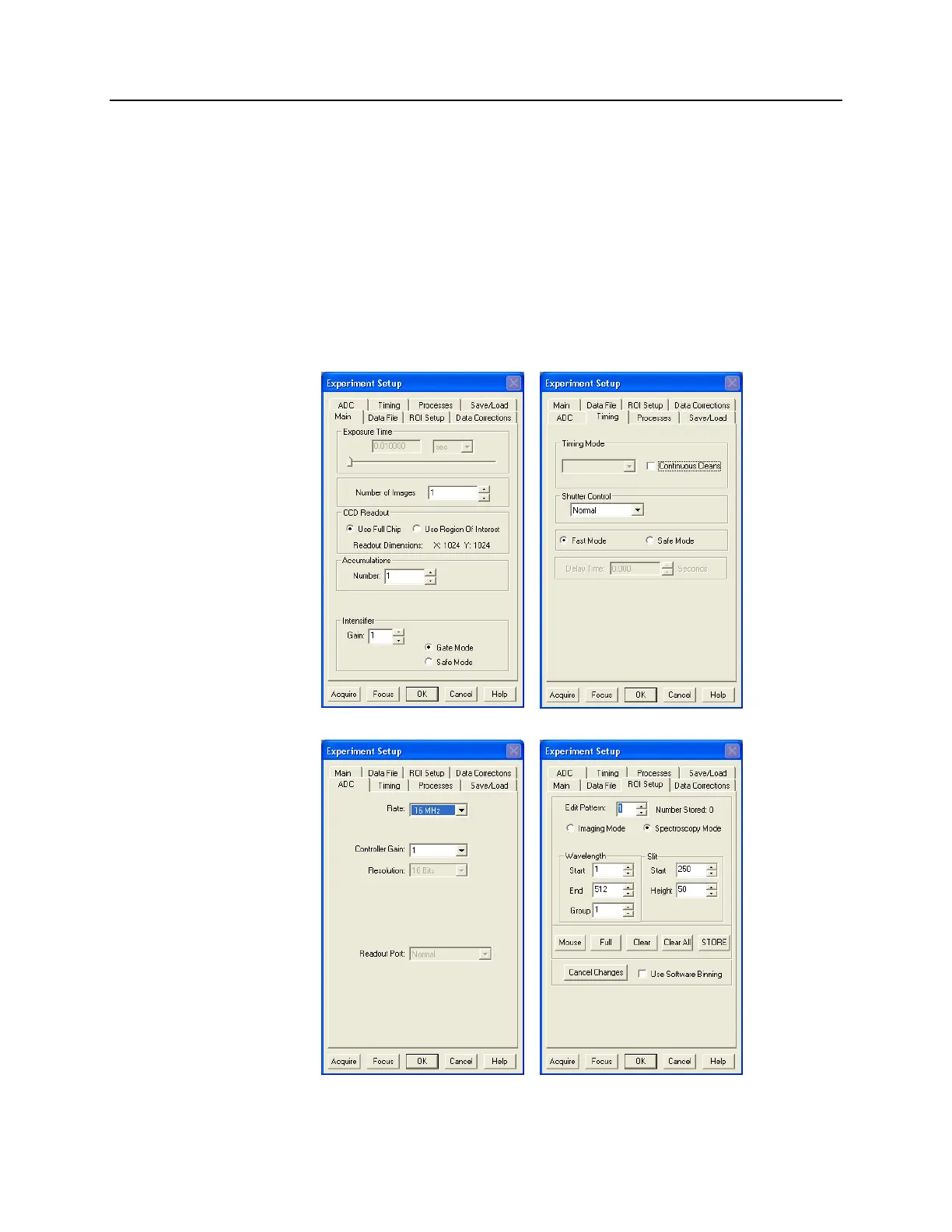
5. At this point, it is a good practice to make sure that the camera is focused by running
it in “Internal Trigger” mode. This requires that you set the experiment parameters on
the Experiment Setup tab pages (refer to Figure 28 and Figure 29) and on the
SuperSYNCHRO Trigger tab page (Figure 30).
a. On the Experiment Setup|Main tab page, choose Gate Mode, and set a value
between 0 and 100 for MCP gain.
b. On the Timing tab page, select Fast Mode.
c. On the ADC tab page, select the appropriate rate.
d. On the ROI Setup tab page, select the appropriate ROI.
e. On the SuperSYNCHRO Trigger In tab page, select Internal.
Figure 28. Experiment Setup: Main and Timing tab pages
Figure 29. Experiment Setup: ADC and ROI Setup tab pages



 To Next Page