108
Chapter 3 CALIBRATE CTRL
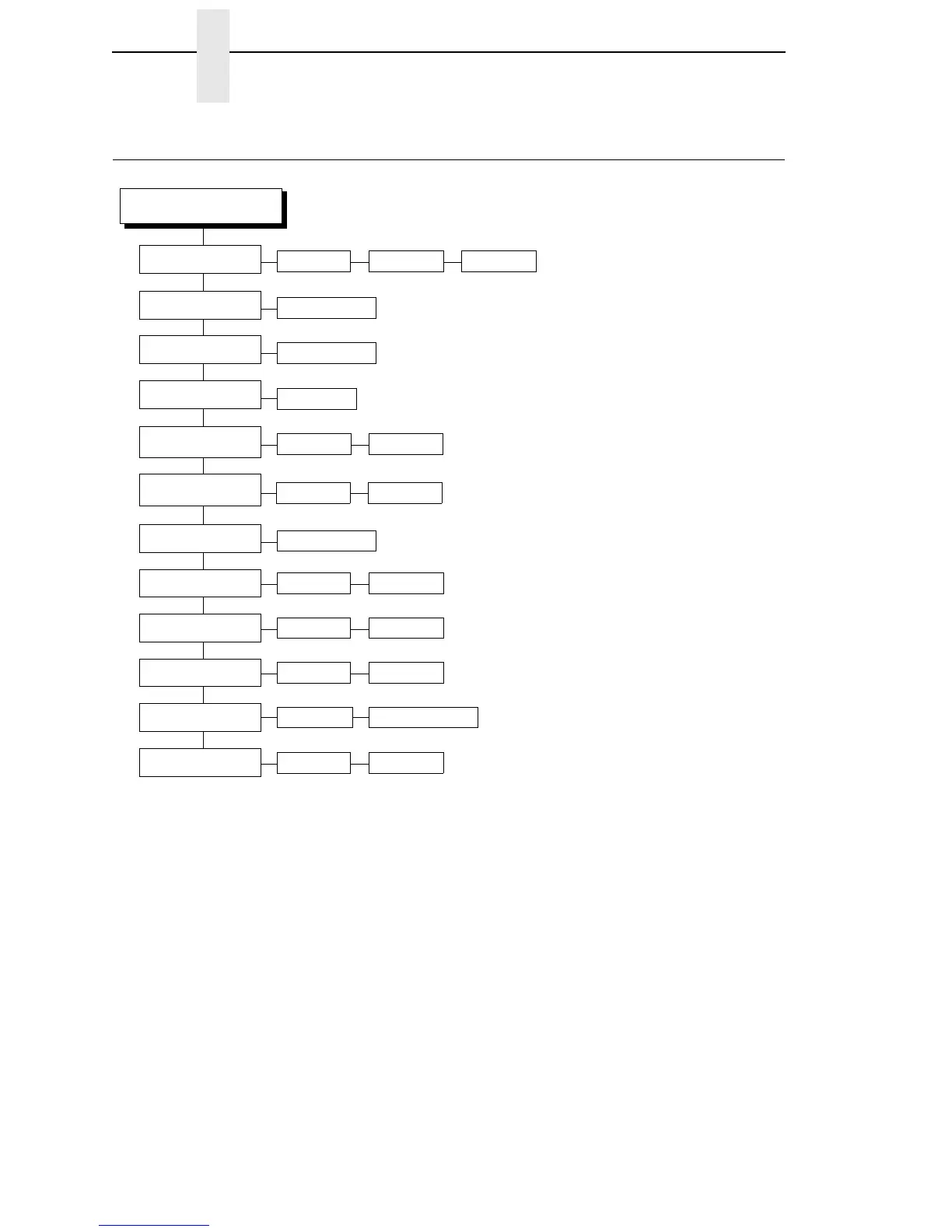
CALIBRATE CTRL
CALIBRATE CTRL
Gap/Mark Sensor
Run Calibrate
Auto Calibrate
Sensed Distance
Paper Out Thresh
Pwr Up Auto-Cal
Manual Calibrate
0.00 inches
(1)
Disable*
Mark
Notes:
* = Factory Default
Italicized items are available only when you enable
Advanced User (in the PRINTER CONTROL menu).
1
When Advanced User is enabled (in the PRINTER
CONTROL menu), you can change the unit value
to millimeters: Under the Units submenu (in the
MEDIA CONTROL menu), enable the “In
Millimeters” option.
Gap/Mark Thresh
Gap
171* 000-255
250* 000-255
Run Calibrate
Disable* Enable
Print Profile
Media Profile
Gap Windowing
Disable* Enable
Gap Length
0.12 inches* 0.05 - 1.00 inches
Online Auto-Cal
Disable* Enable
CalinPeelMode
Disable* Enable














 To Next Page