SERIAL PORT Submenus
215
The factory default is Disable.
Framing Errors
These are possible errors that can occur when serial interface settings of the
printer do not match those of the host computer.
• Enable. If a framing error occurs, a fault message will display on the
control panel.
• Disable. If a framing error occurs, a fault message will not display on the
control panel.
The factory default is Enable.
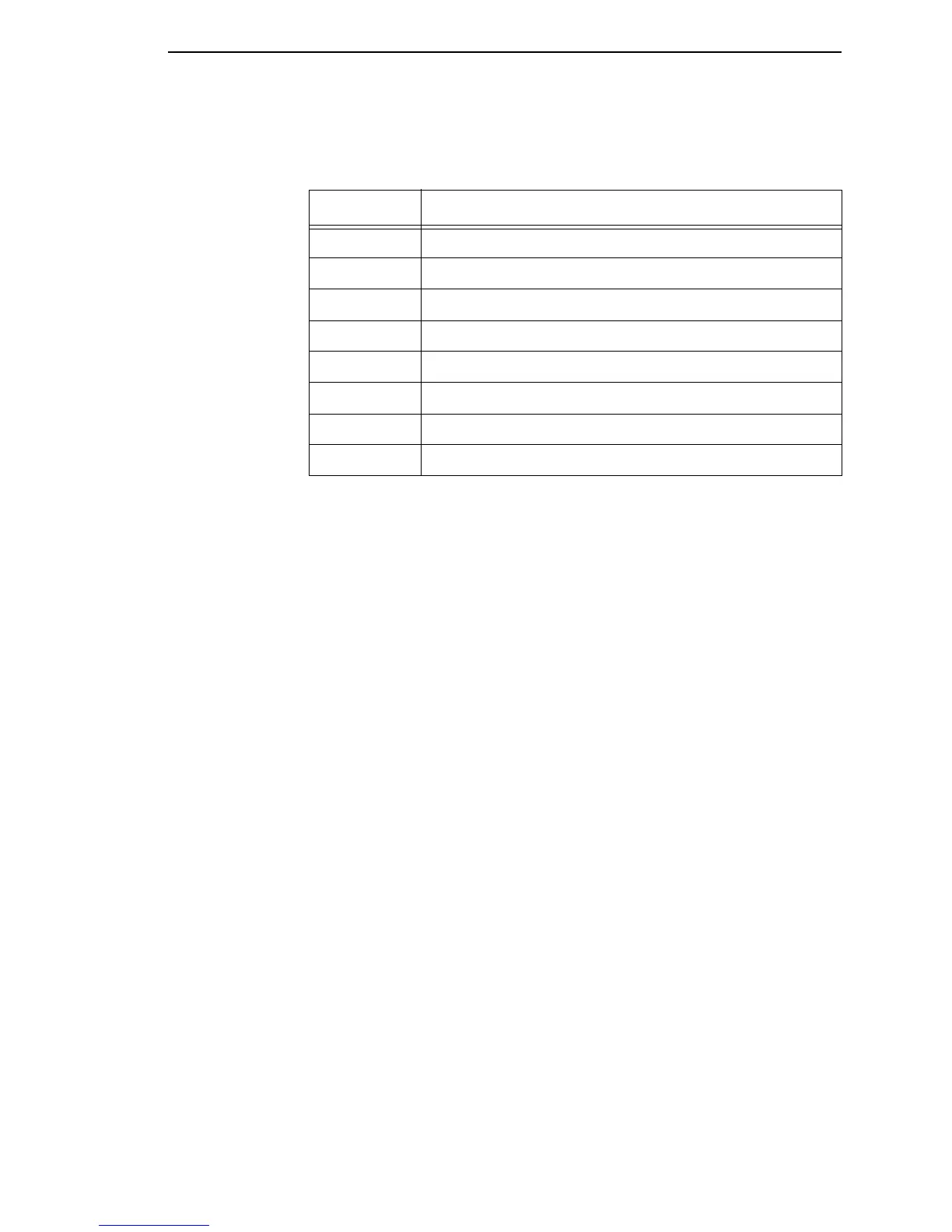
Table 8. ENQ Status Byte
Bit Printer Status
0 Set when the label has printed.
1 Set when the label is presented.
2 Set while the printer is online.
3 Always set.
4 Set printing in the batch mode.
5 Set during a Ribbon fault.
6 Set during a Paper Out fault.
7 Set during a Head Open fault.














 To Next Page