24
Chapter 1 Setting Up The Printer
Setting Up The Printer
Unpacking The Printer
The printer is shipped in a carton and protective bag. The top lid of the carton
has instructions on how to remove the internal packing material from the
printer. Keep all packing material in case shipping is required.
CAUTION
Avoid touching the electrical connectors to prevent electrostatic
discharge damage while setting up the printer. The discharge of
accumulated electrostatic energy can damage or destroy the printhead
or electronic components used in this device.
CAUTION
Damage to the printer interface connector may result from placing the
printer on its backside during unpacking or handling.
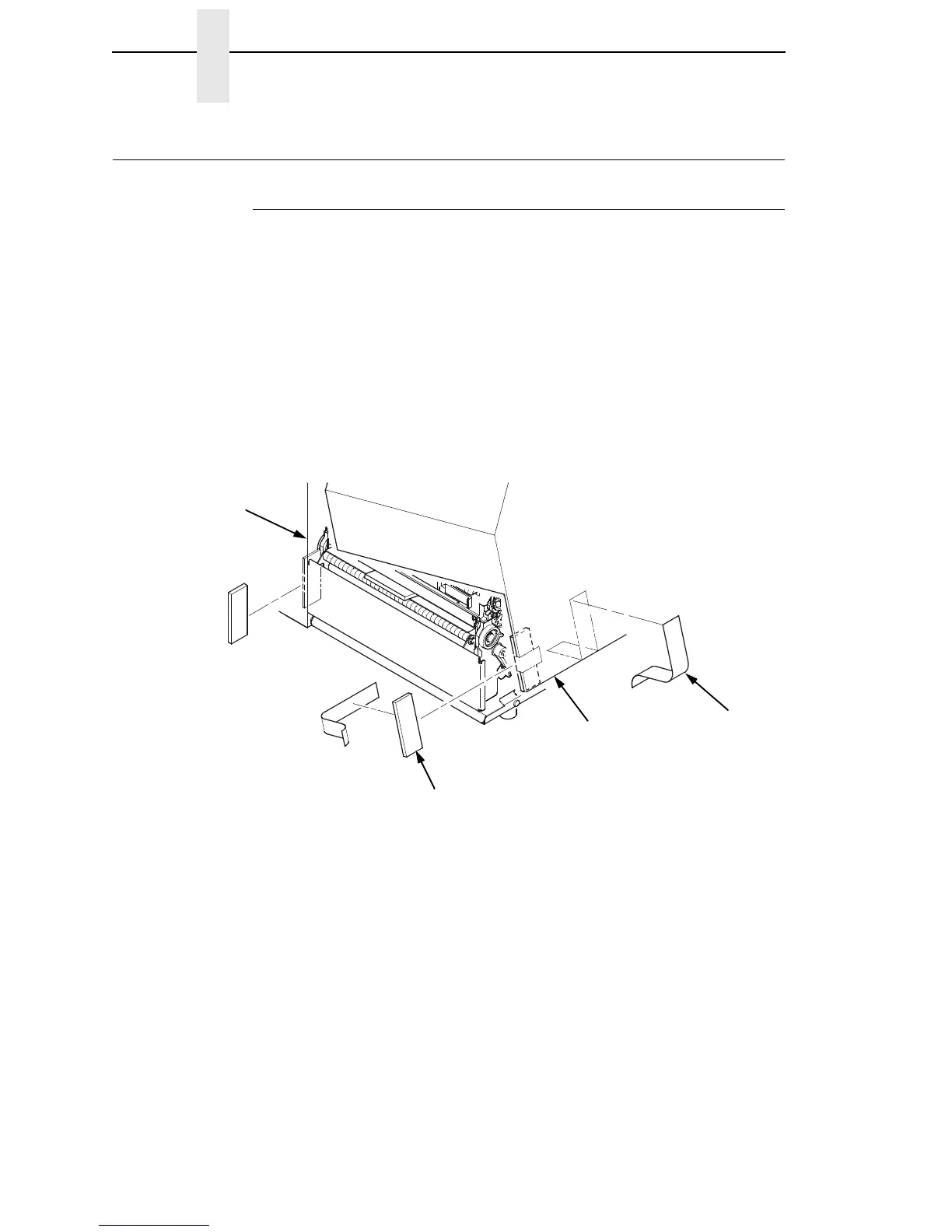
1. Remove the tape strips from the media cover. Lift open the media cover.
2. Remove the tape securing the foam pad to the inside of the media cover.
3. Remove the foam pad between the front door and the frame.
Tape Strips (2)
Foam Pads (2)
Media Cover
Frame














 To Next Page