138
Chapter 3 TN5250 SETUP
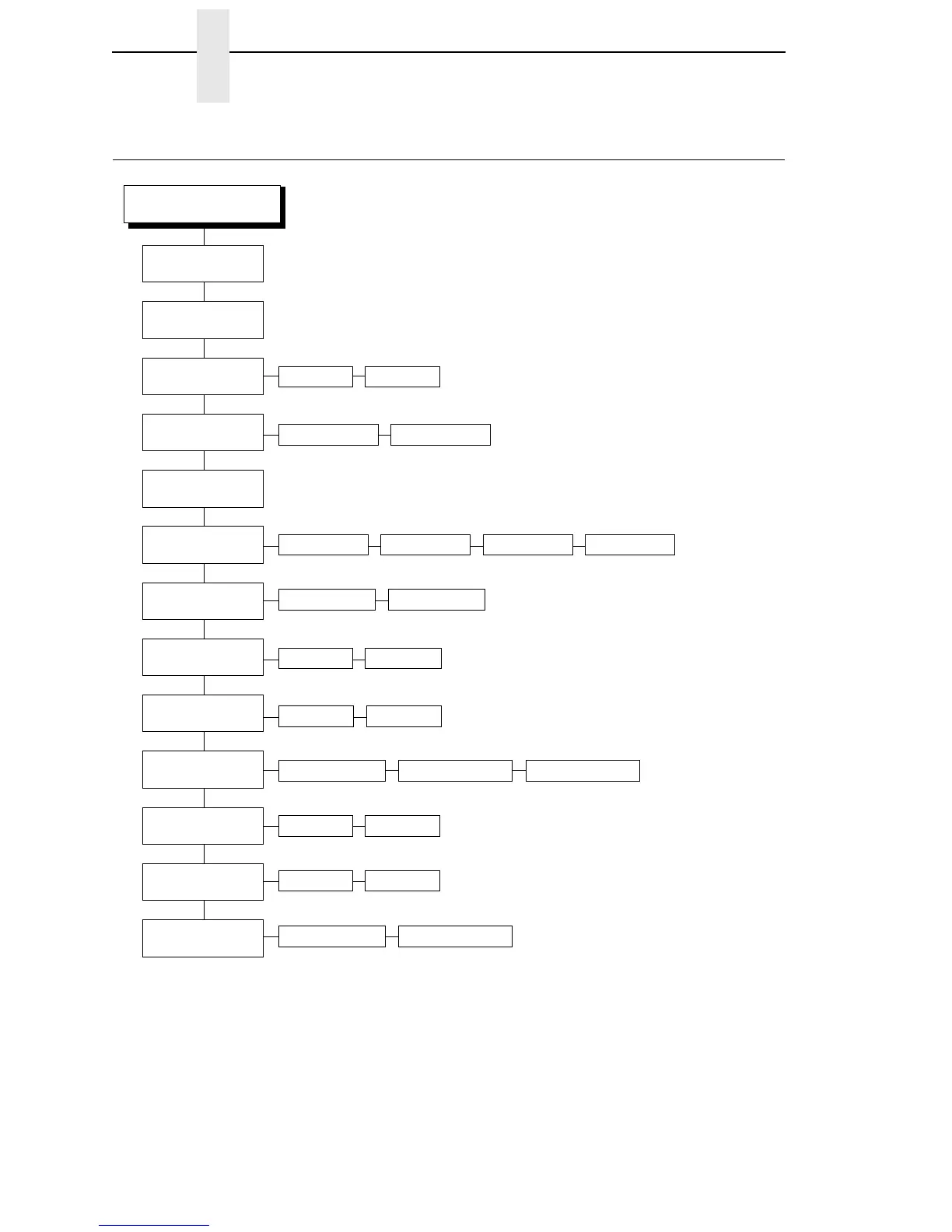
TN5250 SETUP
5250 SETUP
(1)
Control Code
Buffer Print
(page 161)
Lead-in Chars
(page 182)
Alt. Set 80-9F
(page 158)
Graphic Chek Err
(page 176)
Graphic Chek Cod
(page 176)
SetTextOrientn
(page 191)
Disable* Enable
Enable* Disable
Active Char Set
(page 157)
Secondary Set* Primary Set
Primary Sets
(page 139)
Secondary Sets
(page 139)
Set 1 <%>* Set 2 ¬¬$ Set 3 _%_ User Defined
Printable*
Host Override
(page 179)
Disable* Enable
Format Control
(page 175)
Disable* Enable
Max. Print Width
(page 183)
Left to RightControl By Host* Right to Left
Printer Width13.2 inches*
60* 40 - FE
Notes:
* = Factory Default
Italicized items are available only
when you enable Advanced User
(in the PRINTER CONTROL menu).
1
This menu appears only if the
TN5250 option is installed.
2
This menu does not appear if the
IPDS emulation is installed.
Translation Tbl
(2)
(page 195)














 To Next Page