204
Chapter 3 PARALLEL PORT
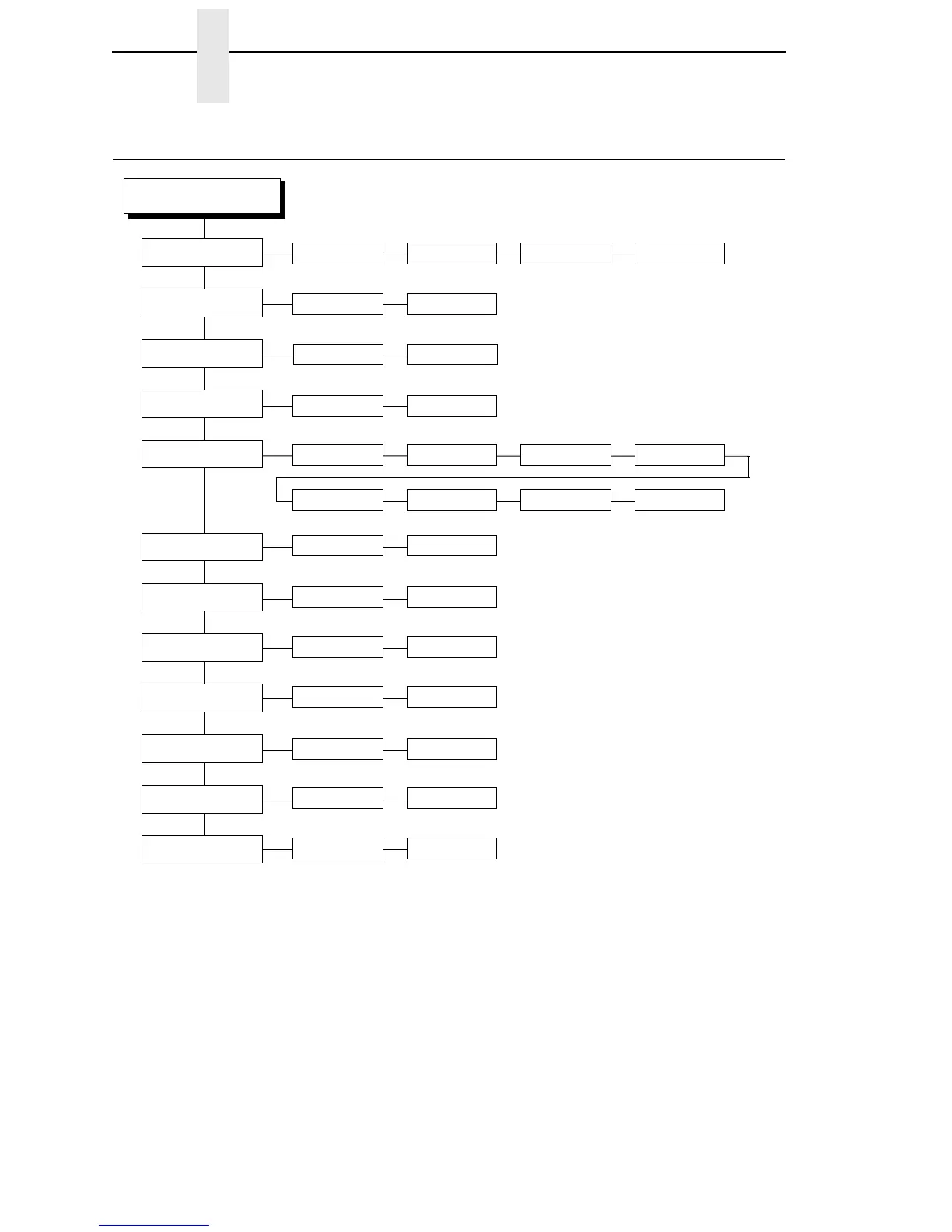
PARALLEL PORT
PARALLEL PORT
Trickle Time
Port Type
Data Bit 8
(3)
Timeout
Report Status
Prime Signal
2sec1sec1/2 sec1/4 sec*
4sec 8sec 16 sec Off
Enable* Disable
IEEE 1284*
(1)
Disable Centronics
(1)
10 sec.* 5-60 sec.
Disable* Enable
Disable* Enable
Notes:
* = Factory Default
Italicized items are available only when Advanced User
is enabled (in the PRINTER CONTROL menu).
1
Does not display when Ethernet is installed.
2
Available only when Ethernet is installed.
3
Available only when the Centronics option is enabled
(in the Port Type submenu of PARALLEL PORT).
Data Polarity
(3)
Resp. Polarity
(3)
Busy on Strobe
(3)
Standard* Inverted
Standard* Inverted
Enable* Disable
PI Ignored
(3)
Buffer Size in K
16* 1-16
Enable* Disable
Latch Data On
(3)
Leading* Trailing
Ethernet
(2)














 To Next Page