EasyManua.ls Logo

Printronix T5000 - Page 115

Printronix T5000
312 pages
Print Icon
To Next Page IconTo Next Page
To Previous Page IconTo Previous Page
Loading...
CALIBRATE CTRL Submenus
115
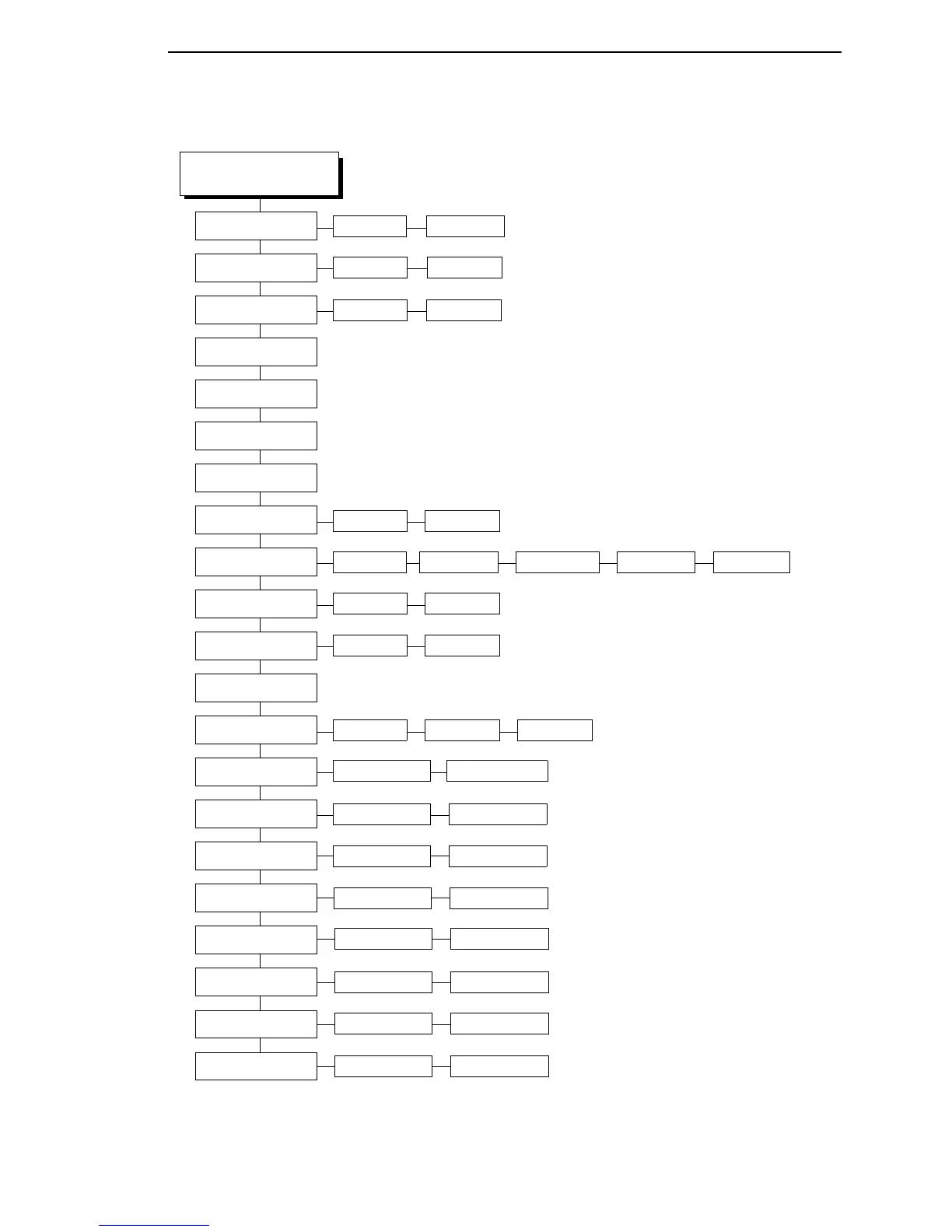
PRINTER CONTROL
(cont. from page 114)
Disable*
(1)
Enable
Overwrite Files
View File List
Delete Files
Print File List
Optimize&Reboot
Cancel Key
Compatibility
Advanced User
Auto Locking
Set Lock Key
Ptx Setup Parse
RAM Disk Size
Glob Mem Adjust
Ptx Setup SFCC
Power-up State
Online* Offline
21h* 01-FF
Max Cache Memory
Default* Laser P5000 T3000 T1006
Disable* Enable
Disable* Enable
Ignore DisableEnable*
900 KBytes*
3072K Bytes*
100 KB*
Max Cached Char
01 KBytes*
0-512340*
Enable* Disable
Bold Chars.
0-512448*
Standard Chars.
ExtraBoldChar.
0-512504*
Batch Counter
EnableDisable*
0-3000 KB
01-20 KBytes
50-900 KBytes*
see page 122
Notes:
* = Factory Default
Italicized items are available only when
you enable Advanced User (in the
PRINTER CONTROL menu).
1
When Coax/Twinax interface is
installed, the factory default is Enable.

Table of Contents

Other manuals for Printronix T5000

Related product manuals