129
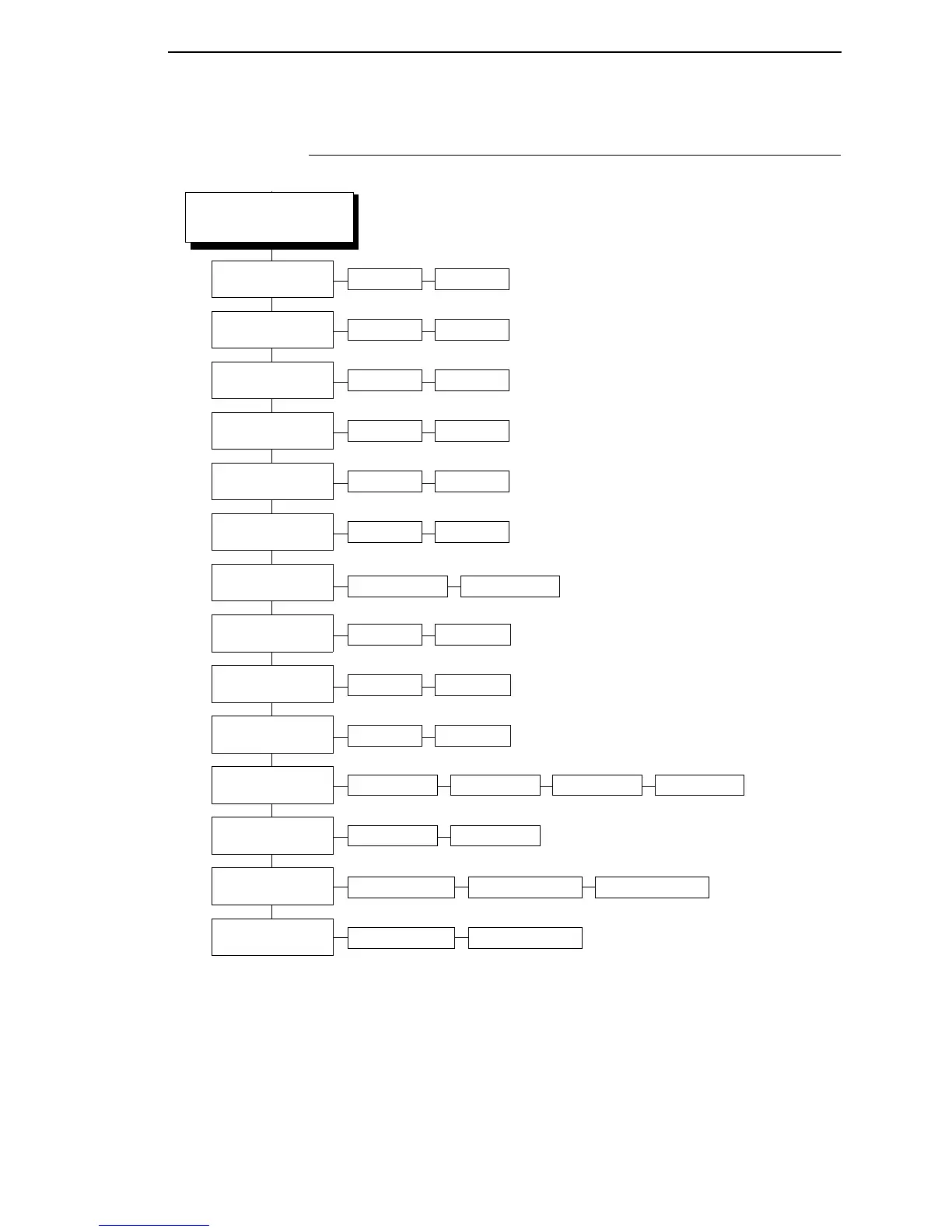
COAX SETUP
(cont. from prev. page)
Notes:
* = Factory Default
Italicized items are available only
when you enable Advanced User (in
the PRINTER CONTROL menu).
Lead-in Chars
(page 182)
Host Override
(page 179)
FF Validity
(page 174)
Disable* Enable
Off* On
Set 1 <%>* Set 2 ¬¬$ Set 3 _%_ User Defined
Null Suppression
(page 184)
Off* On
Auto Skip At End
(page 159)
Off* On
FF After Job
(page 174)
Off* On
CR, EM, & NL
(page 168)
On* Off
Translate Table
(page 194)
Default* Downloaded
Format Control
(page 175)
Disable* Enable
Cancel IGP/DCU
(page 161)
Enable* Disable
SetTextOrientn
(page 191)
Left to RightControl By Host* Right to Left
Change Case
(page 161)
Dual Case* Mono Case
Max. Print Width
(page 183)
Printer Width13.2 inches*
Last Char = FF
(page 182)
On* Off














 To Next Page