132
Chapter 3 TWINAX SETUP
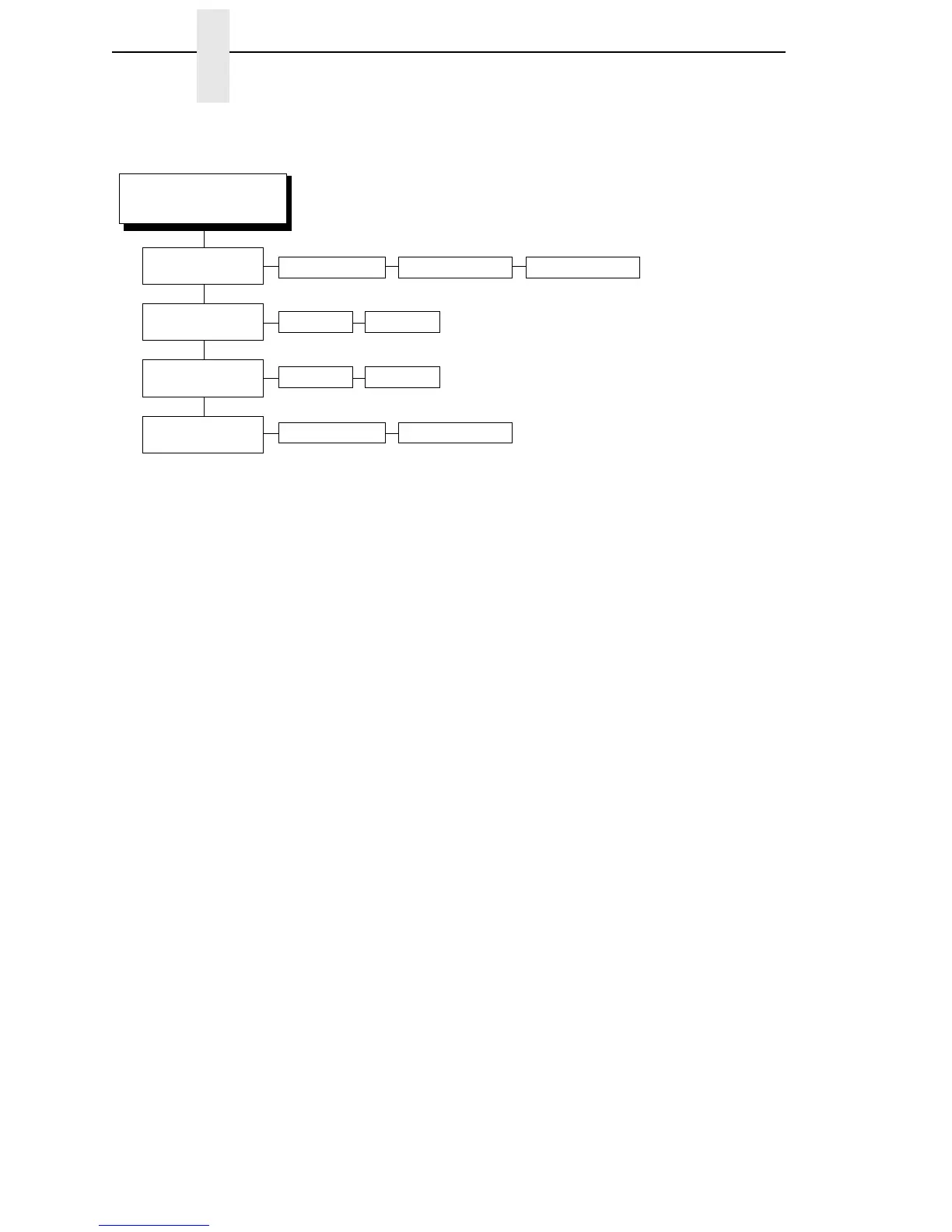
SetTextOrientn
(page 191)
Host Override
(page 179)
Disable* Enable
Format Control
(page 175)
Disable* Enable
Max. Print Width
(page 183)
Left to RightControl By Host* Right to Left
Printer Width13.2 inches*
Notes:
* = Factory Default
Italicized items are available only when you enable
Advanced User (in the PRINTER CONTROL menu).
1
This menu appears only if the CTHI option is installed.
2
This menu appears only if Port Type (under C/T PORT)
is set to Twinax.
3
This menu appears only if the CTHI emulation (under
PRINTER CONTROL) is set to Standard.
TWINAX SETUP
(1)(2)(3)
(cont. from prev. page)














 To Next Page