155
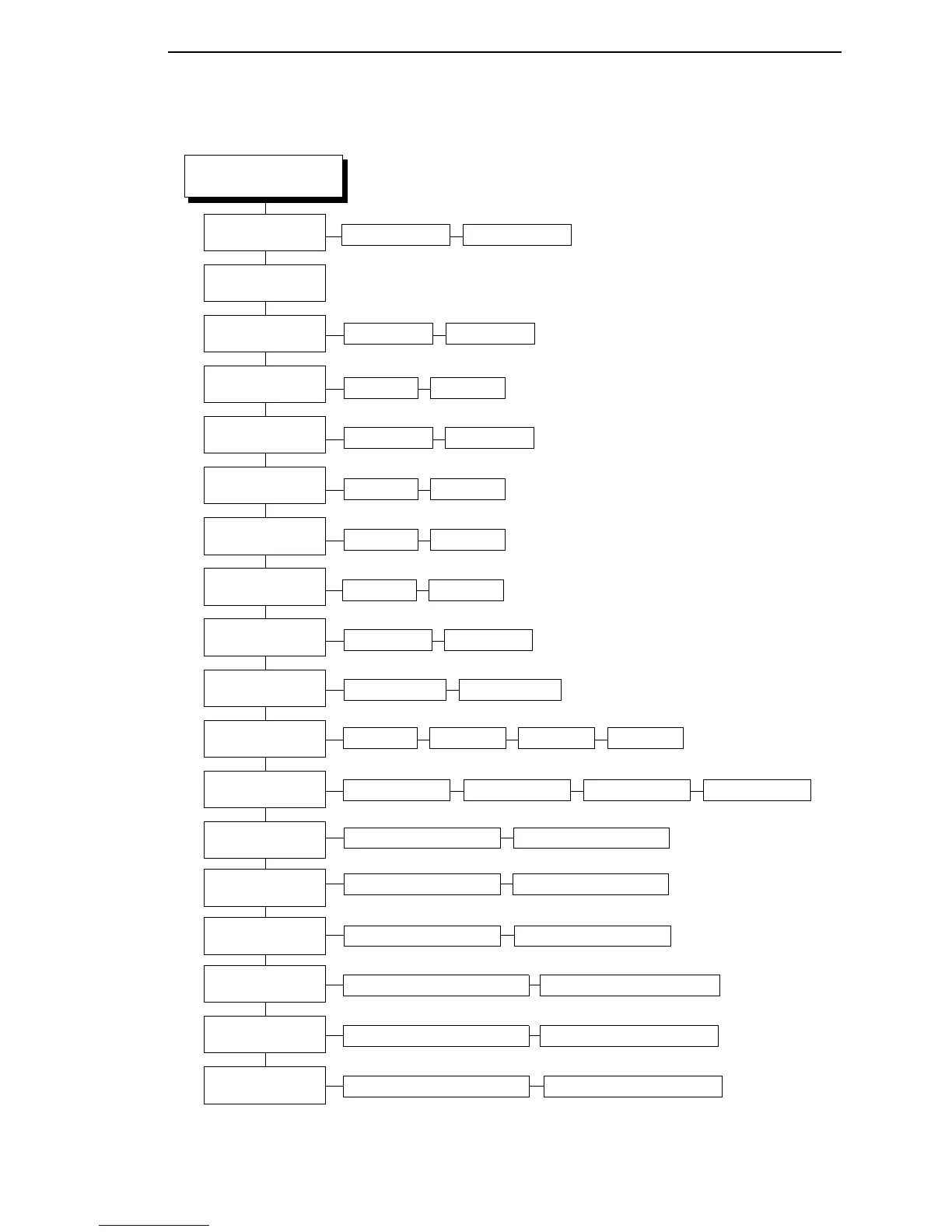
Define CR code
(page 169)
CR = CR* CR = CR + LF
Define LF code
(page 169)
LF = LF* LF = CR + LF
Printer Select
(page 187)
Disable* Enable
20 CPI Condensed
(page 156)
Bold
(page 160)
EPSON FX SETUP
(cont. from prev. page)
Text Position
(page 194)
Bottom of Line* Top of Line
Auto LF
(page 158)
Enable* Disable
Host Command
(page 178)
Enable* Ignore All Ignore CPI Ignore LPI
Alt. Set 80-9F
(page 157)
Control Code* Printable
Enable* Disable
Disable* Enable
Print Char. Set
(page 187)
Bottom Margin
(page 160)
0* linespaces 0-451 linespaces
Reset Cmd CFG Ld
(page 188)
Disable* Power up config Current config Factory config
Form Length
(1)(2)
(page 174)
Form Length
(1)(2)
(page 175)
101.6 or 152.4 mm*
(3)
Form Length
(1)
(page 175)
Form Width
(4)
(page 175)
41, 66, or 85 characters*
(3)
0to272characters
00.0 to 609.6 mm
4 or 6 inches*
(3)
00.0 to 24.0 inches
24 or 36 lines*
(3)
0 to 144 lines
Form Width
(2)(4)
(page 175)
104.1, 168.0, or 215.9 mm*
(3)
00.0 to 345.4 mm
Form Width
(2)(4)
(page 175)
04.1, 06.6, or 08.5 inches*
(3)
00.0 to 13.6 inches
Notes:
* = Factory Default
Italicized items are available only
when you enable Advanced User (in
the PRINTER CONTROL menu).
1
All three Form Length submenus
work in conjunction. When you
change the default in one
submenu, the other default values
in the other two submenus change
automatically.
2
These menus do not display when
the CT emulation is selected.
3
The factory default value depends
on the width of the printer model.
4
All three Form Width submenus
work in conjunction. When you
change the default in one
submenu, the other default values
in the other two submenus change
automatically.














 To Next Page