38
Chapter 2 Loading Media And Ribbon
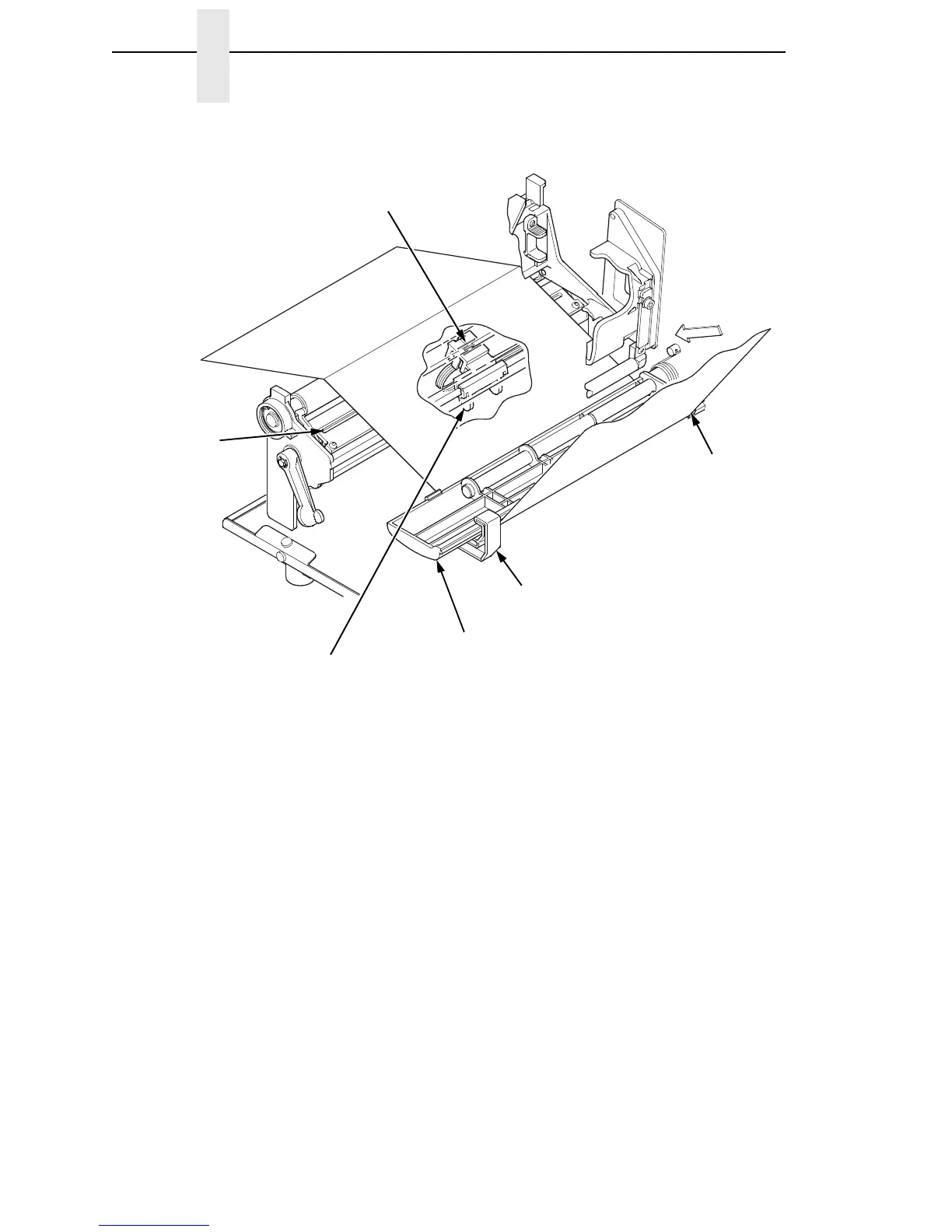
8. Verify that the left (inside) edge of the media is against the fixed guide on
the bottom of the media damper.
9. Push the blue media width guide in until it is flush with the outer edge of
the media.
10. Check the horizontal position of the media sensor (it is blue and located
under the media guard), and refer to “Positioning The Media Sensor” on
page 61.
Media Sensor
Handle
Media Guard
Media Sensor
Fixed Guide
Media
Damper
Media
Width Guide














 To Next Page