Running Media Profile
65
NOTE: Verify that the CALIBRATE CTRL menu Gap/Mark Sensor option
(Gap, Mark or Disable) matches the installed media. See “Sensing
Different Media Types” on page 62.
You will need a minimum installed label width of two inches to support
the Profile printout.
Check that the Media Sensor is horizontally positioned to permit
sensing of the label length indicators. See “Positioning The Media
Sensor” on page 61.
Check that the Print Mode option selected in the MEDIA CONTROL
menu matches the media installed. Select “Direct” for heat sensitive
media (no ribbon required) or “Transfer” for Thermal Transfer media
(ribbon required).
1. Press to place the printer in Menu mode.
2. Press the ↓ key and
↵ key together until “ENTER SWITCH UNLOCKED”
displays.
3. Press the
key until “CALIBRATE CTRL” displays.
4. Press the ↓ key until “Media Profile/Profile Print” displays and then press
the
↵ key. (The printer will continue to print the profile until the ↵ key is
pressed.)
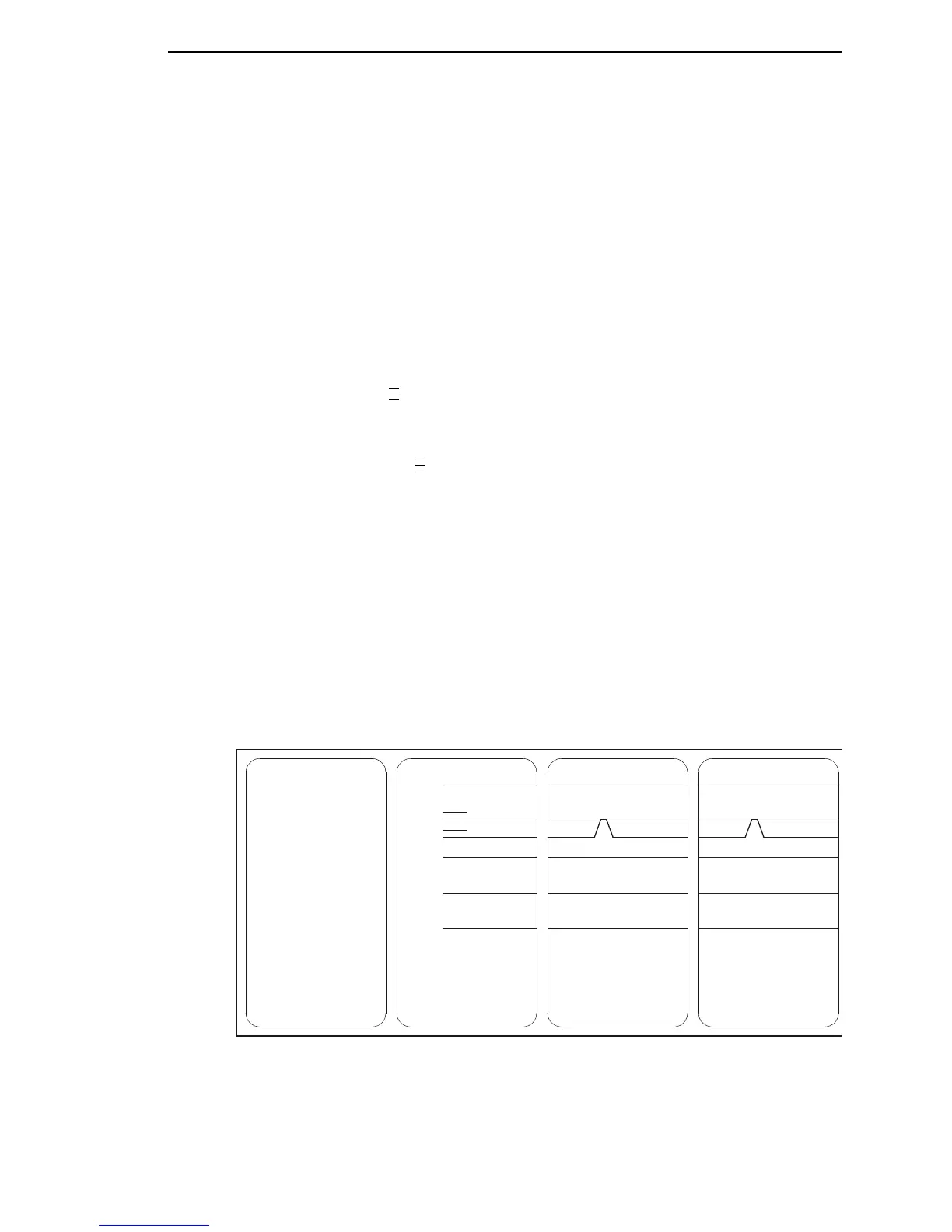
The printer will advance media and continue to print a dynamic profile
image depicting the relationship of the label and any label length
indicators detected.
5. Press the
↵ key. The printer will stop printing.
6. Press the PAUSE key until “OFFLINE” displays.
NOTE: The Gap/Mark and Paper Out Threshold values shown on the Profile
printout represent the last values determined from a successful Auto
or Manual Calibrate, or the factory default values if no Auto or Manual
Calibrate was performed.
Figure 1. Media Profile Printout
.
.
.
.
.
.
255
191
127
063
000
Paper Out(209)
Gap Mark(178)














 To Next Page