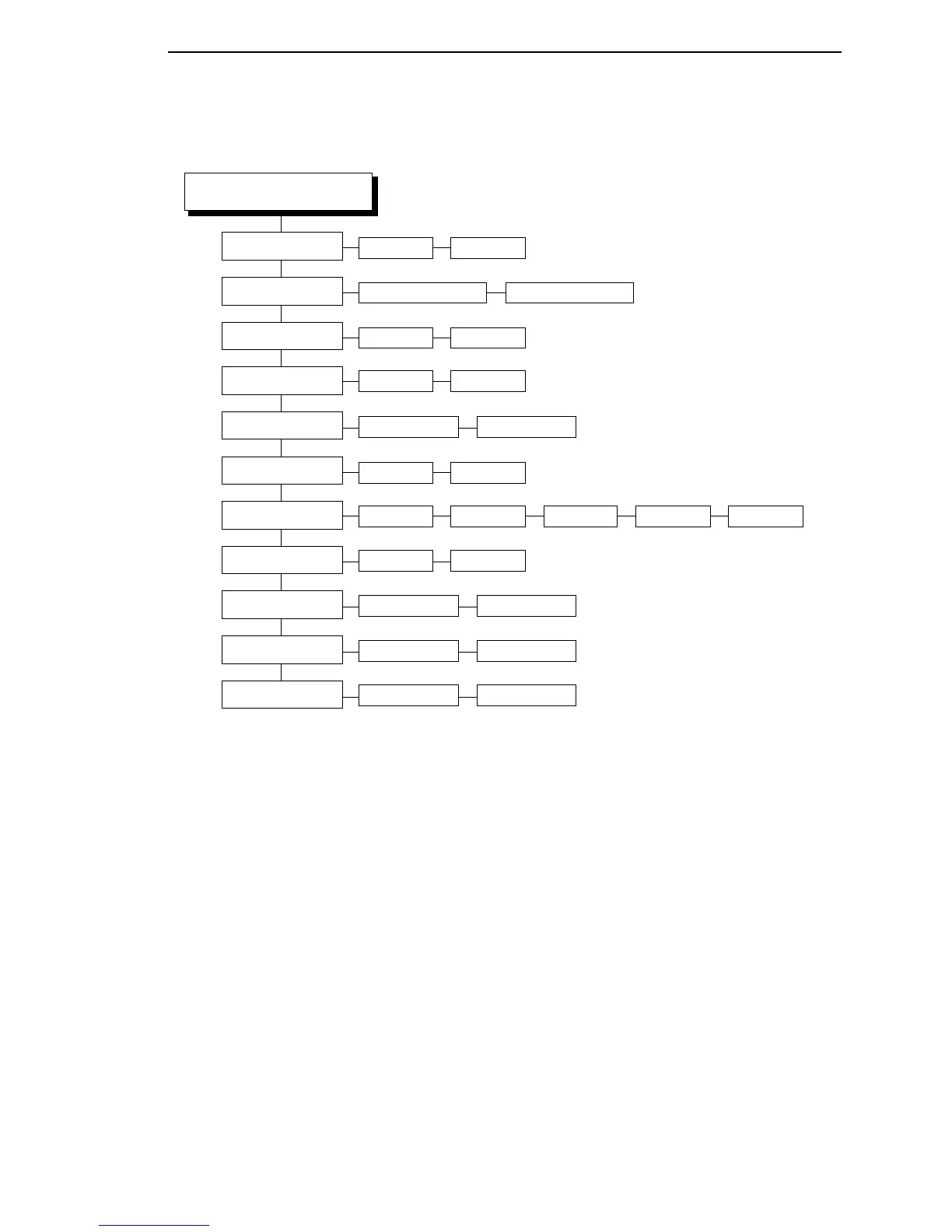
CONFIG. CONTROL Submenus
95
Notes:
* = Factory Default
Italicized items are available only when you
enable Advanced User (in the PRINTER
CONTROL menu).
MEDIA CONTROL
(cont. from previous page)
Pre-Peel Mode
Pre-Peel Adjust
Clip Page
Error Recover
Ribbon Width
Display Ribbon
Ribbon Low
Rbn Takeup Full
Units
Enable* Disable
Enable* Disable
Disable* Enable
0.00 to 2.00 inches1.00 inches*
Disable* Enable
Same as Paper* Set in Menu
Enable* Disable
Disable* 25 m 50 m 75 m 100 m
In Inches* In Millimeters
Set Label Length
Manual* Automatic
Cutter Type
Heavy-Duty* Standard














 To Next Page