28
Installing the Paper Path
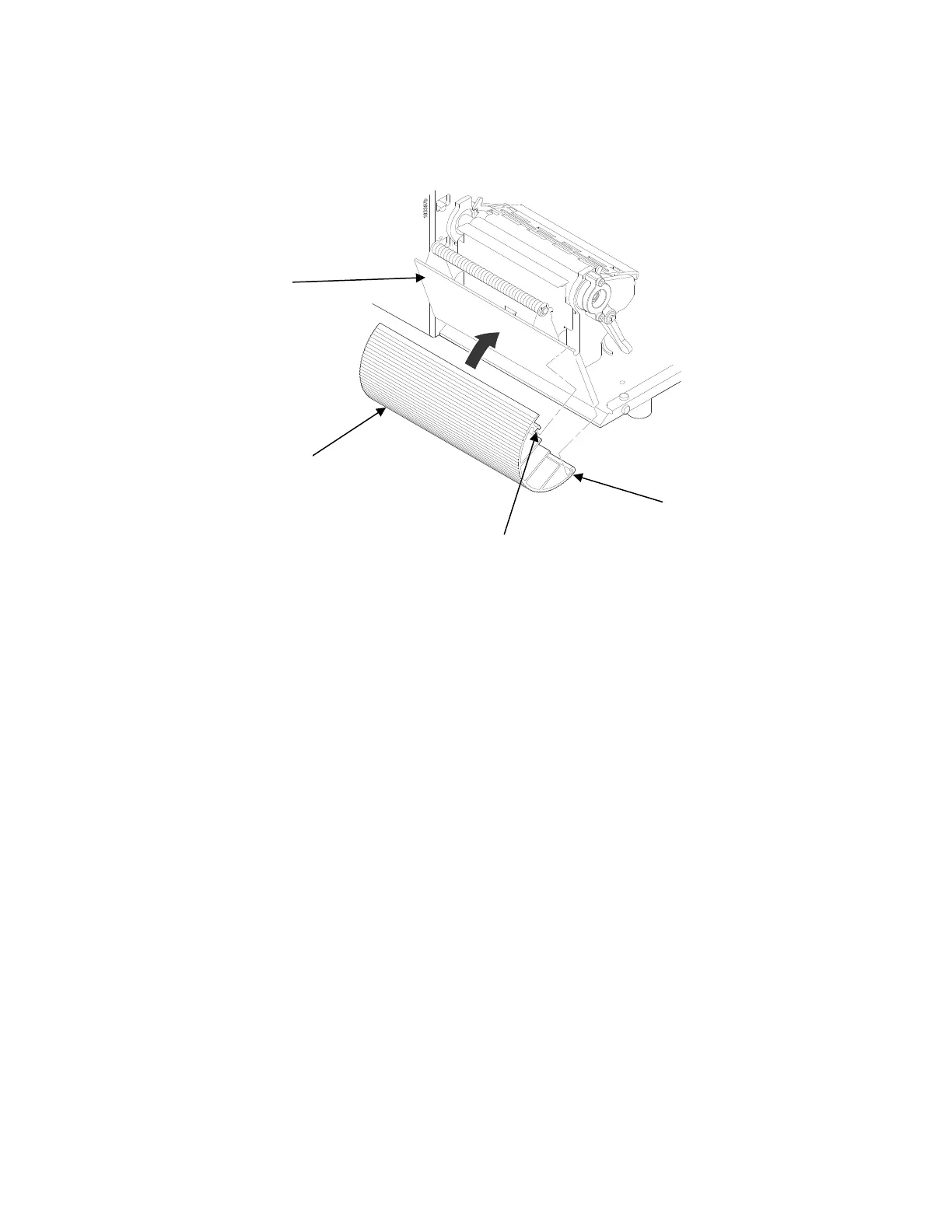
The paper path must be installed when using Batch Rewind mode.
To install the paper path:
1.
Open the front door by pulling it upwards, then forward.
2.
The bottom of the plastic paper path is shaped like a hook and the top has a groove:
a.
Hook the bottom of the paper path under the bottom edge of the front door
b.
Snap the groove on the paper path to the top edge of the front door
3.
Close the front door














 To Next Page