35
4. Press the
↵
ENTER key to start the Grey test pattern. The pattern will start and continue to print.
5. Press
↵
ENTER again to stop printing
.
6. Check the test pattern. If necessary reposition the pressure blocks to
obtain a uniform print density
across the media width. In most cases, only
the right pressure block may need to be adjusted.
7. Whenever you reposition a pressure block, run the Grey test pattern to
verify the print pattern is
acceptable.
Positioning the Media Sensors
Your printer is equipped with upper and lower media sensors that detect the top-of-form position on media
with label length indicators (gaps, notches, holes, or black marks). These sensors also detect when a
Paper Out condition exists.
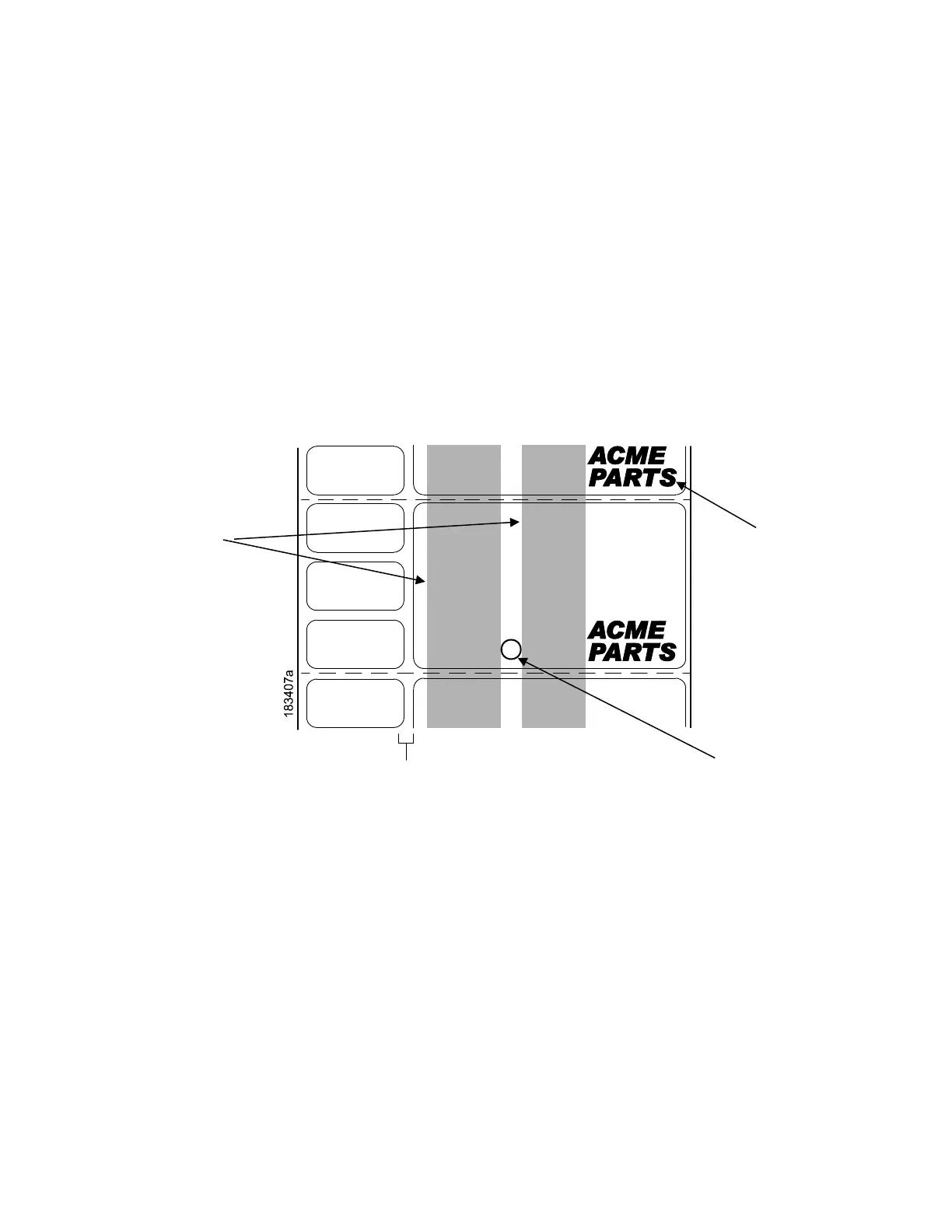
The media sensors should not be placed in the path of media features that could cause false gap detection
or paper out faults. Such features are dark pre-printing, rounded die-cut label corners, vertical gaps
associated with side-by-side labels, and extraneous cut-outs, as shown below.
Position the
media sensors
shaded
Vertical Gap and
Rounded Die
-














 To Next Page