44
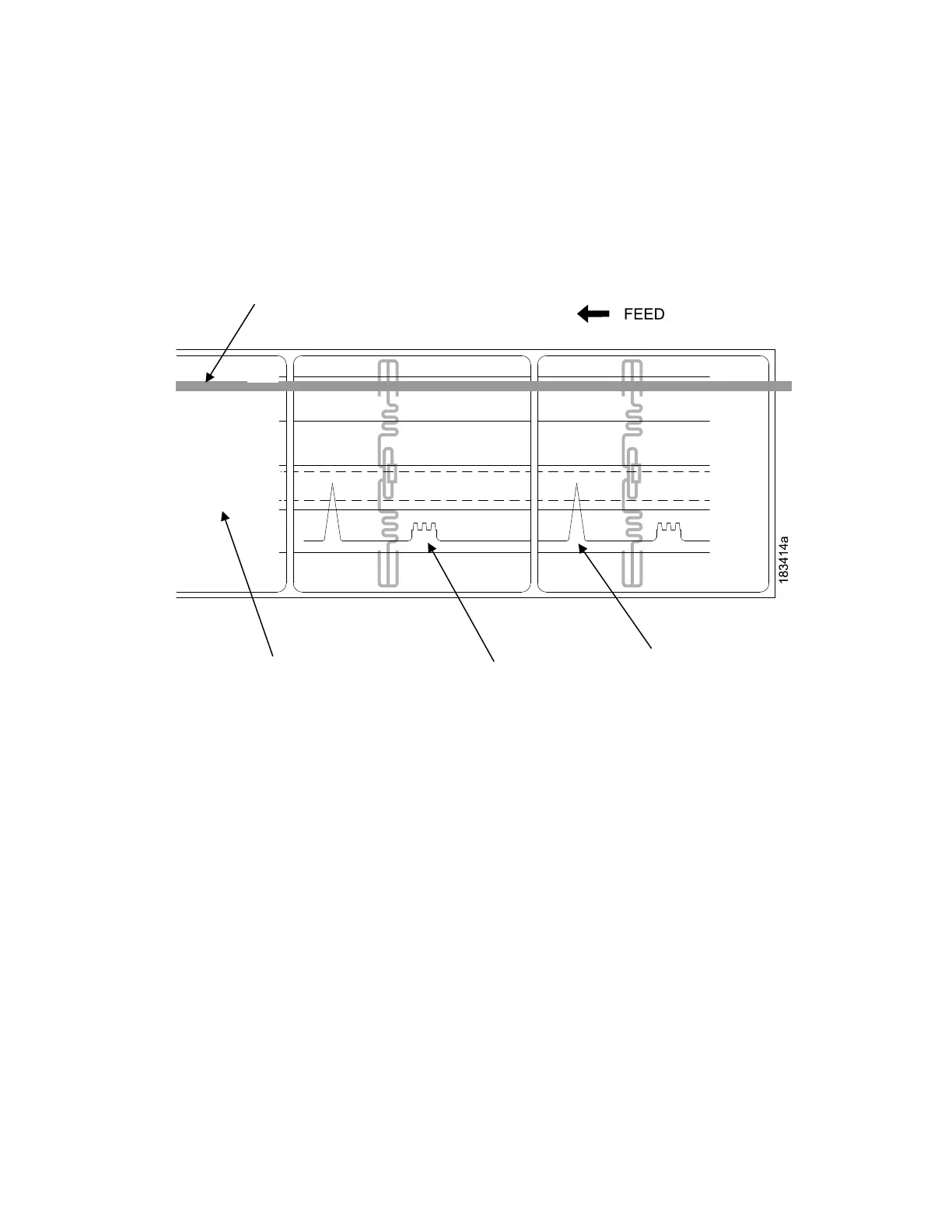
To avoid this problem, increase the Threshold Range value to 60% or 70% of the maximum in the Sensors
> Control > Gap/Mark Thresh menu (the default is 50%), then run a Running Auto Calibrate again, page
41.
Any changes to Threshold Range will not take effect until you run an
Auto Calibrate again.
This will raise the Gap/Mark threshold high enough so that the printer will not
falsely use the antenna as the
gap (top-of-form).
Indicates Type of Gap/Mark
Sensing Selected
Detected Amplitude
of the Antenna
Detected Amplitude
of the Gap














 To Next Page