EasyManua.ls Logo

Prinzen PSPC7 - User Manual

Default Icon
99 pages
Print Icon
To Next Page IconTo Next Page
Loading...
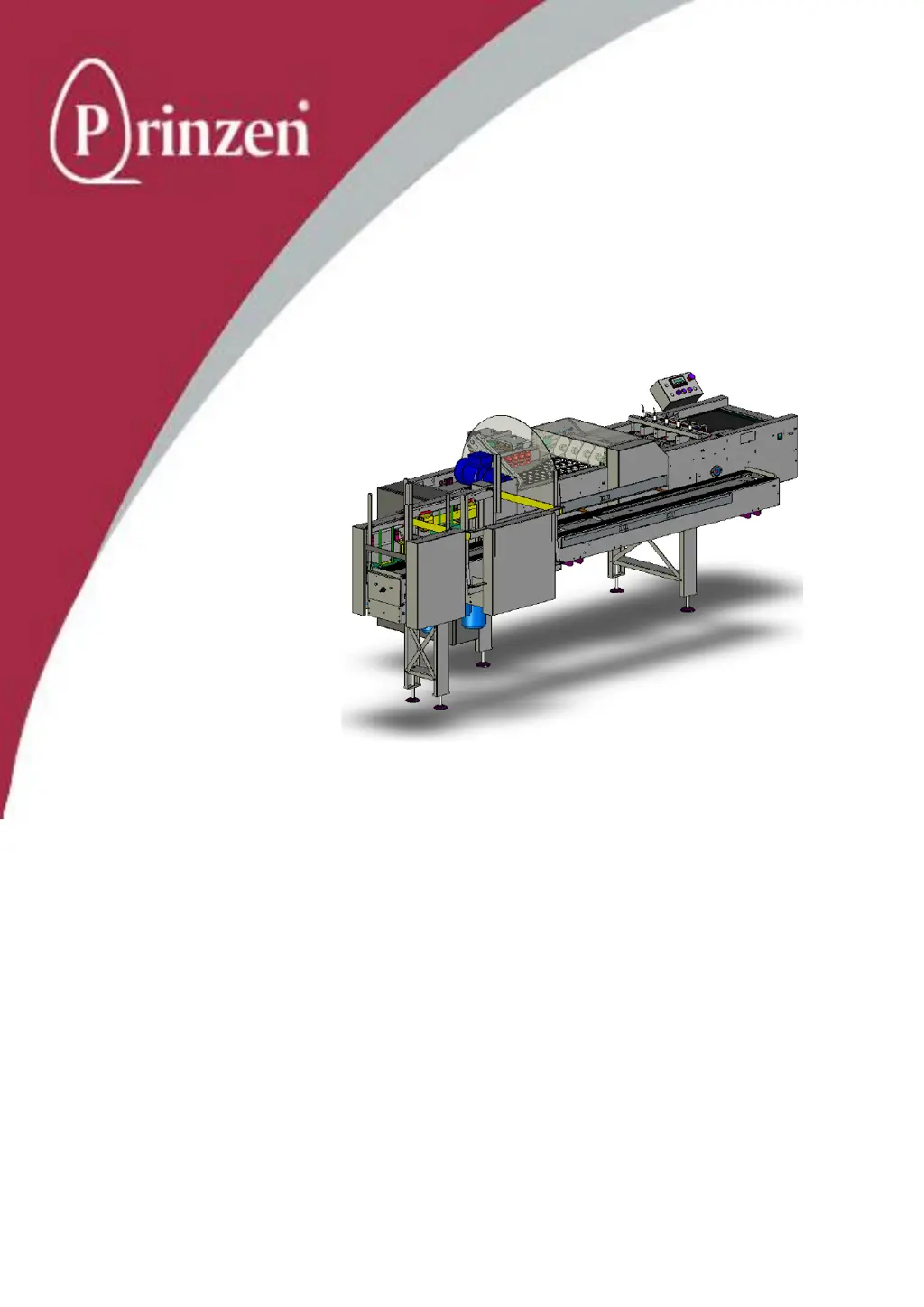
USER MANUAL PSPC
PSPC30 PSPC5 PSPC7
Prinzen B.V.
Weverij 18
7122 MS AALTEN
P.O. Box 85
7120 AB AALTEN
NEDERLAND
Website: www.prinzen.com

Table of Contents

Other manuals for Prinzen PSPC7

Questions and Answers

Summary

Introduction

Safety Regulations

Read this chapter and Safety chapter before starting operation, cleaning, or maintenance.

Safety

Safety: General Requirements

Only authorized, trained, familiar, and sober persons aged 18+ should operate the system.

Safety Regulations

Do not operate with removed safety devices; use caution with sharp edges, moving parts, and openings.

Safety Provisions

Check safety devices, use power source lock-off (1), and never rely solely on safety devices.

Definition of Safety Devices

Identifies safety devices: lockable doors, emergency buttons, and protective covers.

Emergency Button Operation

Use emergency buttons to stop the system immediately; they remain locked until safe to release.

Safety Inspection Procedure

Procedure to check covers, doors, and buttons before starting the machine.

Warning Labels

Understand and remember warning labels for danger of voltage, movements, pinch points, and crushing.

Machine Description

Machine Description Safety

Read Introduction and Safety chapters before starting operation, cleaning, or maintenance.

PSPC Machine Overview

Designed to pack eggs into various trays; available in PSPC30, PSPC5, and PSPC7 versions.

Machine Description Safety Considerations

System created for balance between safety and workability; dangerous movements exist, use caution.

Packer Unit

Receives eggs, assembles them into patterns, and places them pointed-end down into trays.

Vacuum Head Unit

Picks up eggs from cup conveyor and places them into trays; available in 3 versions.

Operation

Operation Safety Regulations

Read Introduction and Safety chapters before starting operation, cleaning, or maintenance.

Starting Production Procedure

Step-by-step guide to switch on, check air, set switches, supply trays, and start the system.

Stopping Production Procedure

Steps to stop the system: wait for completion, clear, stop button, wait for stop, switch off.

Service Menu: Adjust Transfer Mechanism

Adjusts pick-up position and tray set position for the transfer arm and vacuum head.

Adjust Pick-up Position

Procedure to set the vacuum head tip height relative to cup slots for proper egg pickup.

Adjust Tray Set Position

Procedure to set vacuum head tip height relative to hatch tray surface for placement.

Maintenance

Maintenance General Information

Only qualified professionals may perform maintenance; consult dealer for difficult repairs.

Maintenance Safety Regulations

Read Introduction and Safety chapters before starting maintenance, cleaning, or repairs.

General Cleaning Procedure

Steps before cleaning: remove eggs, switch off, use compressed air, vacuum, scraper, and cloth.

Recommended Lubricants

Lists recommended lubricants like Interflon and Griffon, specifying brands and food-grade status.

General Maintenance Procedure

Steps before maintenance: remove eggs/trays, switch off, secure, perform maintenance, check condition.

Preventive Maintenance Instructions

Provides daily, weekly, monthly, and yearly maintenance schedules and tasks.

Daily Maintenance Tasks

Tasks include observing sounds/vibrations, cleaning dirt/grease, cleaning drip trays, and wiping components.

Weekly Maintenance Tasks

Tasks include cleaning sensors, checking functionality, and applying silicon spray to guides.

Spare Parts

Recommended Spare Parts for PSPC

List of recommended spare parts for the PSPC, including description, type, and article code.

Ovoprint

Ovoprint Printer Installation

Steps to mount the printer, position the print head, and connect the proximity switch.

Ovoprint Printer Operation

How to ensure ink cartridges are clean, switch on the printer, and print messages.

Changing Printer Settings (Technician Menu)

Access technician menu with a pin code to change basic parameters, print settings, and diagnostics.

Prinzen PSPC7 Specifications

General IconGeneral
BrandPrinzen
ModelPSPC7
CategoryAccessories
LanguageEnglish

Related product manuals