EasyManua.ls Logo

Prinzen PSPC7 - Menu Structure

Default Icon
99 pages
Print Icon
To Next Page IconTo Next Page
To Previous Page IconTo Previous Page
Loading...
OVOPRINT
Page 98 of 99 USER MANUAL PSPC UM-PSPC-06-E/10-2012
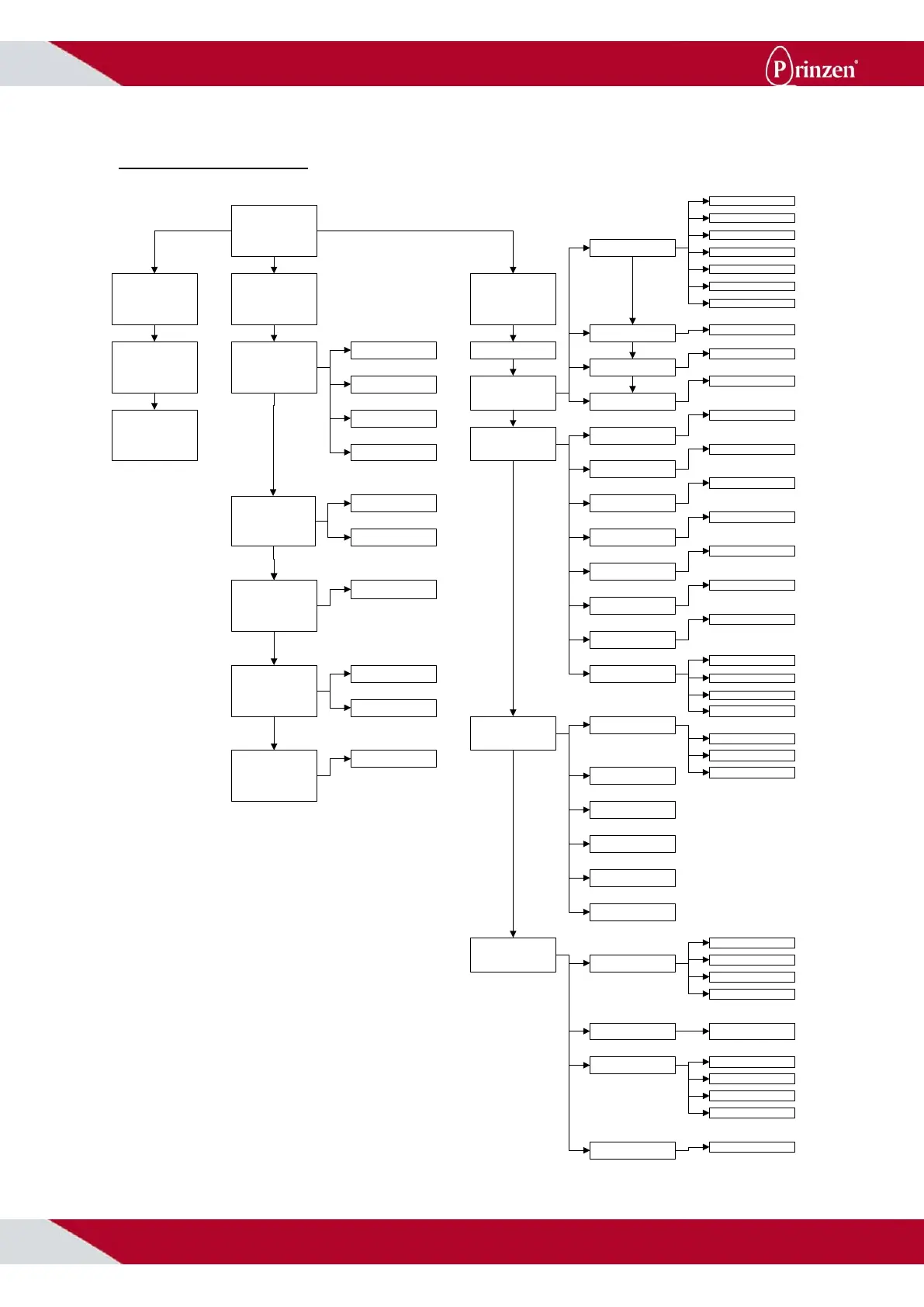
MENU STRUCTURE
Main display
1 Press set text 2 User functions 3 Technician
Set line choice
between 1 and 50
Set text
1 Font
2 Print rows
3 Print length
4 Index print text
5 Nozzle cleaning
1 Standard
2 Bold
4 Times
3 Small
1-row
2-rows
Set length
1-digit
2-digit
Set time
Set Pincode
1 Basic parameters
2 Print parameters
3 Diagnosis
4 Settings
1 Device Type
2 Heads/channel
3 No. of prints
4 Sensor
1 Constant
2 Variable
3 A1c1
4 A11c1
5 A1v5
6 A5c1
7 A33c6
Set no. of heads
Set no. of prints
Indicate which sensor
1 No. of digits
2 Print length
3 Speed
4 Print start
5 Print distance
6 v-scale
7 vp-scale
8 Print direction
Indicate no. of digits
Set Print length
Set Print speed
Set time after print puls
Not applicable
Not applicable
????
1 from left
2 from left upside down
3 from right
4 from right upside down
Testprint
Print parameters
Sensor
Display
Keyboard
watchdog
1 Language
2 Printstrength
Jet use R/L
Flash
1 Normal
2 Pixel-test
Speed
1 DE-German
2 EN-English
3 NL-Dutch
4 FR-French
Set cartridge power
supply
1 Right
2 Left
3 Both
4 Both
Pincode

Table of Contents

Other manuals for Prinzen PSPC7

Related product manuals