OPERATION
UM-PSPC-06-E/10-2012 USER MANAUL PSPC Page 41 of 99
OPTIONAL BUTTONS
Stacker:
This button is only present on systems that are extended with the optional automatic tray stacker.
When the stacker is switched to 0, the automatic tray stacker is not used. Trays are not stacked and
transported straight towards the output belts.
When the stacker is switched to 1, the automatic tray stacker is used to stack 6 trays and transport
these stacks towards the output belts.
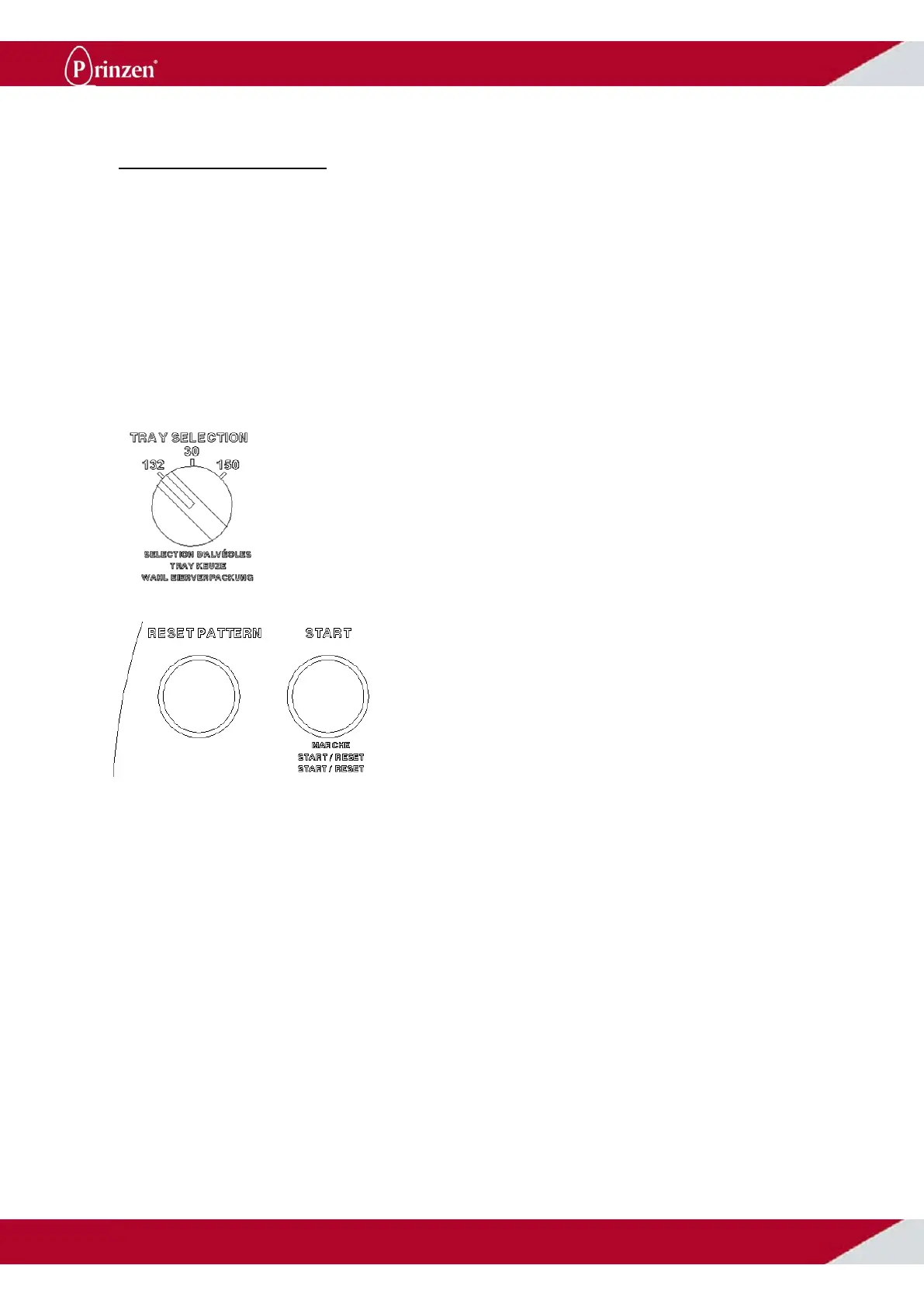
Tray selection:
This button is only present on systems that are able to use 2 different tray types.
Most common is the PSP5 with 30 cell trays and 150 cell hatch trays. In that case switch the tray
selection switch to I for using the 30 cell trays and to II for using the 150 cell hatch trays.
Since the PSPC7 may run 3 different types of
trays, this system may have a 3 positions tray
selection switch. A sticker shows how to set
the selection switch to run the appropriate tray.
Reset pattern:
This button is only present on systems with the
optional egg pattern device.
For these systems it is important not to disturb
the sequence of filling trays. When a half filled
tray is removed manually, and a next empty
tray is entered, the filling of this tray is out of
sequence resulting in trays, which are not
completely filled, and eggs placed beside the
tray onto the conveyor.
A new pattern can only be started by pushing
the reset pattern button or switching to a
different tray type with the tray selection
switch.
In all other situations, the sequence of filling
trays remains active (even after switching off
the system or pushing an emergency button).



 To Next Page