OVOPRINT
UM-PSPC-06-E/10-2012 USER MANAUL PSPC Page 95 of 99
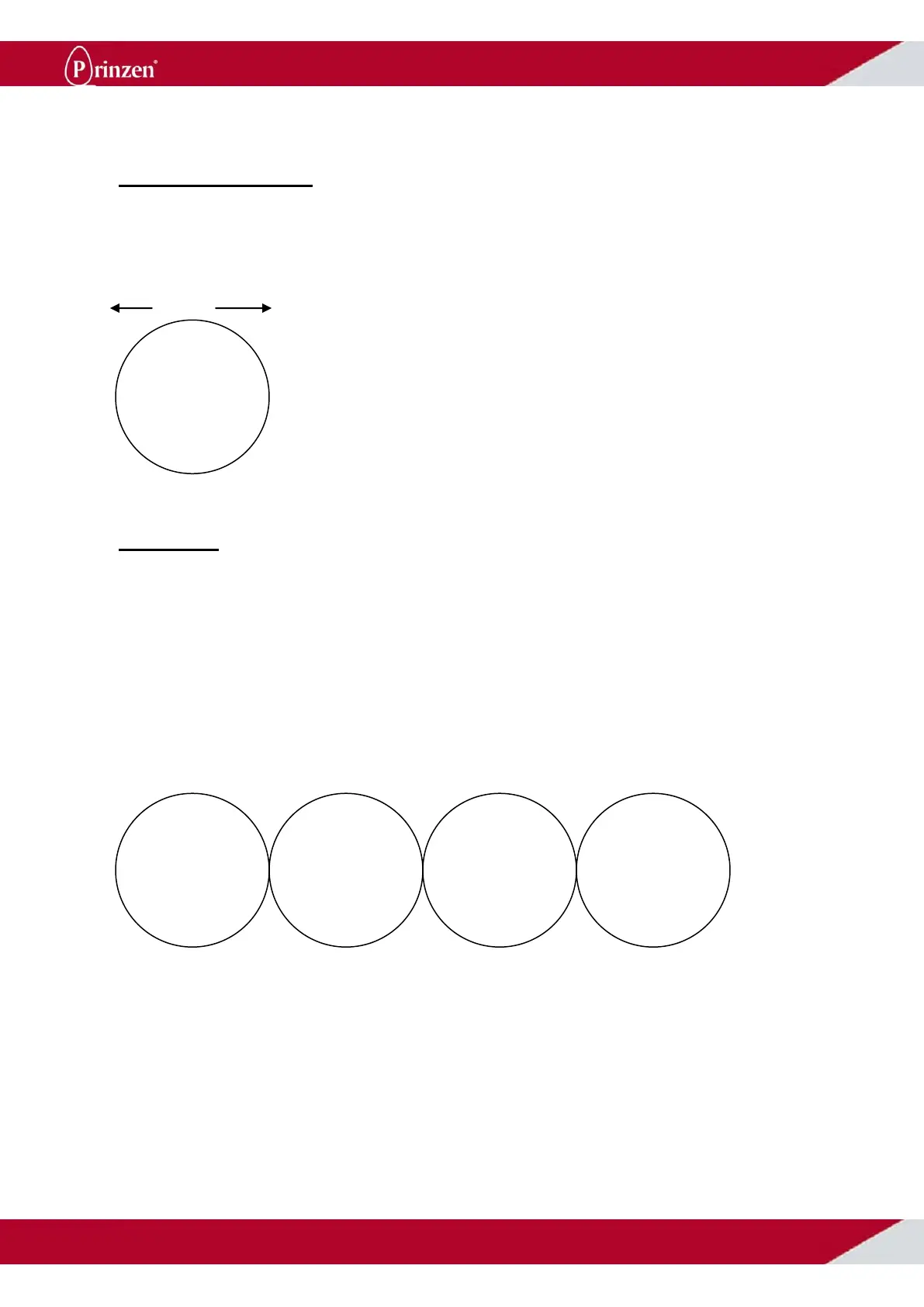
SET PRINT LENGTH
Press *, followed by # to access the submenu.
Now press 2 “user functions’, and press 5 ‘print length’. Here you can set the desired length of the text
in mm. For example; large eggs on 22 mm, and smaller eggs on 18mm length.
The numbers in the display can be overwritten and confirmed with #.
22mm
SET FONT
Press *, followed by # to access the submenu.
Now press 2 “user functions’, and press 1 “Font”. Now you can choose:
1 Standard (normal set-up)
2 Bold (e.g. dark eggs need more ink)
3 Small (preferred for smaller eggs)
4 Times (more ink, other font)
If a choice has been made, confirm this with #.
Now press * 3 times to return to the menu.
Standard (1) Bold (2) Small (3) Times (4)



 To Next Page