8-2
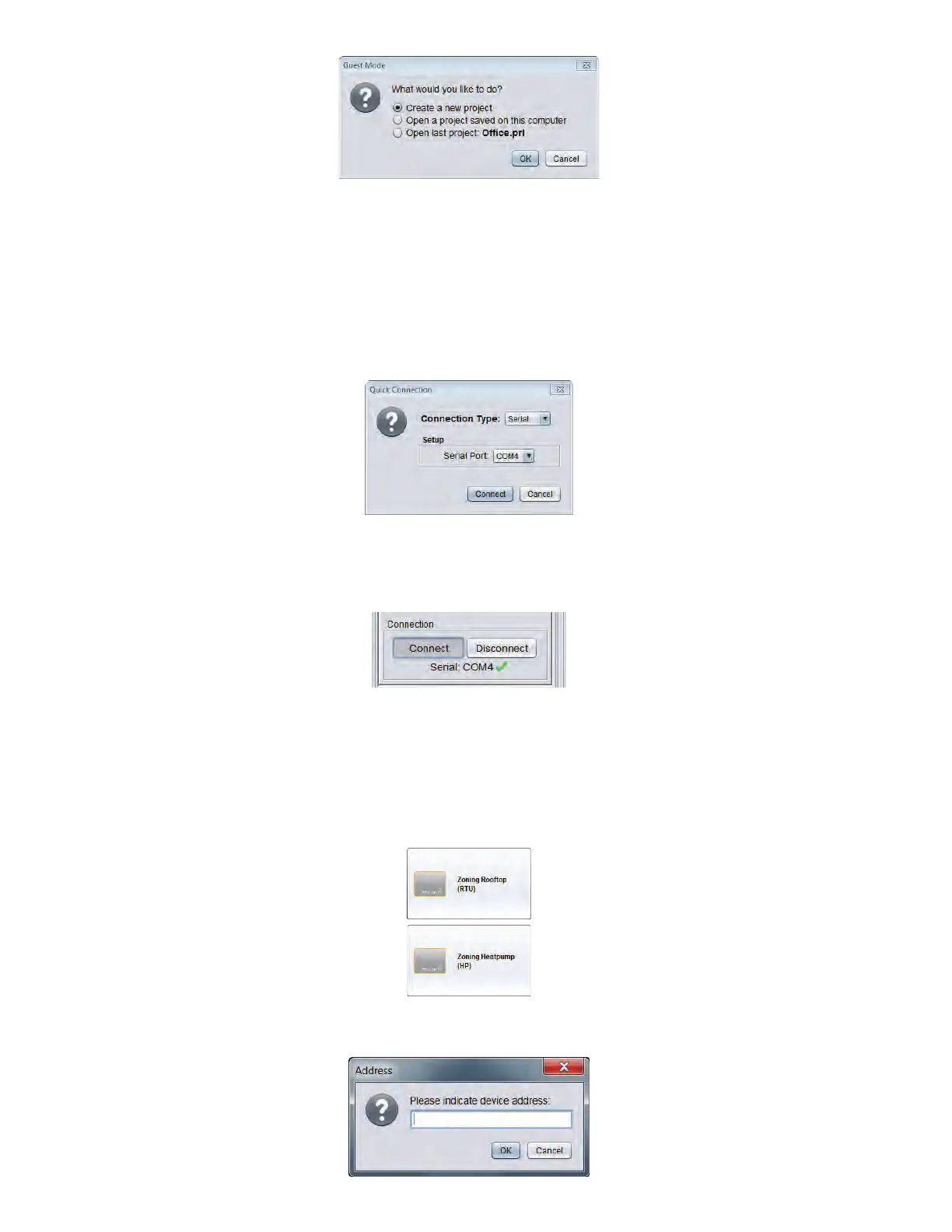
• Uponselectinganewproject,Focuswillasktheuserhowtoconnecttothesystem:
> Serial connection: choose this option to connect to a NC-2000 using a USB cable, or any Prolon controller using a USB-
to-RS485 interface.
> IP connection: choose this option to connect to a NC-2000 over the Ethernet port using a static IP address.
> Modem connection: choose this option to connect to any controller using a dial-up modem.
> Cloud connection: choose this option to connect to a NC-2000 via Cloud communication (not available in Guest mode)
• Select: “Serial” connection type.
• Select amongst the list of communication port numbers available the one matching the interface you previously retrieved.
• A message will appear in the left task bar under the “connection”sectiontoconrmtheportisopened,showingagreen
check mark.
Setting up a new zoning system (manually)
• From the “Controller” section on the left task bar, choose the proper control type category (Master, Zone or Other).
• Drag -and- drop, -or- double click the desired controller icon (eg: “Rooftop” for a C1050 RTU or M2000 RTU air conditioning
controller).
• Enter the communication address (as determined on the controller by the addressing dipswitch positions).



 To Next Page