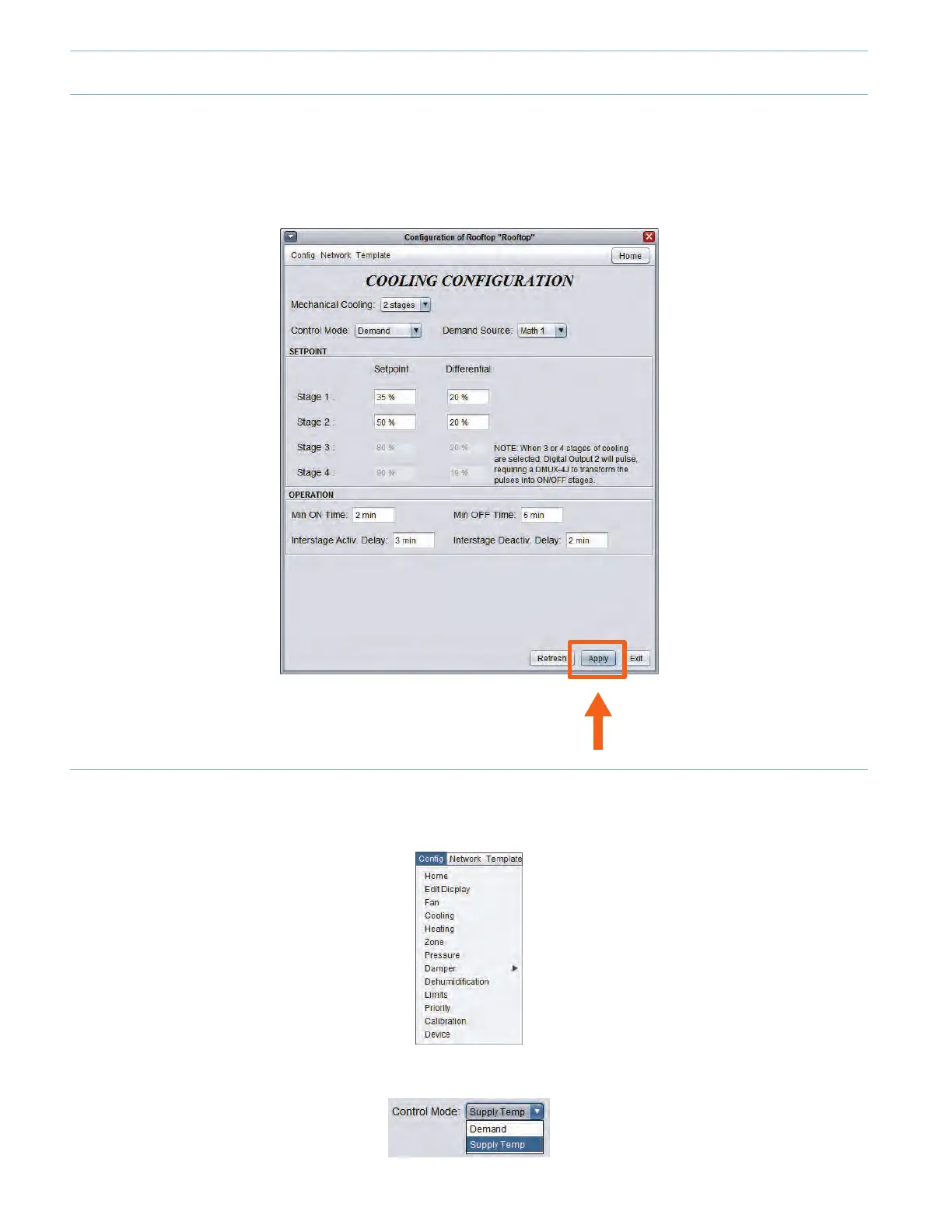
2.1 - Applying a Conguration Change
When making changes to a controller, do not forget to press the « Apply » button (located on the bottom right of every
congurationpage)touploadthechangestothecontroller.Ifthe"Apply"buttonisnotpressed,thechangewillnotbeuploaded
to the controller.
2 - Creating a VAV System (Variable Air Volume)
2.2 - Conguring the Cooling Stages
• Onthetopleftofthescreen,select“Cong”andthen“Cooling”.
• Set the Control Mode to “Supply Temp”.
9-10



 To Next Page