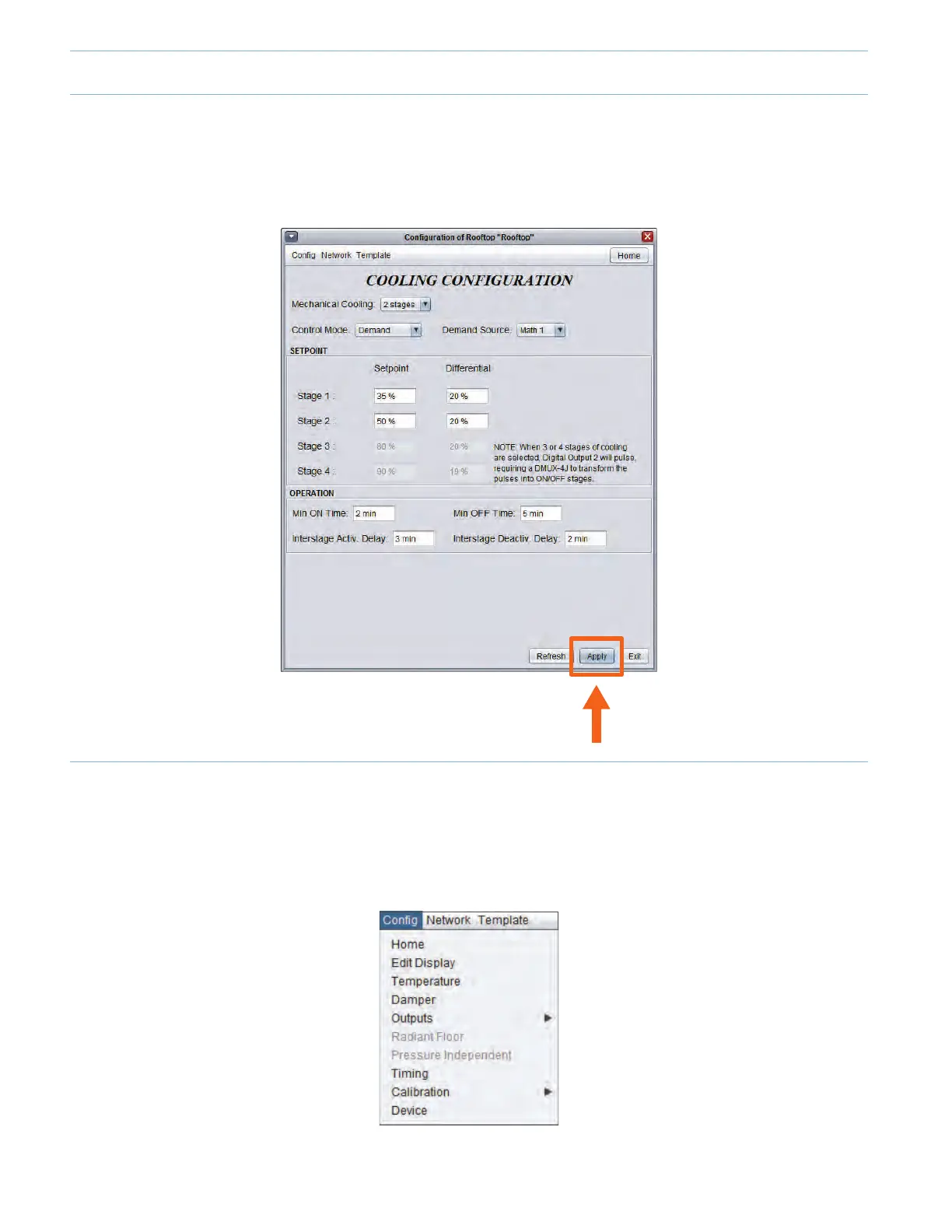
1.1 - Applying a Conguration Change
Whenmakingc hangestoacontroller,d onotfo r g e ttop r e ssth e "Apply"bu t to n( l o cate dontheb ot tomr i g h tofeve r yconguration
menu) to upload the changes to the controller. If the "Apply" button is not pressed, the change will not be uploaded to the
controller.
1 - Creating a Changeover Bypass System (“VVT”)
1.2 - Conguring a Zone Demand and Voting Weight (Zone Controller menu)
1.2.1 - Zone Demand
• Open a Zone Controller by double-clicking on its icon.
• Onthetopleftofthescreen,select“Cong”andthen“Temperature”.
9-2



 To Next Page