1.2.2 - Zone Voting Weight
• On the top left of the screen, select “Network” and then “Group Codes”.
• Inthe“Temperature”menu,the“Proportional”,“CoolingIntegral”and“HeatingIntegral”valueswilldeterminehowquickly
a zone’s demand will increase or decrease depending on the space temperature and the cooling and heating setpoints.
(See Annex A for details).
Best Practices:
It is recommended to set the Cooling Integral and Heating Integral to 30min each. It is not recommended to set the integrals to
less than 10 min as this may cause severe zone temperature swings.
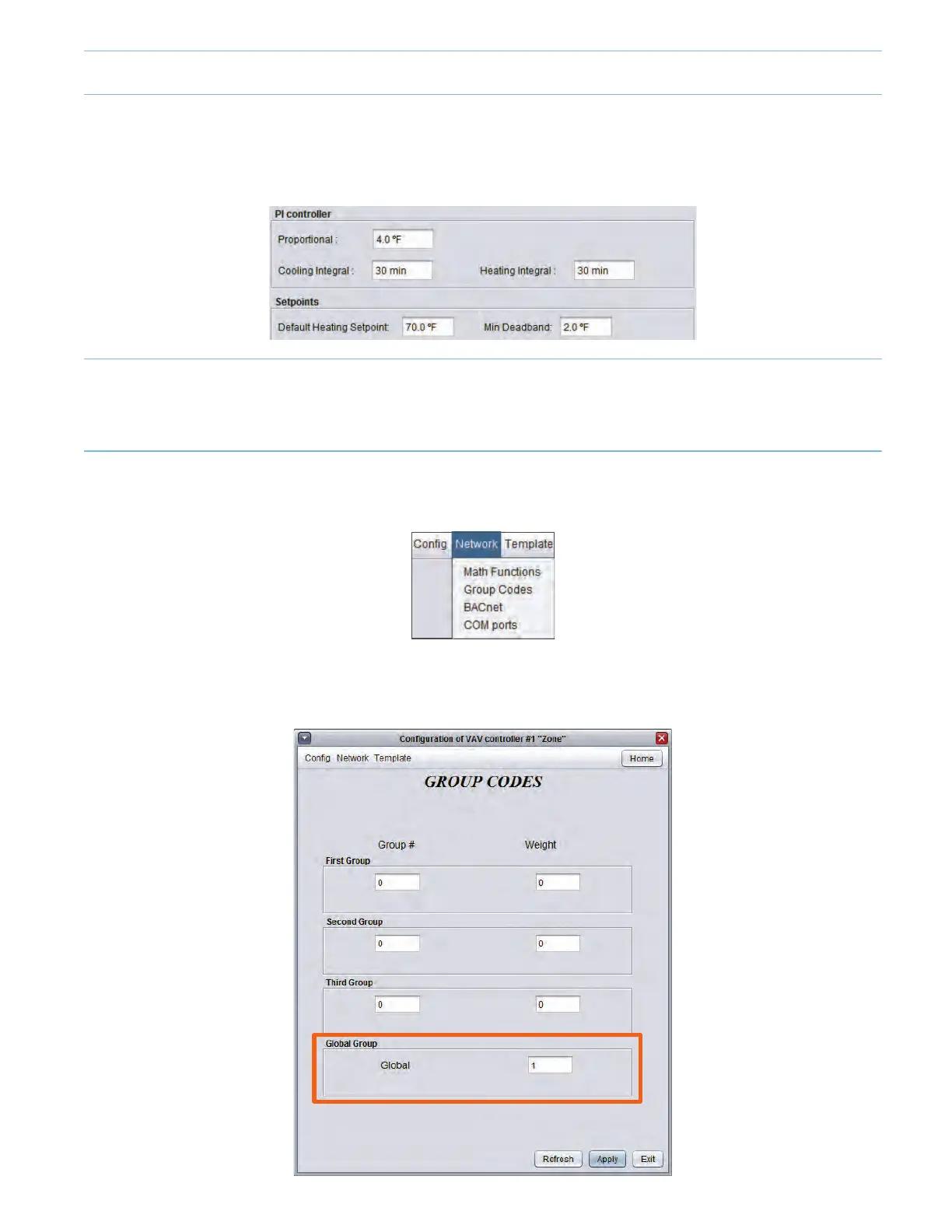
• In the “Group Codes” menu, select the zone’s weight in the “Global Group” (defaulted at 1). If the user desires a zone to
haveagreaterinuenceonthesystem,increasetheweight.IftheuserdesiresazonetoNOThaveanyinuenceonthe
system,conguretheweighttozero.
9-3



 To Next Page