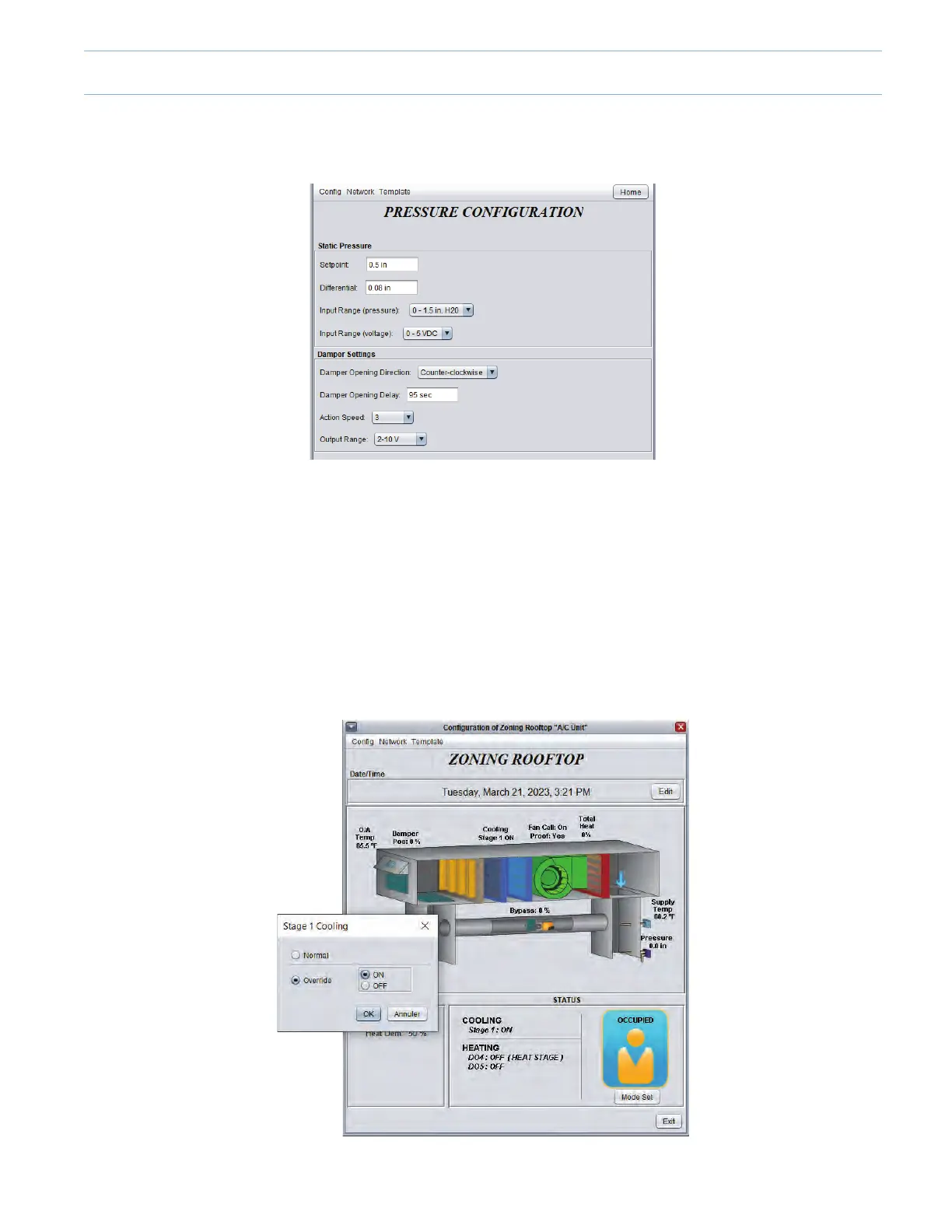
• Eg:pressureread:0.20”,adjustsetpointto(pressureread+20%)=0.24”,0.05”=dierential.
• Return to the “Zone Damper Overrride” and enter 25%, click “Apply”.
• Check the bypass damper opening on the home page as well as physically according to the increase in pressure. Inverse
the opening direction of the bypass damper if need be.
• Return to the home page, click “Network” and then “Other”. Remove the “Zone Damper Override”, press “Apply”.
Cooling and heating operations
• From the home page of the unit controller, point and right-click each item to be checked to activate the override mode. You
can check the economizer’s damper(s) (if applicable), the cooling stage(s), the heating stage(s) and/or the modulating
heating output from the unit. Physically check the proper functioning of each of these elements.
• Return to the “Edit Display” menu and remove the absolute overrides and click “Apply”.
8-5



 To Next Page