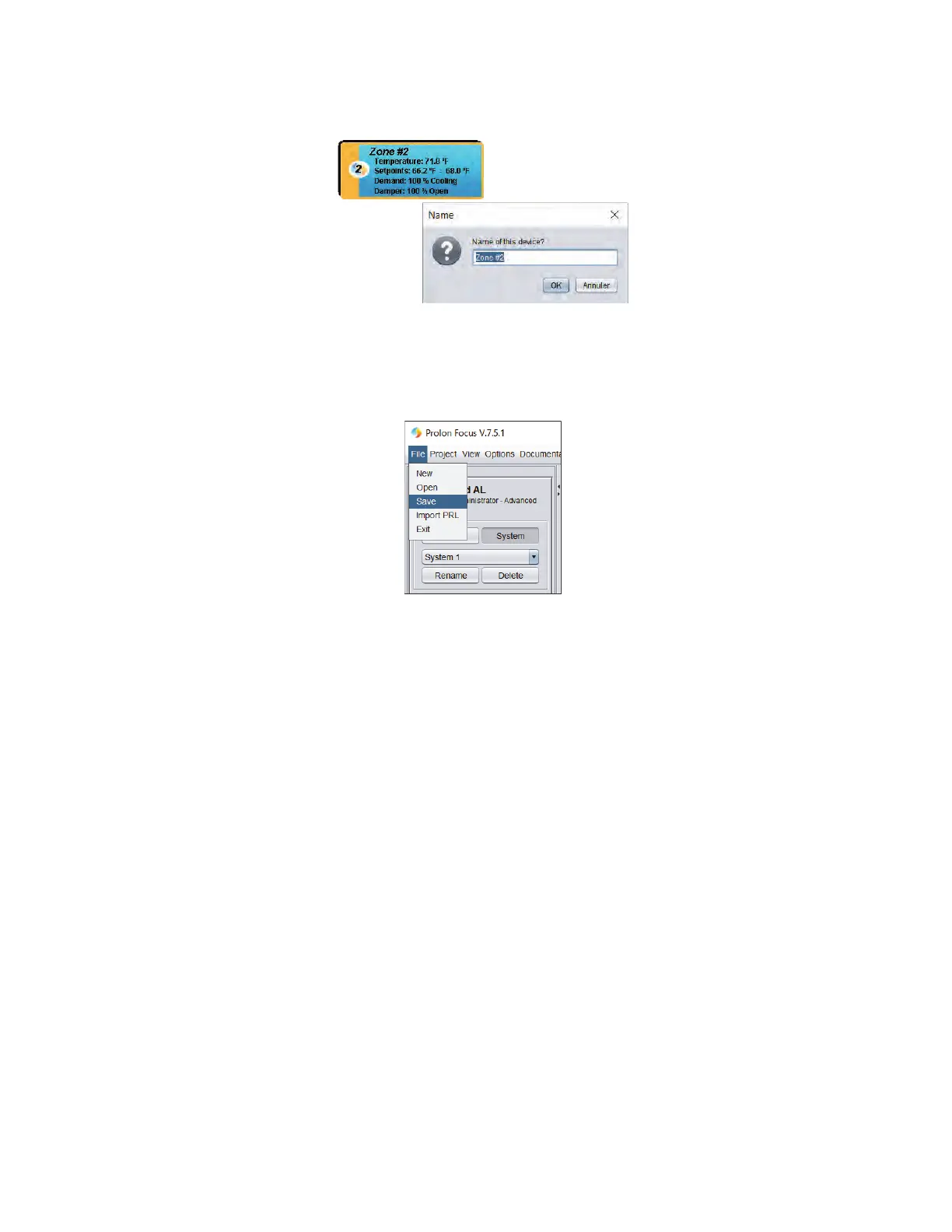
Rename zones and units
• From the basic system screen, right-click a zone or unit controller’s icon, select “Rename” and type the zone or unit’s
name and click “OK”.
Save
• Click on “File” in the upper left corner. Choose “Save” or “Save As…”tosavethecongurationle(.prlle).
Exit
• Click on “File” in the upper left corner, choose “Exit” or click on the X in the upper right corner to close Focus.
Advanced Congurations
• Focusprovidesmanyothersettingstooptimizetheoperationofyoursystems.Howeverthisguideisaquickstartguide,
we invite you to consult the complete documentation online www.proloncontrols.com .
8-7



 To Next Page