21
Vess A2200 Quick Installation Guide
Log in to LinUx
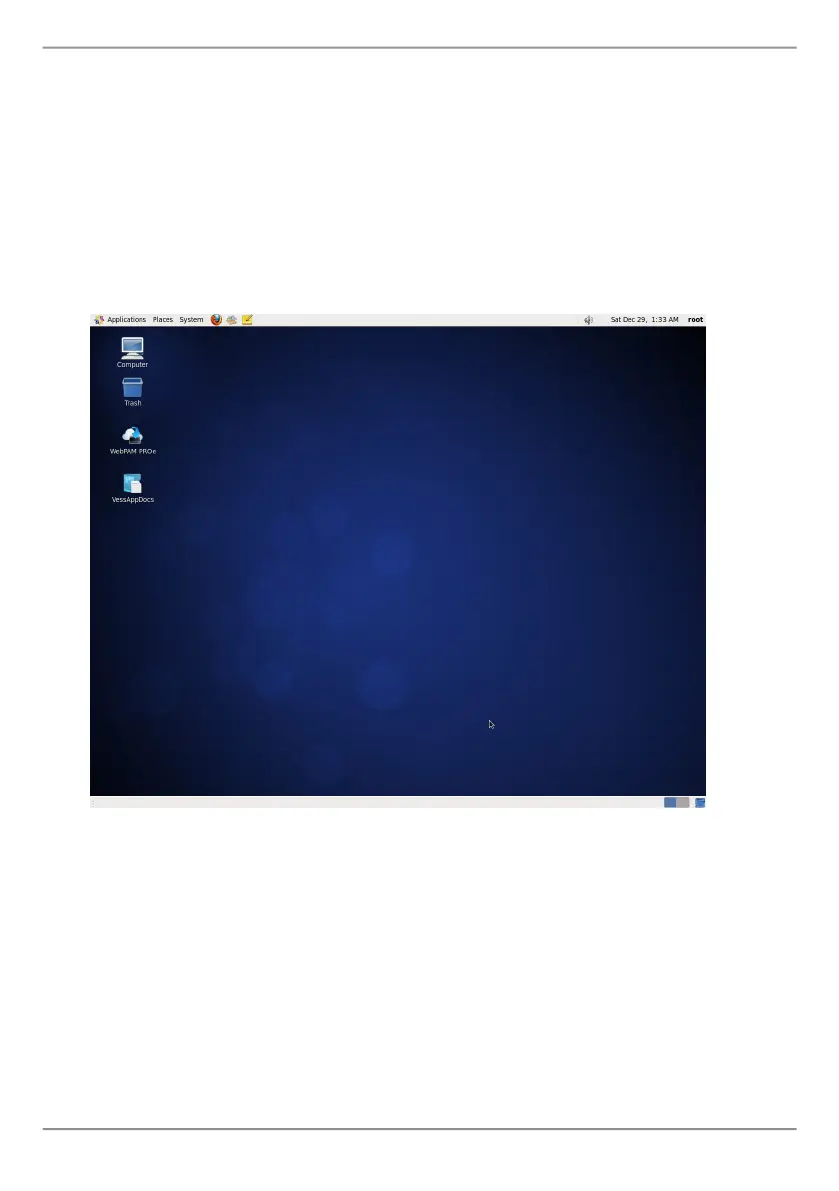
AftertheVesssystemisfullybootedup,aloginscreenappears.Typeinthedefault
username,rootanddefaultpassword,passwordtocontinuetothedesktopofthe
installedLinuxOS.Whenthedesktopappears,itshouldappearsimilartotheexample
below.Therewillbetwoquicklinkiconsonthedesktop.Onelinkforawebbrowser
connectiontoWebPAMPROeandonelinktoalethatcontainsuserdocuments.
Figure 22: Linux desktop icons



 To Next Page
 Loading...