Reference MVI56E-GSC/GSCXT ♦ CompactLogix or MicroLogix Platform
User Manual Enhanced Generic ASCII Serial Communication Module
Page 110 of 140 ProSoft Technology, Inc.
April 24, 2017
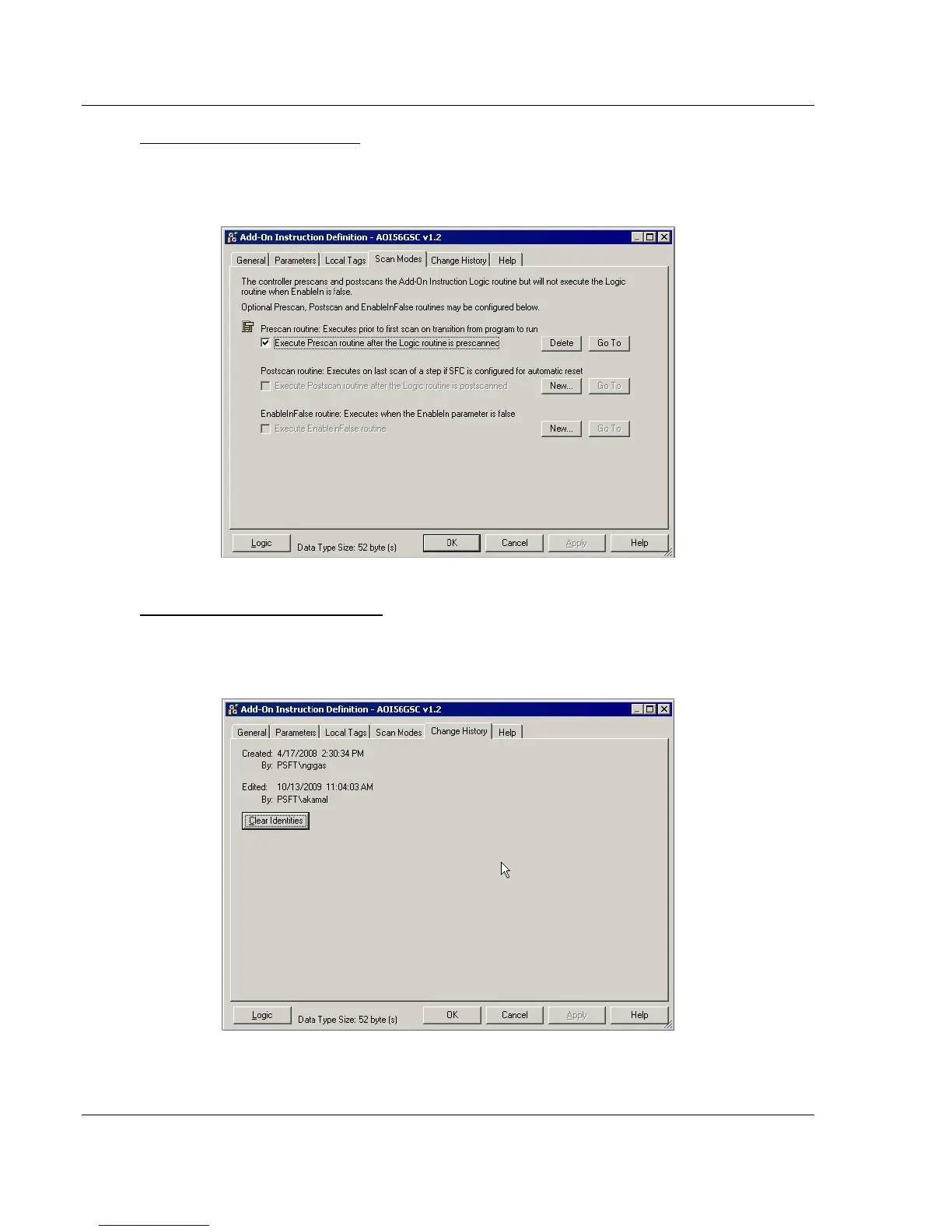
AOI56GSC Scan Modes Tab
This tab selects the use of available AOI logic options. You will notice the
Prescan routine selection is checked. It is recommended that you make no
changes to the selections and entries on this tab.
AOI56GSC Change History Tab
This tab shows the dates an times when the AOI was changed and who made
the changes. It is recommended that you click on the CLEAR IDENTITIES button on
this tab.



 To Next Page