Reference MVI56E-GSC/GSCXT ♦ CompactLogix or MicroLogix Platform
User Manual Enhanced Generic ASCII Serial Communication Module
Page 122 of 140 ProSoft Technology, Inc.
April 24, 2017
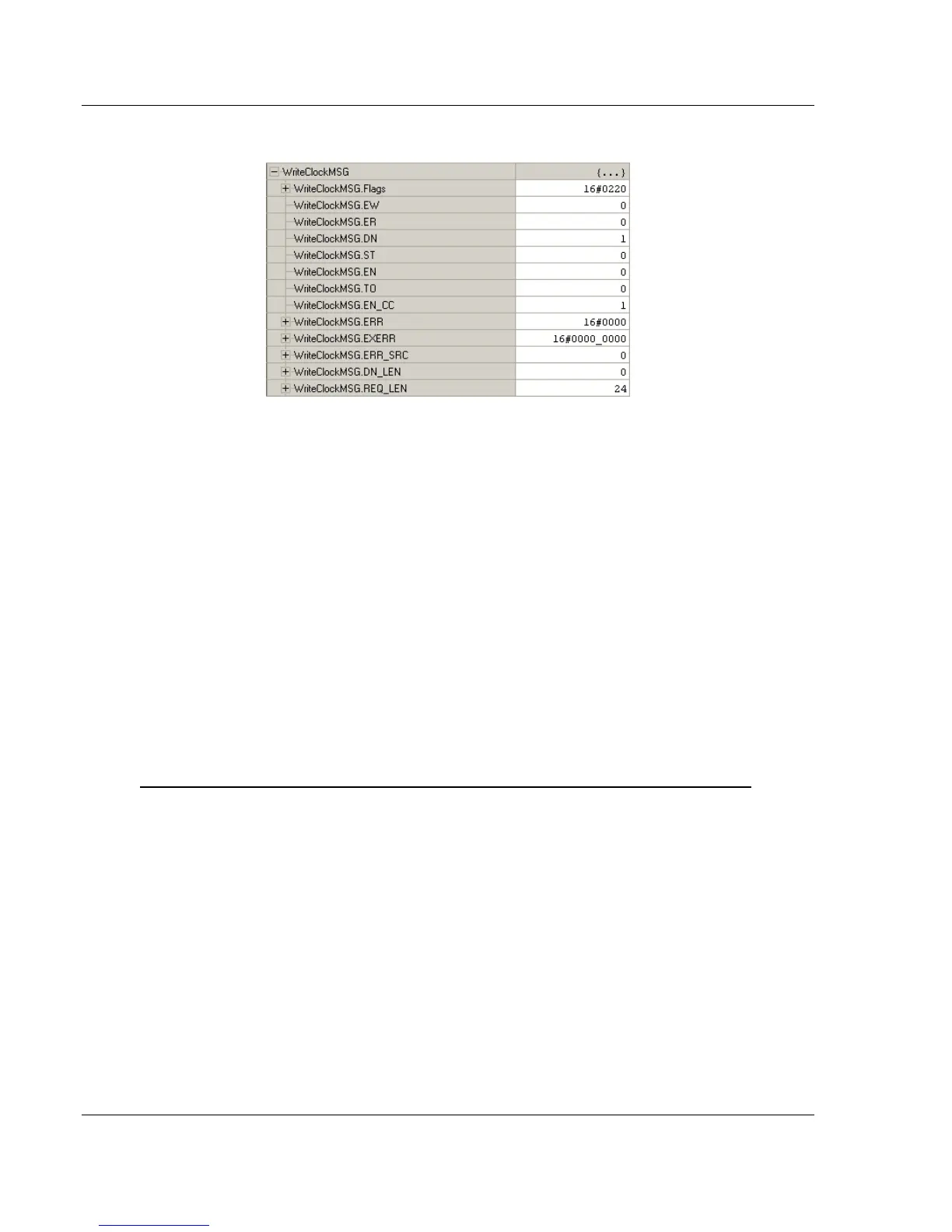
5 To check the status of the message, refer to the WRITECLOCKMSG tag.
4.7 Using the Sample Program - RSLogix 5000 Version 15 and earlier
The sample program included with your MVI56E-GSC module contains
predefined controller tags, configuration information, data types, and ladder logic
that allow the module to communicate between the ControlLogix processor and a
network of generic ASCII serial devices. For most applications, the sample
program will work without modification.
4.7.1 Opening the Sample Program in RSLogix
The sample program for your MVI56E-GSC module includes custom tags, data
types and ladder logic for data I/O, status and command control. For most
applications, you can run the sample program without modification, or, for
advanced applications, you can incorporate the sample program into your
existing application.
Download the manuals and sample program from the ProSoft Technology web site
You can always download the latest version of the sample ladder logic and user
manuals for the MVI56E-GSC module from the ProSoft Technology website, at
www.prosoft-technology.com/support/downloads (http://www.prosoft-
technology.com/support/downloads)
From that link, navigate to the download page for your module and choose the
sample program to download for your version of RSLogix 5000 and your
processor.



 To Next Page