MVI56E-GSC/GSCXT ♦ CompactLogix or MicroLogix Platform Diagnostics and Troubleshooting
Enhanced Generic ASCII Serial Communication Module User Manual
ProSoft Technology, Inc. Page 61 of 140
April 24, 2017
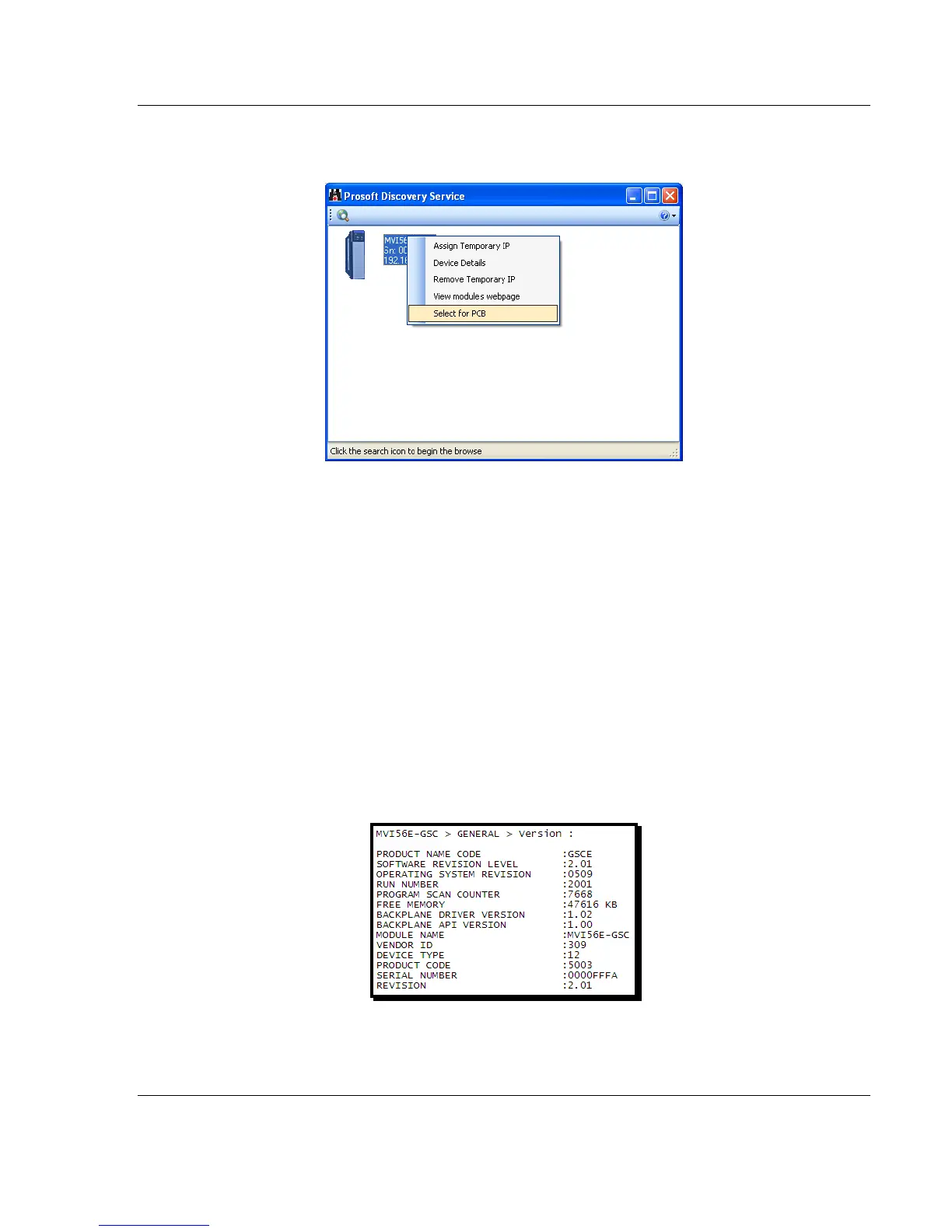
1 Click the BROWSE DEVICE(S) button to open the ProSoft Discovery Service.
Select the module, then right-click and choose SELECT FOR PCB.
2 Close ProSoft Discovery Service, and click the CONNECT button again.
3 If these troubleshooting steps fail, verify that the Ethernet cable is connected
properly between your computer and the module, either through a hub or
switch (using the grey cable) or directly between your computer and the
module (using the red cable).
If you are still not able to establish a connection, contact ProSoft Technology for
assistance.
3.3 Monitoring Module Information
Use the MODULE menu to view configuration and hardware information for the
MVI56E-GSC module’s backplane and Ethernet application port.
3.3.1 Version Menu
Use the VERSION menu to view module hardware and firmware information.



 To Next Page