Diagnostics and Troubleshooting MVI56E-GSC/GSCXT ♦ CompactLogix or MicroLogix Platform
User Manual Enhanced Generic ASCII Serial Communication Module
Page 60 of 140 ProSoft Technology, Inc.
April 24, 2017
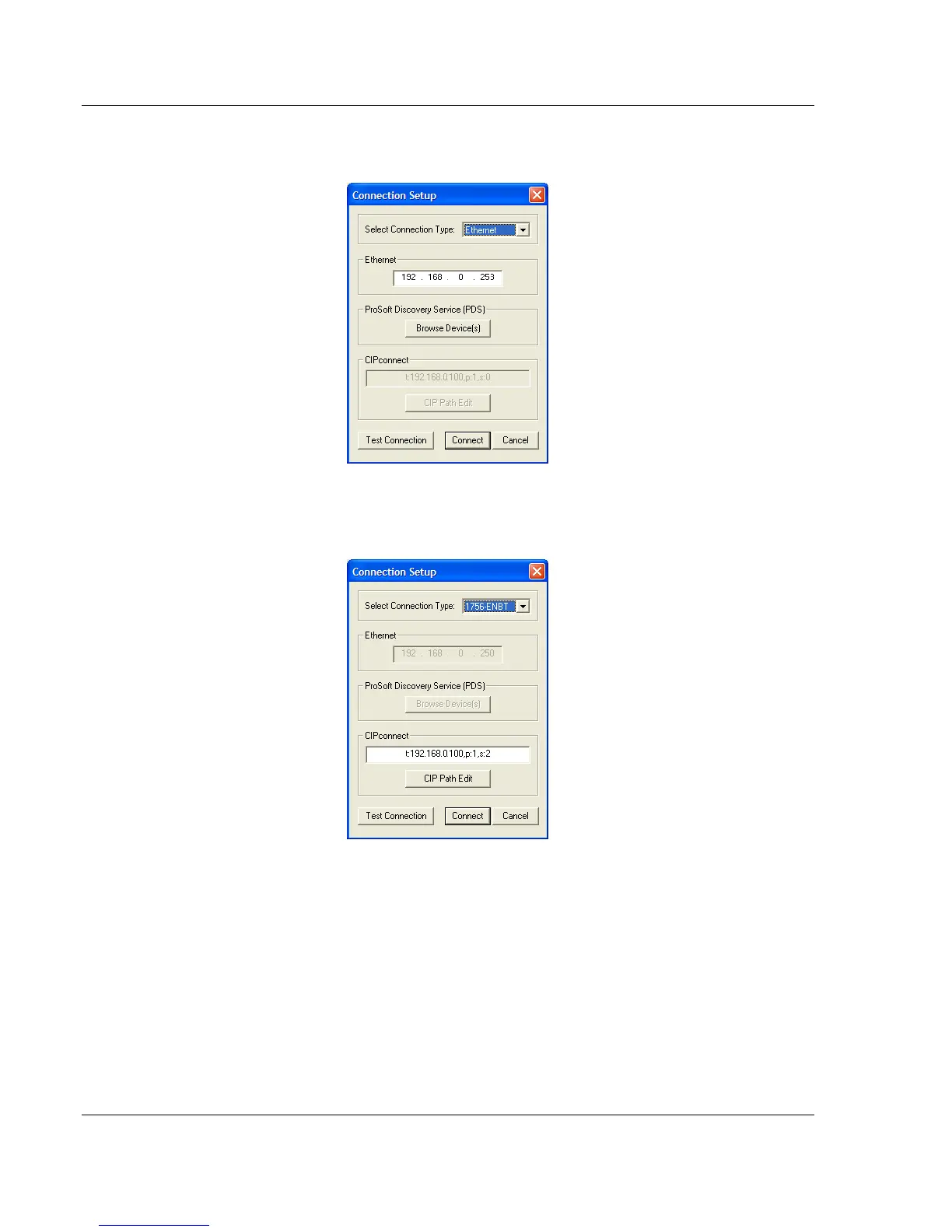
4 In the Connection Setup dialog box, click the TEST CONNECTION button to
verify that the module is accessible with the current settings.
You can also use CIPconnect
®
to connect to the module through a 1756-
ENBT card. Refer to Using CIPconnect
®
to Connect to the Module (page 24)
for information on how to construct a CIP path.
5 If the Test Connection is successful, click CONNECT.
If PCB is unable to connect to the module:



 To Next Page