Reference MVI56E-GSC/GSCXT ♦ CompactLogix or MicroLogix Platform
User Manual Enhanced Generic ASCII Serial Communication Module
Page 120 of 140 ProSoft Technology, Inc.
April 24, 2017
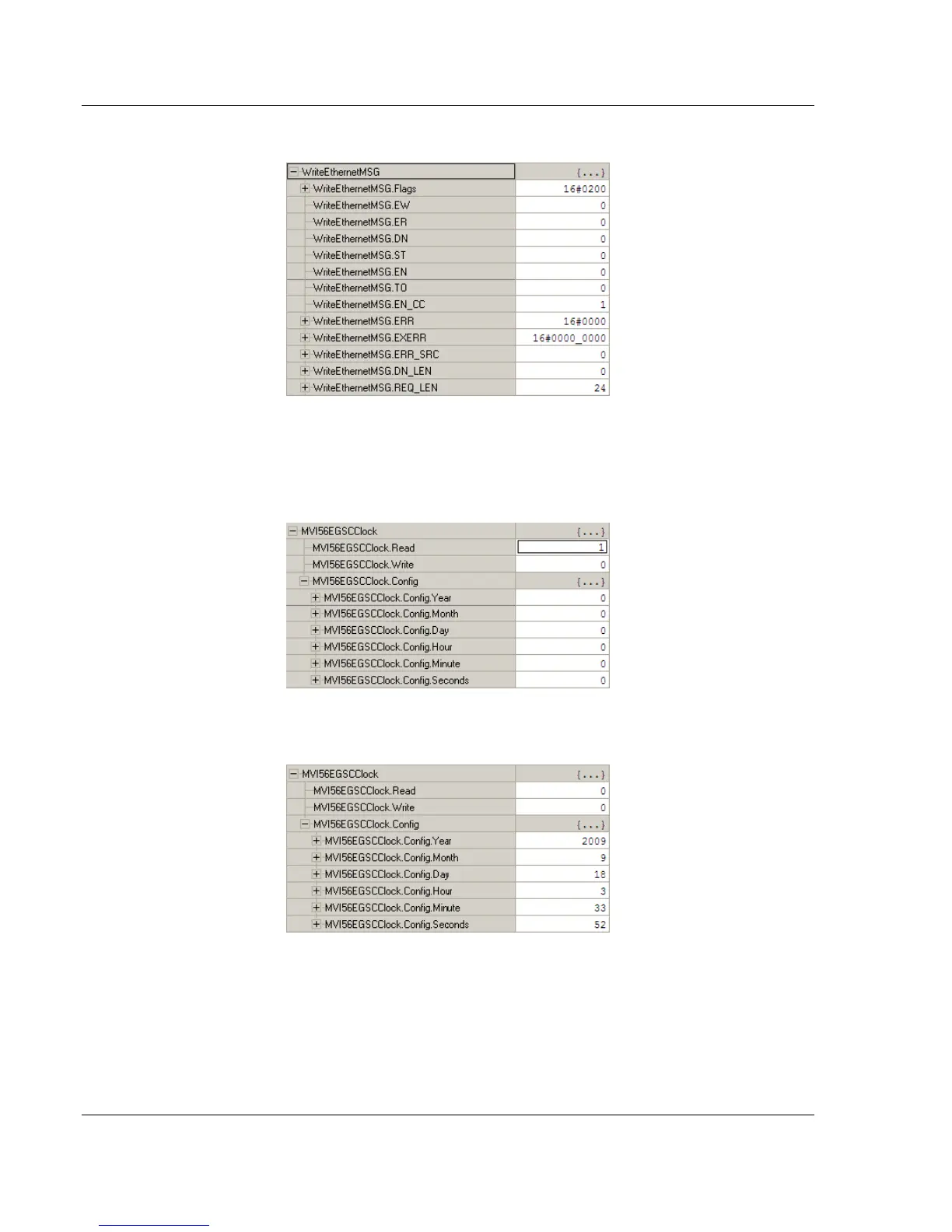
5 To check the status of the message, refer to the WRITEETHERNETMSG tag.
4.6.6 Reading the Clock Value from the Module
1 Expand the MVI56GSCCLOCK controller tag and move a value of 1 to
MVI56GSCCLOCK.READ
2 The bit will be automatically reset and the current clock value will be copied to
MVI56GSCCLOCK.CONFIG controller tag as follows.



 To Next Page