Reference MVI56E-GSC/GSCXT ♦ CompactLogix or MicroLogix Platform
User Manual Enhanced Generic ASCII Serial Communication Module
Page 126 of 140 ProSoft Technology, Inc.
April 24, 2017
4.7.3 Select the Slot Number for the Module
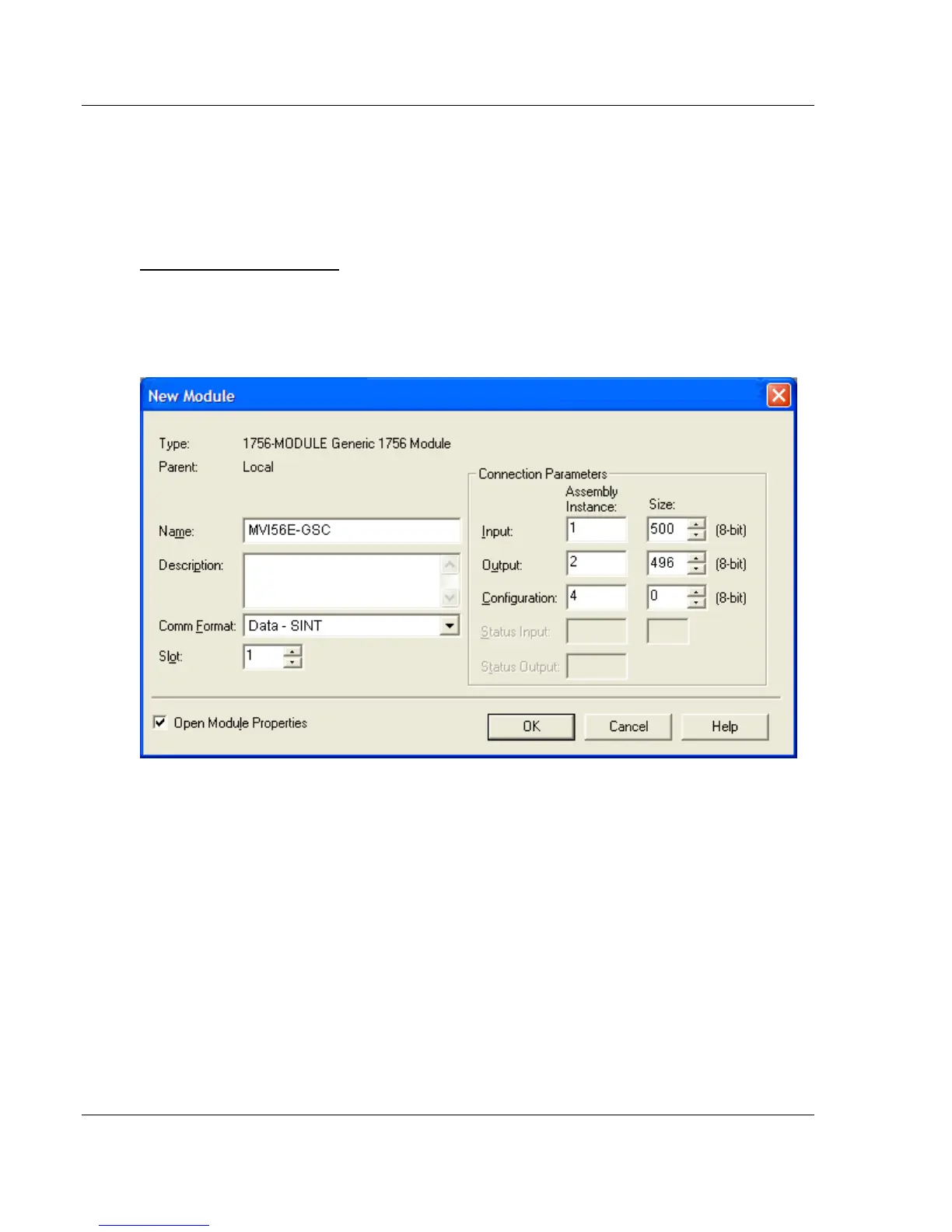
The sample application is for a module installed in Slot 1 in a ControlLogix rack.
The ladder logic uses the slot number to identify the module. If you are installing
the module in a different slot, you must update the ladder logic so that program
tags and variables are correct, and do not conflict with other modules in the rack.
To change the slot number
1 In the CONTROLLER ORGANIZATION list, select the module [1] 1756-MODULE
MVI56, and then click the right mouse button to open a shortcut menu.
2 On the shortcut menu, choose PROPERTIES. This action opens the MODULE
PROPERTIES dialog box.
3 In the SLOT field, use the up and down arrows on the right side of the field to
select the slot number where the module will reside in the rack, and then click
OK.
RSLogix will automatically apply the slot number change to all tags, variables
and ladder logic rungs that use the MVI56E-GSC slot number for computation.


 To Next Page