MVI56E-GSC/GSCXT ♦ CompactLogix or MicroLogix Platform Diagnostics and Troubleshooting
Enhanced Generic ASCII Serial Communication Module User Manual
ProSoft Technology, Inc. Page 67 of 140
April 24, 2017
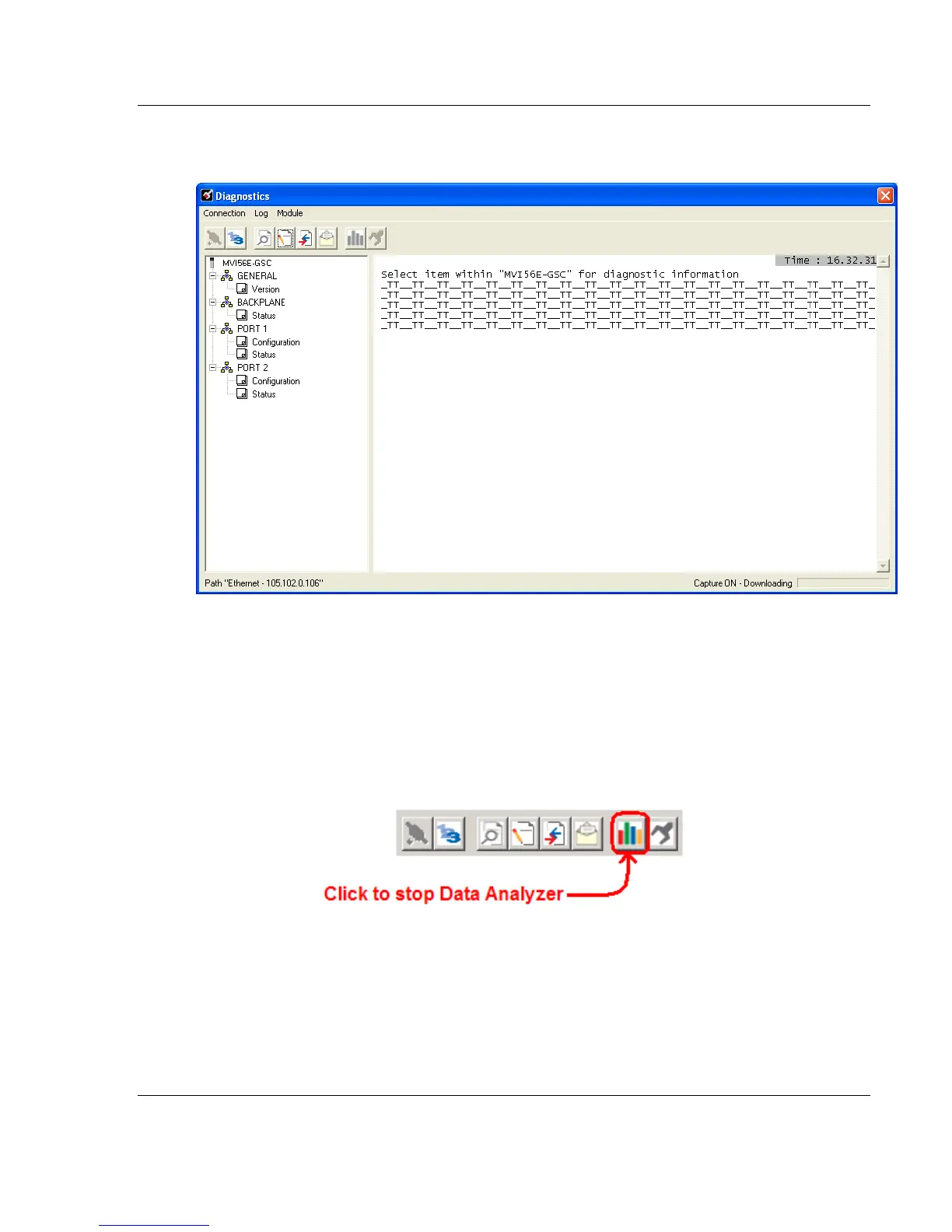
To begin the display of communications data, start the Data Analyzer. When the
Data Analyzer is running, you should see something like this.
The <R+> means that the module is transitioning the communications line to a
transmit state.
All characters shown in <> brackets are characters being sent out by the module.
The <R-> shows when the module is done transmitting data and is now ready to
receive information.
All characters shown in [ ] braces are information being received from another
device by the module.
After capturing traffic for a minute or two, stop the Data Analyzer.



 To Next Page