93-331-73 Issue 2 Page 20 of 32 © Protec Fire Detection PLC 2013
12.3 Programming Zones Into Test Mode
To aid the required fire alarm test schedule, zones can be put into ‘test mode’. In this mode, an alarm
on the test zone activates the alarm outputs for 4 seconds then automatically resets. This allows a
zone of detectors to be tested without having to manually reset the panel after each activation.
The Global Fire Contacts are not activated when the test zone goes into alarm.
Alarms on non-test zones will prevent the automatic reset.
The procedure for programming a zone into test is given below.
1. From access level 1 enter the 5 digit user code 1 3 4 4 2. The ‘Level 2 Accessed’ indicator
will illuminate.
2. Press button 2 to enter programming mode, the 'General Disablement' indicator will illuminate.
3. Press button 3 until the 'General Test' indicator lights. Any zones currently in test mode will be
displayed on the zone fire indicator.
4. Press button 1 (zone 1) or button 2 (zone 2) to toggle - test mode / not in test mode.
5. Press button 4 to accept and program the disablement set-up and return to access level 2.
6. Press button 4 to return back to access level 1.
The yellow ‘General Test’ indicator will be illuminated steady, showing that at least one zone has been
programmed into test mode. Any zones programmed into test mode will have their test indicator
illuminated steady.
Important Note:
• Ensure zones are removed from test mode when testing of the system is
complete.
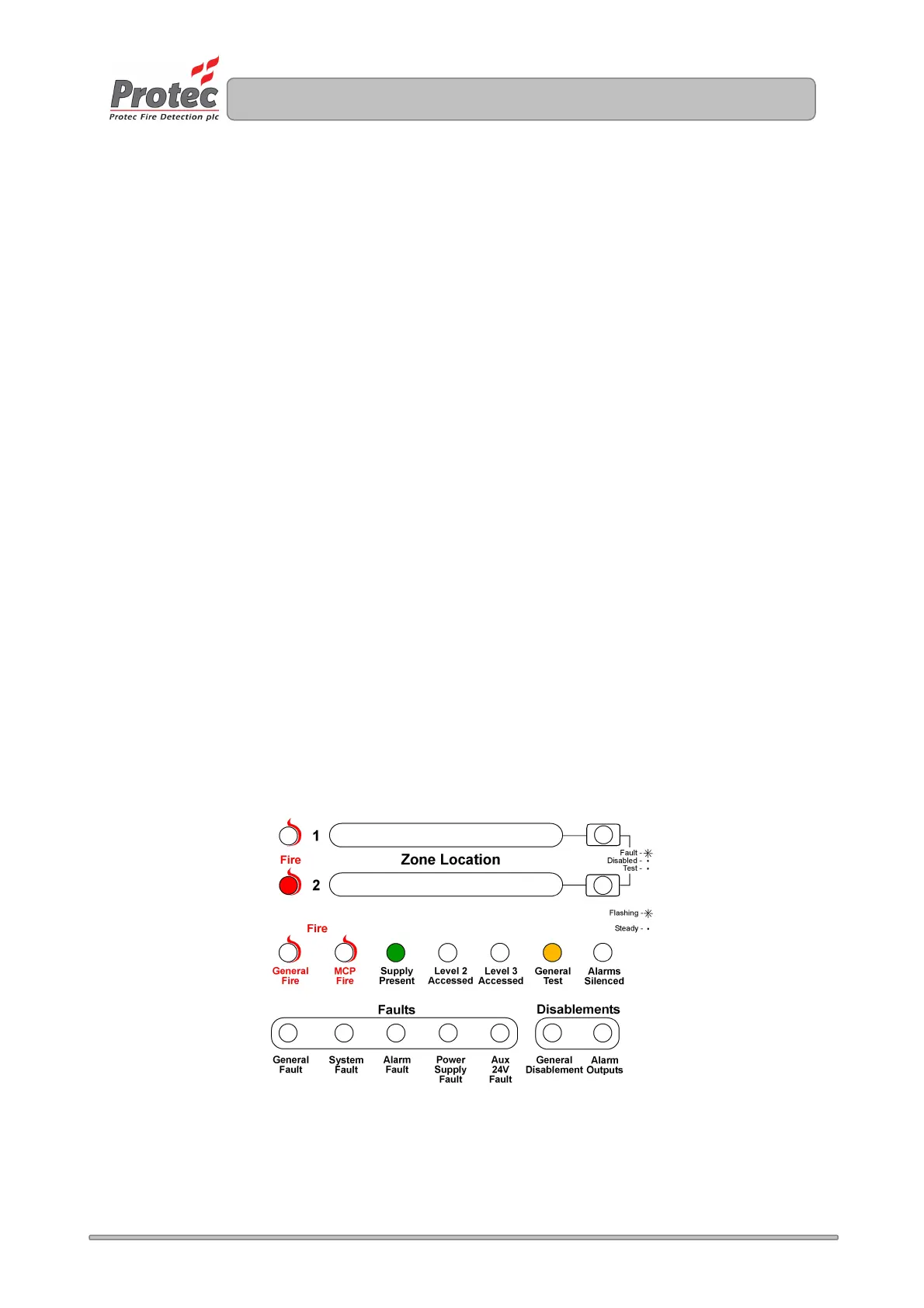
Figure 14.2. Example of display when programming zone 2 into test mode.
www.acornfiresecurity.com
www.acornfiresecurity.com



 To Next Page