93-331-73 Issue 2 Page 22 of 32 © Protec Fire Detection PLC 2013
12.5 Programming Non-Latching Zones
It is possible to program one, or more of the detector zones to operate non-latching. In this mode the
zone activates as normal, but when the cause of the activation is removed the 3200 will reset.
The Global Fire contacts do not operate.
This feature is used when connecting fire alarm systems together to ensure a ‘latch-up’ situation
cannot occur when each panel triggers the other due to latched zone activations.
1. From access level 1 enter the 5 digit engineer code 1 3 4 2 4 . The ‘Level 3 Accessed’
indicator will illuminate and the 'Supply Present' indicator will flash.
2. Press button 2 to enter programming mode, the 'General Disablement' indicator will illuminate.
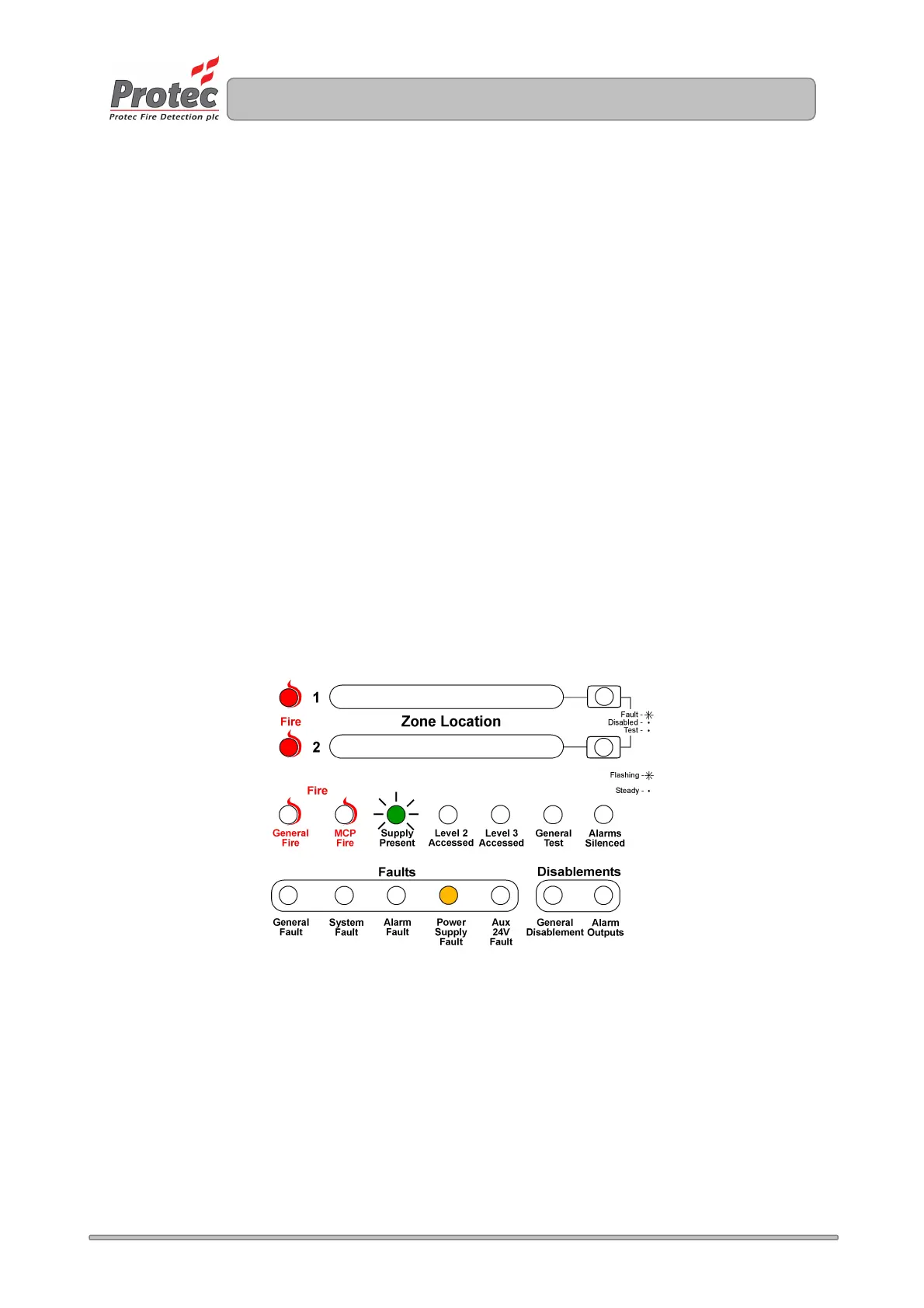
3. Press button 3 until the 'Power Supply Fault' indicator illuminates. Any zones currently as non-
latching will be displayed on the zone fire indicator.
4. Press button 1 (zone 1) or button 2 (zone 2) to toggle - non-latching / latching.
5. Press button 4 to accept and program the non-latching set-up and return to access level 3.
6. Press button 4 to return back to access level 1.
No visible indication is given on the front panel to show that zones are programmed as
non-latching. Tick the relevant box on the system set-up label (fitted inside the 3200 door).
Figure 14.4. Example display when programming zones 1 and 2 as non-latching
www.acornfiresecurity.com
www.acornfiresecurity.com



 To Next Page