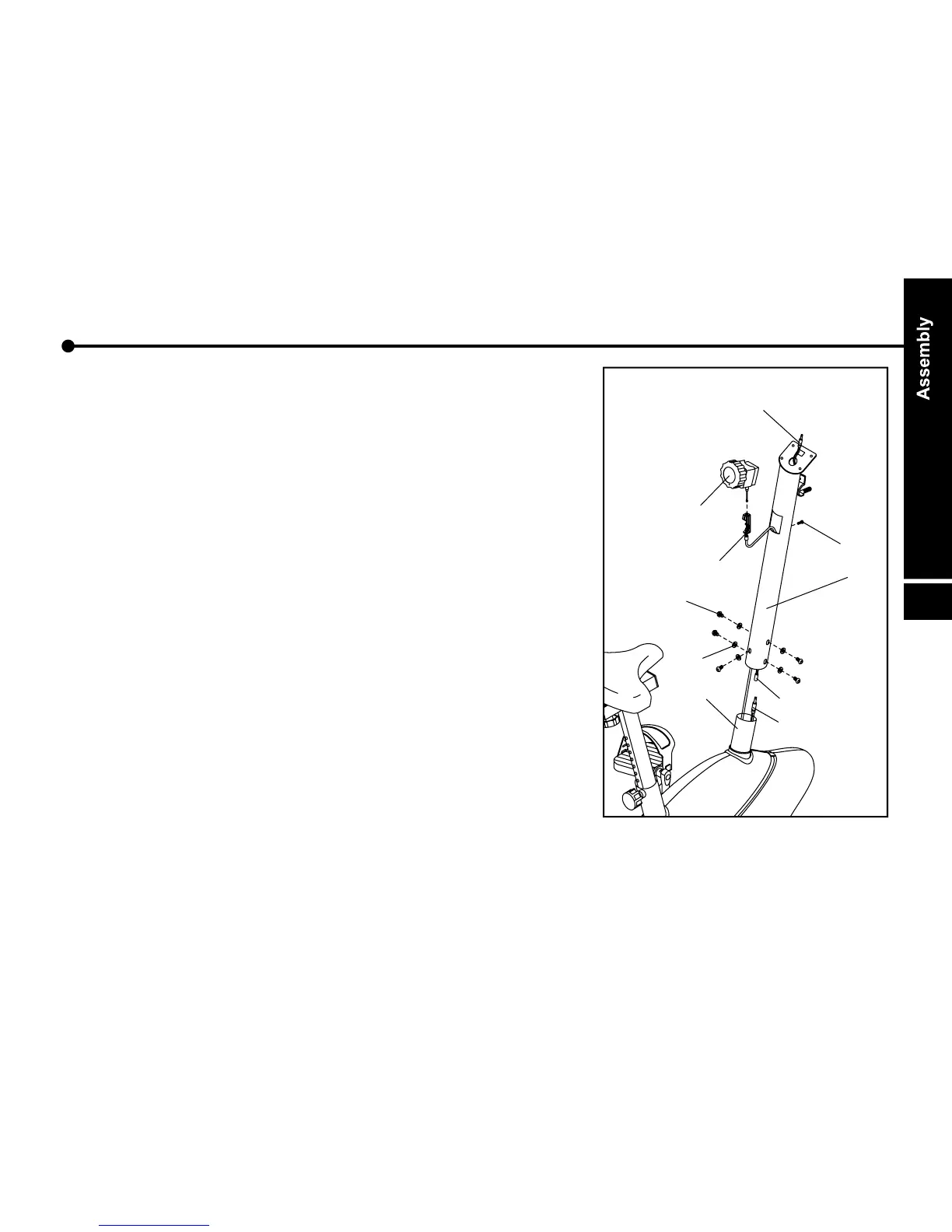
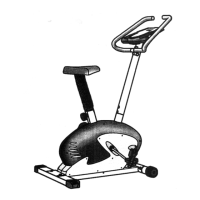
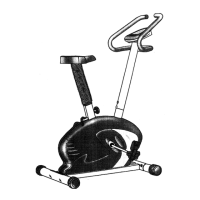
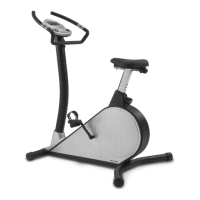
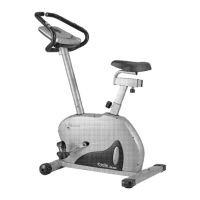
Tension control cable and handlebar post
Insert tension control cable ( 32 ) into bottom of
handlebar post ( 05 ).
2. Pull the tension cable ( 32 ) out of middle hole of
handlebar post( 05 ).
3. Connect extension monitor cable ( 09 ) and lower
monitor cable ( 10 ).
4. Then attach handlebar post ( 05 ) to mainframe ( 01 ),
fasten with washers ( 45 ) and bolts ( 44 ). ( use tool A )
5. Insert the tension control ( 31 ) onto handlebar post ( 05 ),
fasten with screw ( 50 ) from opposite direction. ( use
tool A )
6. Adjust the tension (1 to 8 level) using tension control
knob( 31 ).
e.
1.


 To Next Page