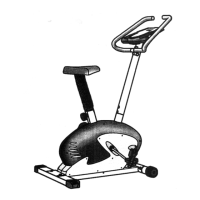
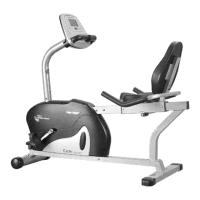
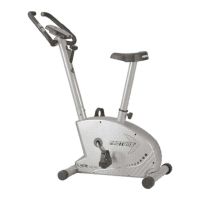
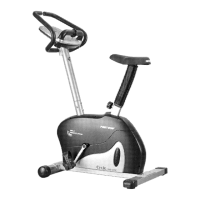
Monitor
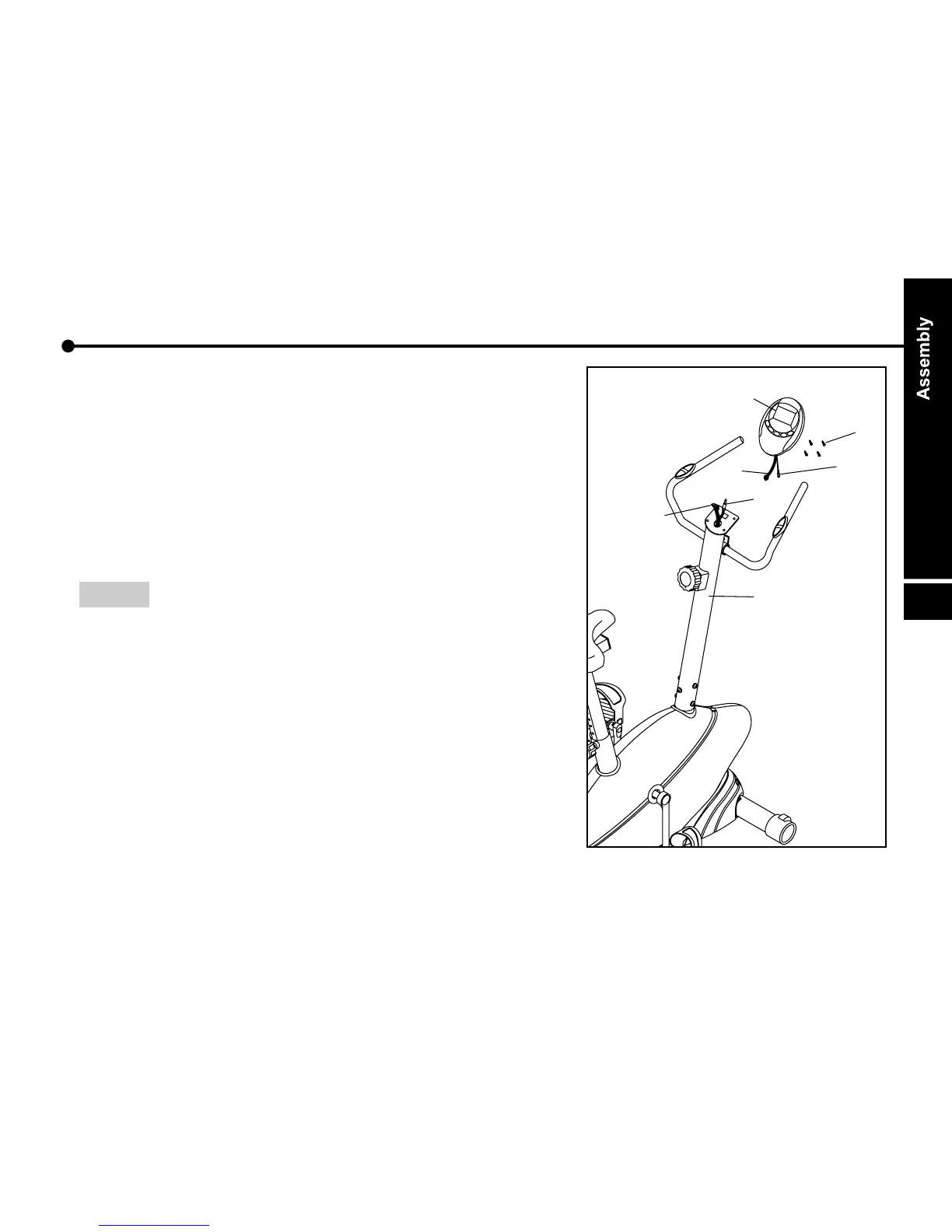
Connect extension monitor cable ( 09 ) and control
cable ( 51 ).
2. Connect pulse cables ( 34, 52 ) together.
3. Attach monitor ( 08 ) onto monitor plate on handlebar
post ( 05 ) with screws ( 53 ). ( use tool A )
NOTE : The monitor is powered with battery.
Battery spec. : 1.5V UM-3 ( or AA ) x 2 purchase
g.
1.


 To Next Page