B
O
D
Y
F
A
T
B
O
D
Y
F
A
T
N
W
O
D
N
W
O
D
E
E
N
D
T
M
O
E
R
/
E
E
N
D
T
M
O
E
R
/
P
U
P
U
R
E
C
O
V
E
R
Y
R
E
C
O
V
E
R
Y
DO
WN
U
P
B
O
D
Y
F
A
T
B
O
D
Y
F
A
T
N
W
O
D
N
W
O
D
E
E
N
D
T
M
O
E
R
/
E
E
N
D
T
M
O
E
R
/
P
U
P
U
R
E
C
O
V
E
R
Y
R
E
C
O
V
E
R
Y
BODY
FA
T
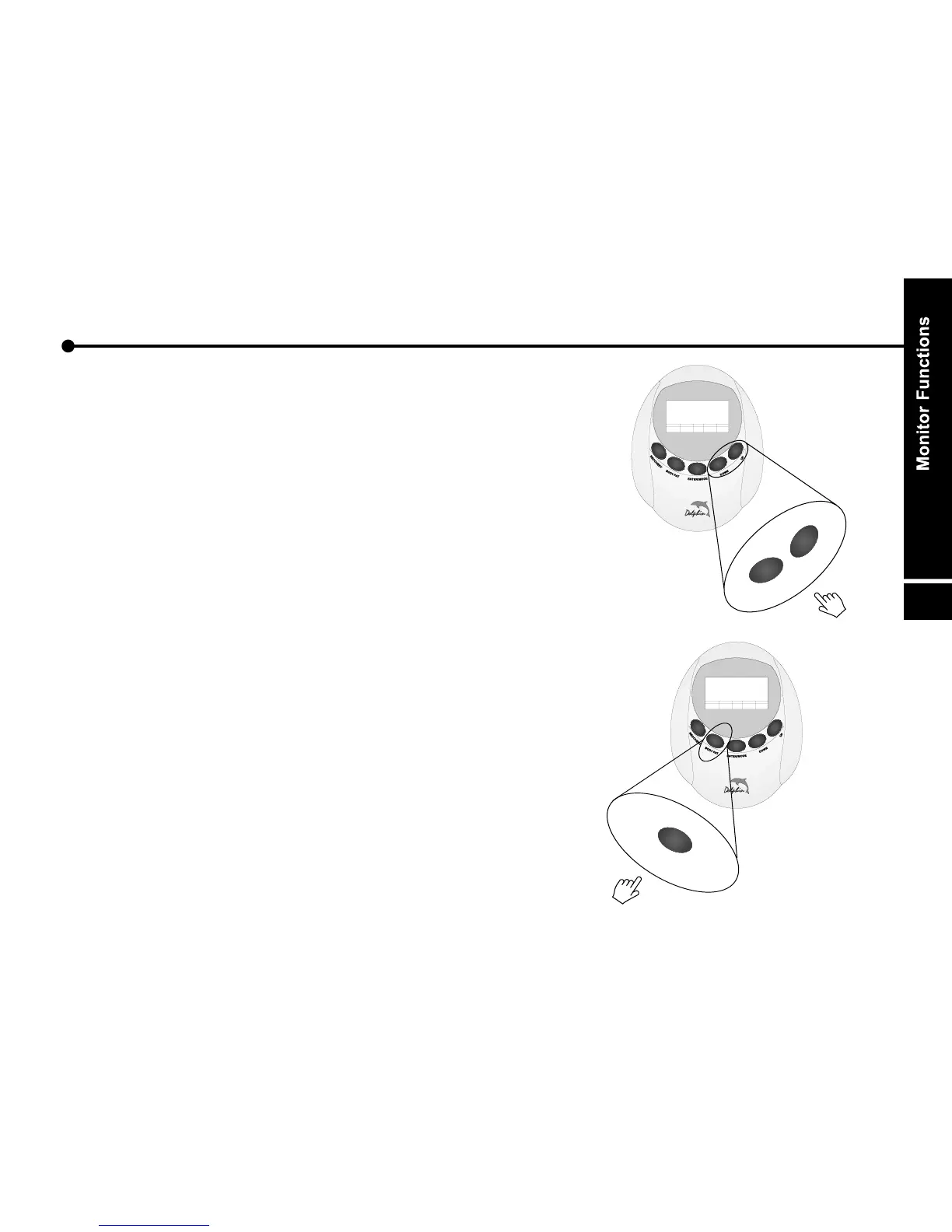
B. UP :
a. Select function and display on the main screen.
Pulse-Calorie-Distance-Speed-Time
(Or Pulse-Calorie-ODO-RPM-Time)
b. Increase the setting value of the following functions.
Time,Distance,Calorie,Pulse
and Gender,Height,Weight,Age
c. Increase the setting value of year, month, date,
hour and minute.
C.
a. Select function and display on the main screen.
Time-Speed-Distance-Calorie-Pulse
(Or Time-RPM-ODO-Calorie-Pulse)
b. Decrease the setting value of the following functions.
Time,Distance,Calorie,Pulse
and Gender,Height,Weight,Age
c. Decrease the setting value of year, month, date,
hour and minute.
D. BODY FAT
Press this button to select body fat measurement function.
After input your personal data, press this button again to start
measure, then the result will show on the screen.
DOWN :
:
18


 To Next Page