MONITOR
NOTE :BATTERY INSTALLATION
1. Please install 2 AA or UM-3 batteries in the battery case .
2. Ensure that the batteries are correctly fitted. Battery must be correctly positioned and
make sure the battery spring is properly contacted with battery.
3. If the display appears blank or display only partial segment, remove the batteries and
wait 15 seconds, then install again.
4. Whenever remove batteries, all the functions values will be reset to zero.
5. The batteries must be removed from the appliance before it is scrapped and that they
are disposed of safely.
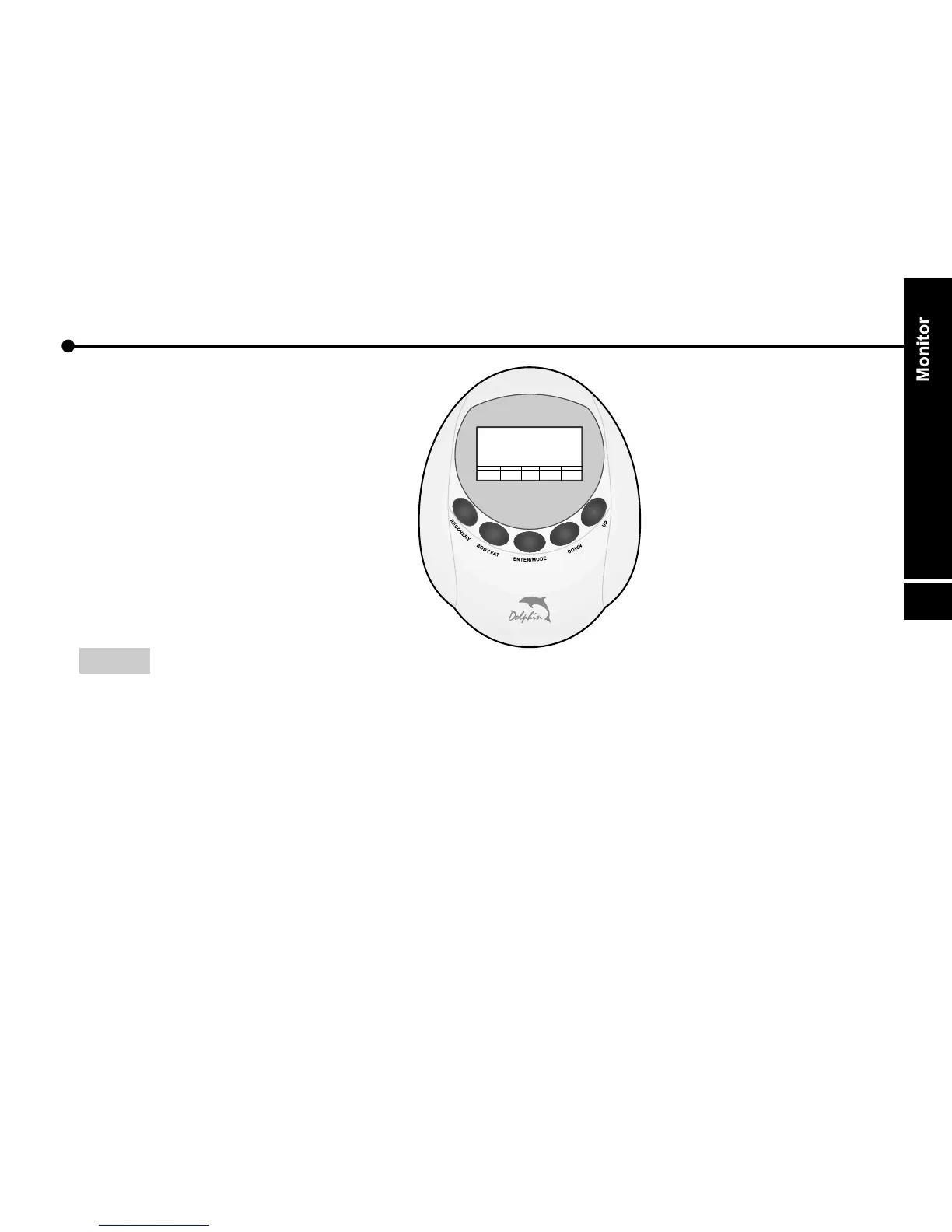
* Function Buttons
* About Displays
* Operation Instructions
B
O
D
Y
F
A
T
N
W
O
D
E
E
N
D
T
M
O
E
R
/
P
U
R
E
C
O
V
E
R
Y
Monitor
16



 To Next Page