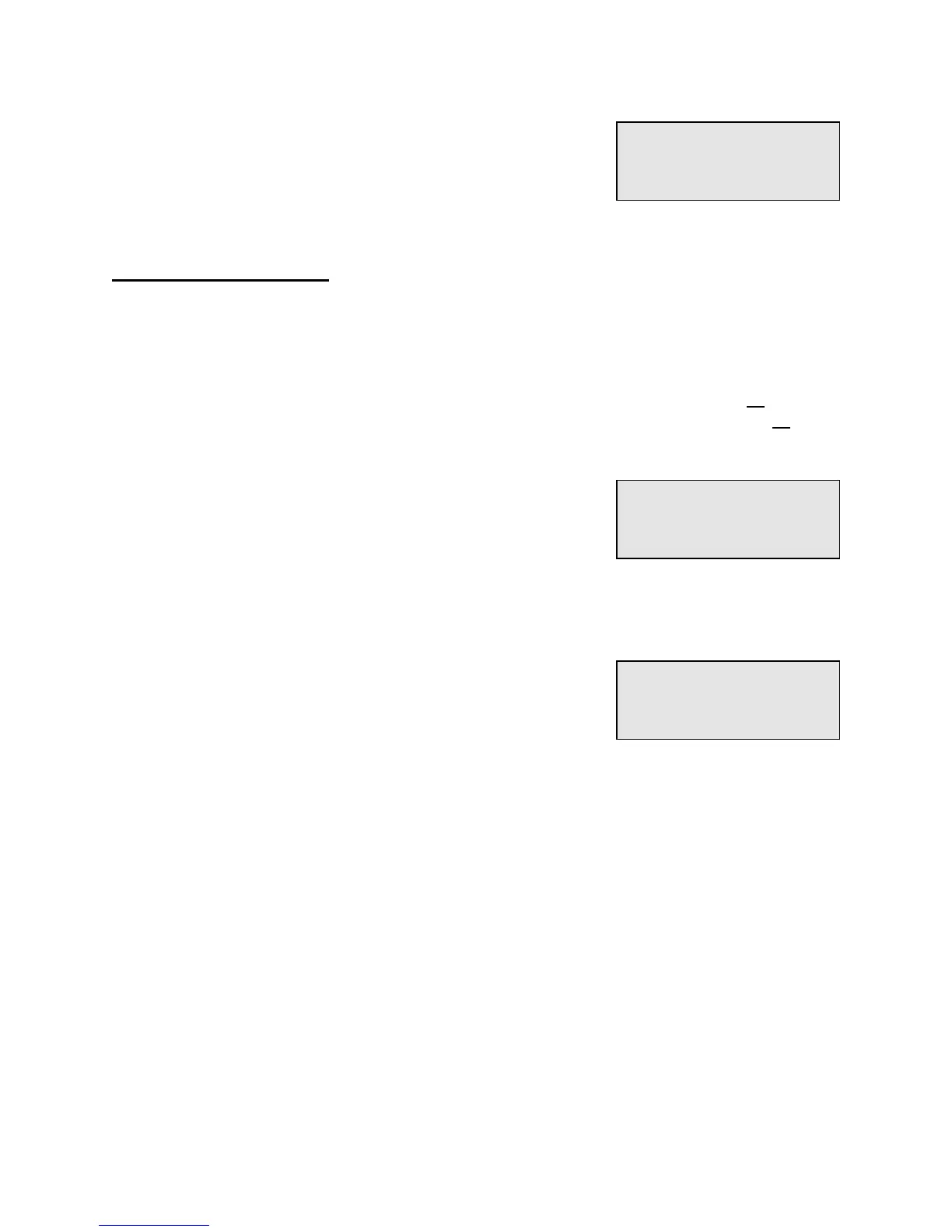
When adding a new unit, if you select a Building and Unit
number that already exists in the PTI Falcon memory, the
display will indicate the "
Error - Already Exists
" message
for a few seconds and then return to allow you to enter a
different Building and Unit number.
Duplicate Access Codes
Under most circumstances, the access code for a single unit will be unique and assigned
only to one unit. You may at times, however, have customers that rent multiple units and do
not wish to remember a separate access code for each unit. This is of little consequence
since you can always assign an access code to only his first unit, unless a door alarm
system is in operation. In this case, the PTI Falcon must be able to recognize all units that
belong to a single customer so that when he enters the property, the alarms on all of his
units can be disarmed.
This is accomplished by allowing the same access code to
be assigned to multiple units. To do this, enter data for the
first unit normally, and then enter data for the second unit.
Upon entering the same access code for the second unit, a
warning message will be displayed as illustrated to tell you
that you are duplicating an access code. The screen will indicate the building and unit
number that already use the code. After displaying the warning for a few seconds, the
screen will change and ask you if you wish to save the code anyway. Press "#" for YES to
assign the duplicate code to a second unit, or press "*" for
NO if you do not wish to assign the duplicate code. If you
press "*", you will return to the access code entry screen so
that you may assign the unit a different access code.
The above procedure may be repeated as many times as
necessary to assign the same access code to all units which are assigned to a single
individual.
Error -
Already Exists
Warning-Used By:
Bldg 01, Un 0002
Save Anyway?


 To Next Page