Function #18 - Read Doors is available only on systems with PTI individual door alarms.
During normal operation of the PTI Falcon door alarm system, the base unit does not
constantly read the condition of all doors. Rather the door alarm system informs the base
unit whenever a door changes condition (opens or closes). When a system is first started,
the PTI Falcon base unit assumes that all doors are initially closed. If you wish to force the
base unit to read all doors so that it will be aware of doors that start in the open condition,
Function #18 can be used. It is recommended that you use Function #18 any time that you
have restarted the PTI Falcon base unit from a power down or memory load to guarantee
that the base unit contains accurate information concerning door condition.
Function #18 must be executed on one door alarm controller
at a time. You will be asked to enter the remote number for
the door alarm multiplexer that you wish to read. Use
Function #18 on door alarm remotes
only
, not on remote
keypads or other remote devices. After executing Function
#18, the display will return to the date and time. Although there is no visual indication, the
PTI Falcon will spend the next several seconds talking extensively with the remote you
selected in order to read all doors on that remote.
In order to completely read all doors on the property, execute Function #18 once for each
remote door alarm controller. Your installer should tell you which remote numbers are door
alarm controllers on your property. Allow approximately ten seconds after executing
Function #18 on one remote before executing Function #18 on another remote.
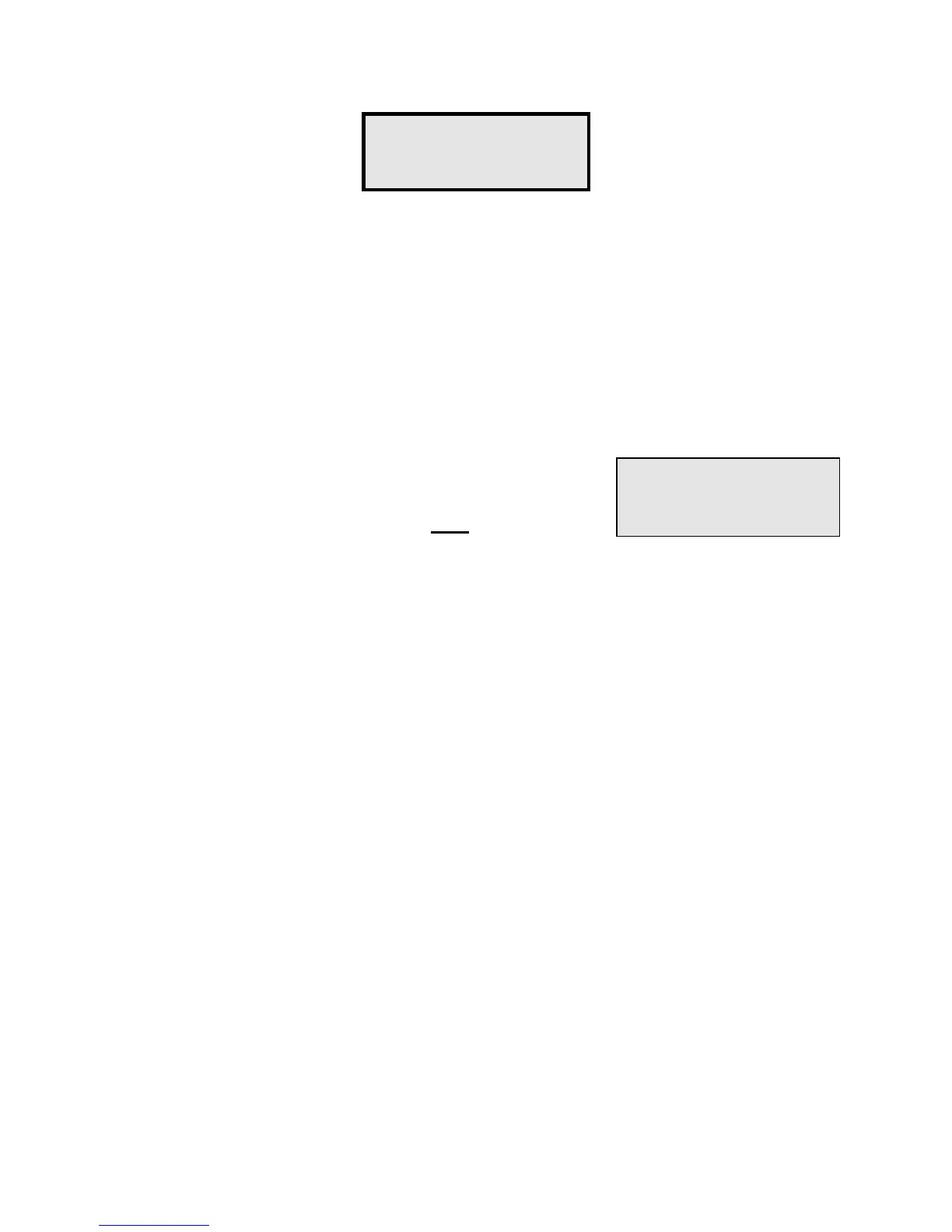
Function #18 -
Read All Doors?
Read Remote
Number?
3


 To Next Page