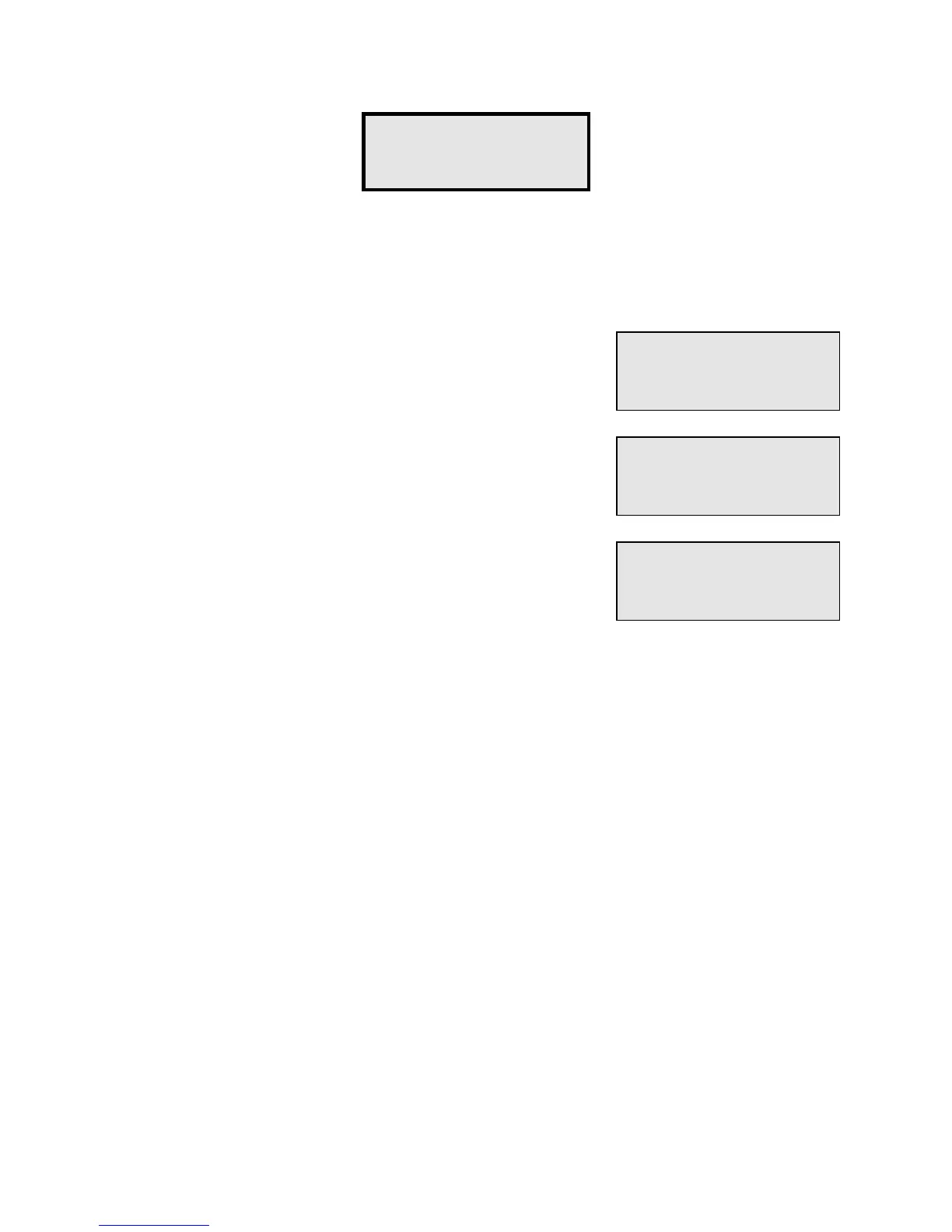
Function #8 - Remove Unit is the opposite of Function #5. It performs the complete deletion
of all data for a Unit. This function should be used to delete an access code when the
customer has permanently left the property and the unit is open for rental by another
customer.
Enter the Building Number for the Unit to be deleted.
Enter the Unit Number for the Unit to be deleted.
If there are other units that you need to delete, press "#" for
YES, otherwise press "*" for NO.
If you enter a Building or Unit number that does not exist, the screen will indicate "
Error -
Nonexistent
" and then return to allow you to enter the correct Building or Unit number.
Function 8 -
Remove Unit?
Building (1-32)
Number:
1
Unit (1-Size)
Number:
150
Do More?


 To Next Page