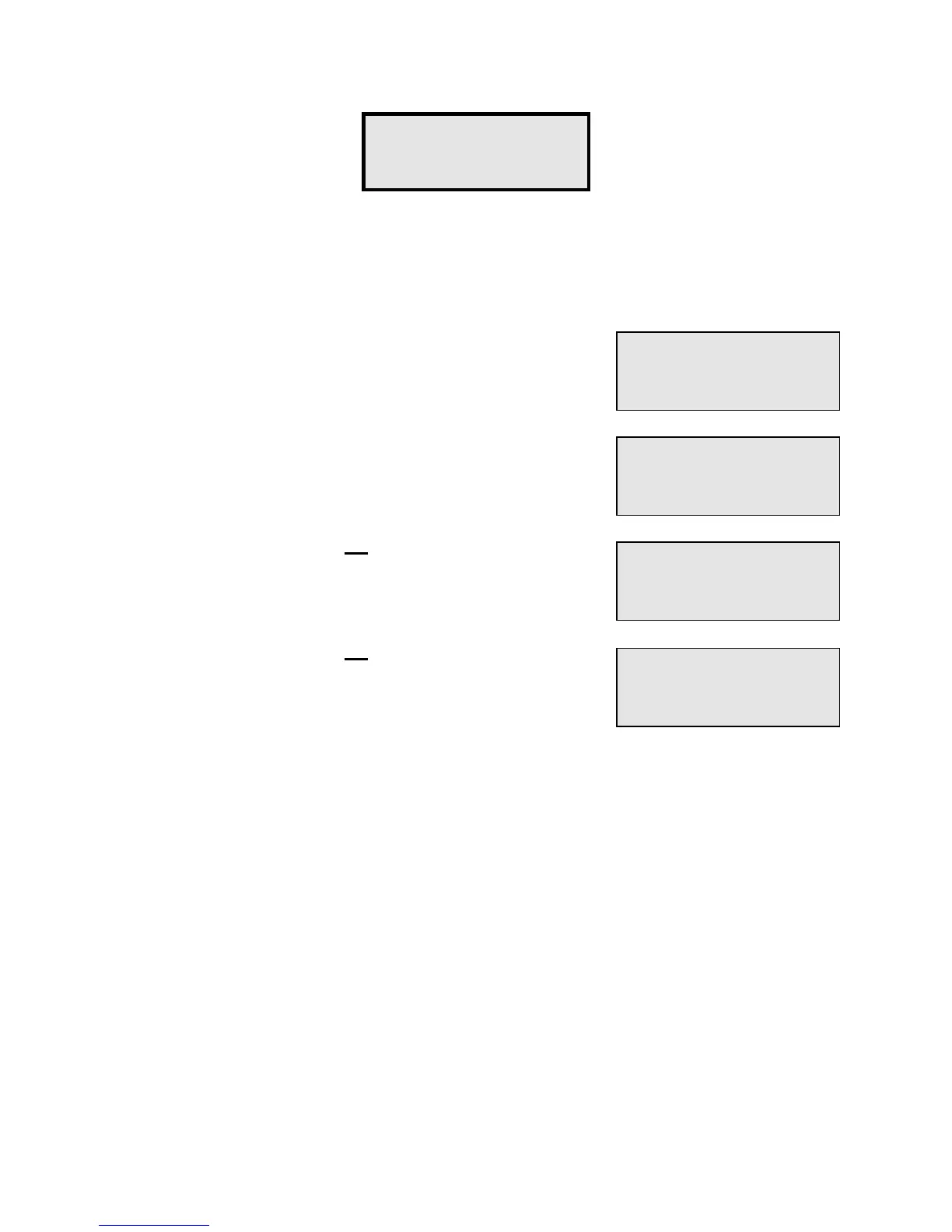
Function #16 - Door On/Off is available only on systems with PTI door alarms. It allows you
to individually turn on or off the alarm for a unit. This is sometimes necessary if an alarm
switch breaks, or a customer simply does not want his unit alarmed.
Enter the Building number for the unit that you wish to turn on
or off.
Enter the Unit number for the unit that you wish to turn on or
off.
If door printing is presently
on
for the unit, the display will
indicate so. Press "#" to turn door printing off for the unit or
press "*" to leave it on.
If door printing is presently
off
for the unit, the display will
indicate so. Press "#" to turn door printing on for the unit or
press "*" to leave it off.
If you select a Building or Unit number that does not exist in the PTI Falcon memory, an
"
Error - Nonexistent
" message will appear for a few seconds and then the display will
return to allow you to enter the correct Building or Unit number.
Function #16 -
Door On/Off?
Building (1-32)
Number:
1
Unit (1-Size)
Number:
150
Door Print On
Turn Off?
Door Print Off
Turn On?


 To Next Page