Function #19 - Unknown Door Print is available only on systems that use PTI door alarms.
When a door on an alarm control box opens or closes on a unit which you have not
programmed into the PTI Falcon, it is called an
Unk
nown
Door
. If unknown door printing
has not been turned off, the PTI Falcon will log the unknown door event on the printer as
part of the access log. Since the unit has not been programmed into the PTI Falcon, it
cannot print the unit number that is assigned to the door; it instead prints the remote
number and physical wire terminal number for the door. If you have not programmed vacant
units into the PTI Falcon and do not wish to see the "Unknown Door" printout every time a
vacant unit door is opened or closed, you may turn off the "Unknown Door" printing with
Function #19.
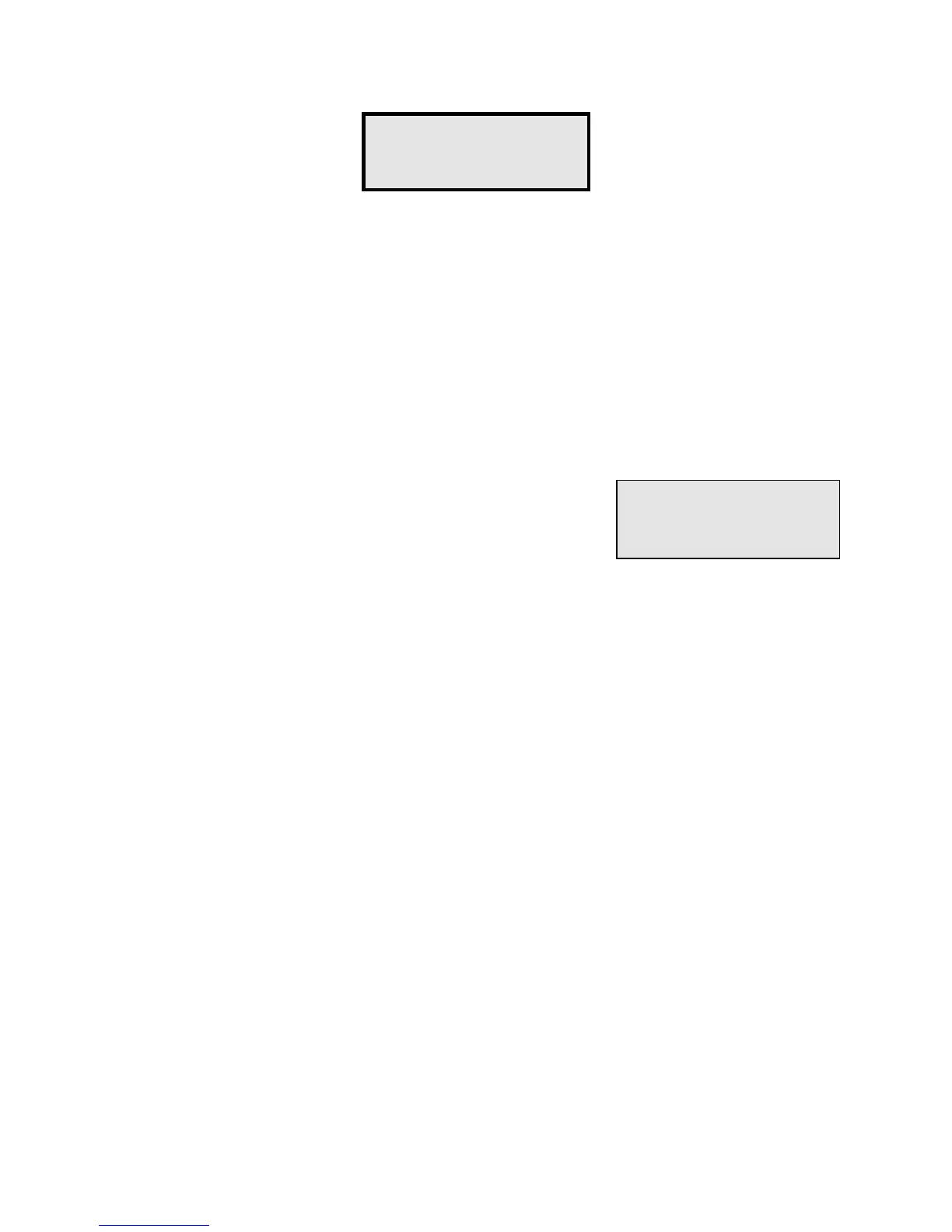
Upon selecting Function #19, the display will appear as
illustrated. Press "#" if you want unknown doors to be
printed, or press "*" if you do not want unknown doors
printed.
Despite the fact that you may later turn off unknown door printing, it is a very important tool
for a newly installed system. If the installer is not certain of the exact order in which the door
alarms are wired, he may walk the property and open the doors in order by unit number
before the PTI Falcon is programmed. When complete, the printer will contain a list of
"unknown doors" that gives the installer the exact wiring order for all doors on the property.
Function #19 -
Unk Door Print?
Print Unk Doors
(Y/N)?


 To Next Page