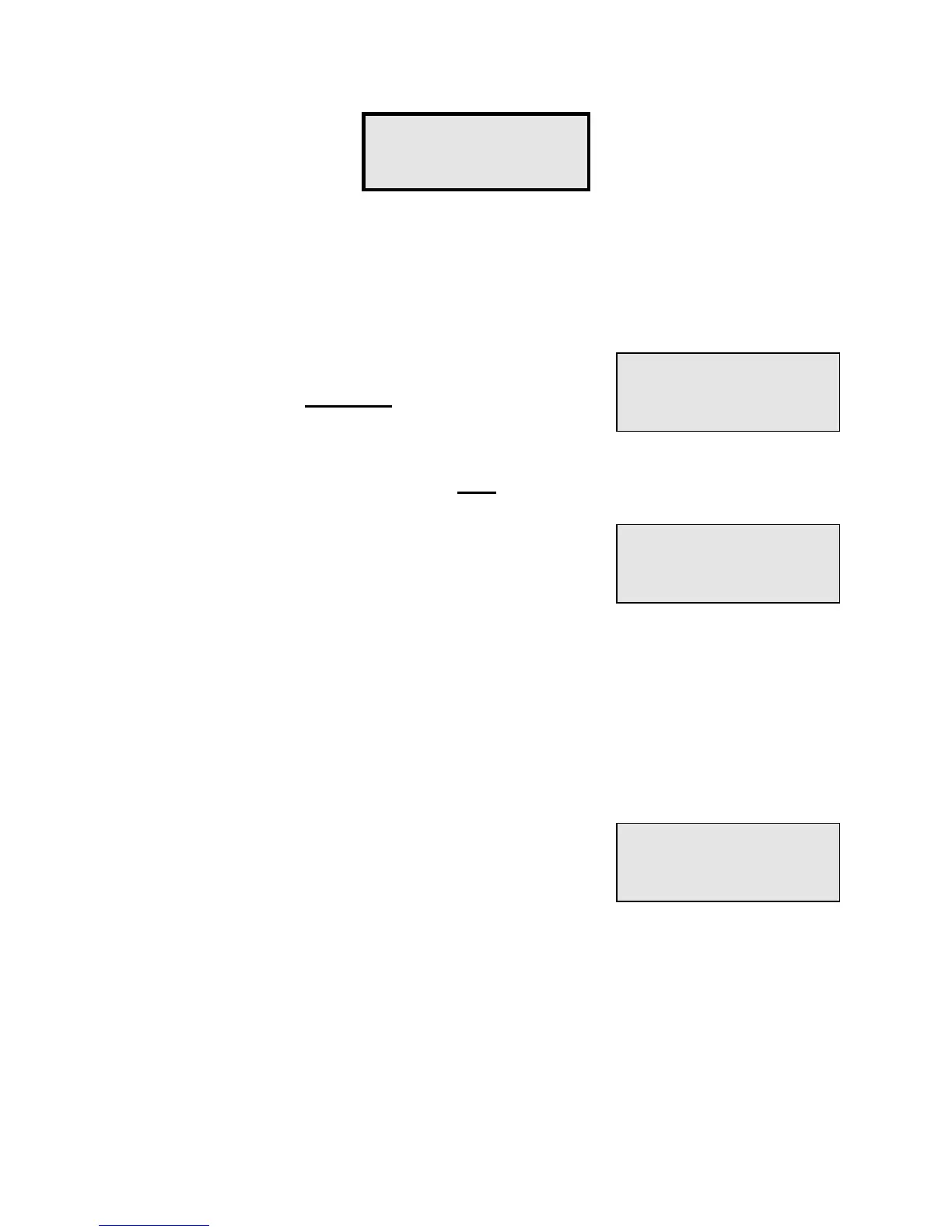
Function #11 - Load from Tape allows you to load the data from a previously saved backup
tape into the PTI Falcon memory. This will restore the memory to the exact condition it was
in when the tape was made. Any changes made to the memory after the backup tape was
made will not be restored and must be made again by hand.
Before beginning Function #11, plug the audio patch cord
into the jack on the front of the PTI Falcon. Plug the other
end of the cord into the
Earphone
jack of the tape recorder.
Insert the backup tape and make certain that it is fully
rewound. Make certain that the volume control is set from
mid to three quarter range. After selecting Function #11, the display will read "
Start Tape,
Hit #
". Press the "#" key and then push the
Play
button on the tape recorder.
The display will now read "
** Loading **
". This will remain
on constantly for about ten seconds and then will begin to
blink on and off as the tape data is loaded into memory.
Near the end of the recording, the display will come on
constantly for a few seconds and then will indicate "
Load
Done
" and return to the date and time. The tape is now fully loaded, so stop the recorder,
rewind the tape, and return it to safe keeping.
If the "
** Loading **
" display does not begin to blink on and off as described, your tape is
not being read. This can happen if the tape is not fully rewound before playing or if you start
playing the tape too long before pushing the "#" key and miss the first part of the tape. The
PTI Falcon must synchronize itself to the tape at the very beginning of the tape or it cannot
read any of the tape.
If while reading a tape, The PTI Falcon encounters an area
of the tape it cannot read, it will display "
Tape Read Error
"
for a few seconds and then return to the date and time. This
can be caused by a defective tape or a tape that gets
wrinkled. Low batteries in the recorder can also cause tape
read errors, even when a tape is perfectly good.
Function #11 -
Load from Tape?
Start Tape,
Hit #
** Loading **
Tape Read Error


 To Next Page