Function #14 - Open Entrance can be used to manually open your gate or entrance from
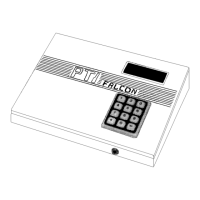
the keypad on the PTI Falcon base unit. Each PTI Falcon remote keypad contains a relay
which the installer has wired to the entrance motor or lock. This Function allows you to
manually trigger the relay in any remote device in order to open the entrance to which the
remote device is wired. If you have PTI door alarms in use, you also have a relay installed
in the PTI Falcon base unit. This relay is typically used to trigger your alarm siren. This
Function also allows you to trigger the relay in the base unit, which can be used to test your
siren.
After selecting Function #14, the display will ask you for the
number of the remote device that you wish to trigger. Enter
the number and press "#". The remote relay will be triggered
and the PTI Falcon will return to the date and time display.
Your installer should tell you the remote number which will trigger each entrance or exit
device that you have on the property. Remote number "0" refers to the relay within the PTI
Falcon base unit.
Use of Function #14 to trigger a relay is logged on the printer and becomes a part of the
access log for the property.
Function #14 -
Open Entrance
Trigger Remote
Number:
0


 To Next Page